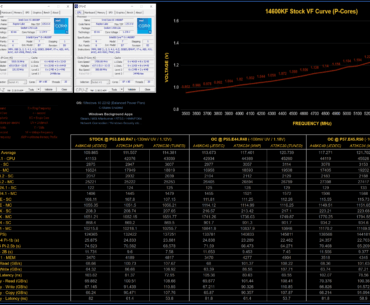
I've been happily using the 150USD 14600KF tray processor with an MSI Z790 motherboard for about six months without issues. I decided to fine-tune a few of my undervolted user created profiles, this required revealing the default voltage frequency curve…

![[JayzTwoCents]BEWARE! Windows Update and SSD Problem is WAY worse than we thought! Full Demonstration](https://www.fpshub.com/wp-content/uploads/2025/08/O_gISDWpQ0ymz8PQbJkDpLcLHbt2U97e-b0W0Y1TgbM-370x305.jpeg "[JayzTwoCents]BEWARE! Windows Update and SSD Problem is WAY worse than we thought! Full Demonstration")