Oops!
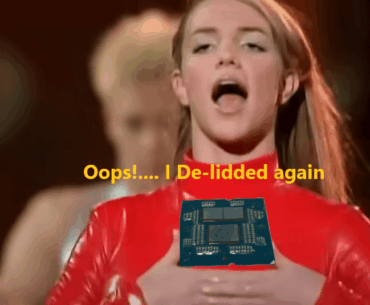

Oops!
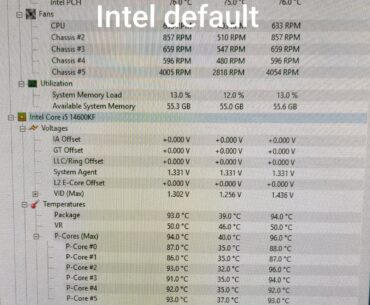
Hi, can someone explain me what is going on, I have the latest bios on my Asus MB, Intel highly recommend to use Intel default serrings so I did and you can see those extreme values on screenshot in comparison…

Yeah so the minimum is 50x and the max is 51x? I know it probably doesn't make a difference but I still wanna know which is best
No matter when and what i play, my gpu clock is always stuck at the same number, i tried everything, unclocking, deleting drivers and installing older versions, updating bios and stuff like that, nothing worked.
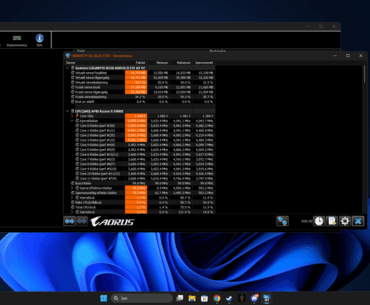
im not sure why but my temps are very high idle i tried 2 different coolers reset pc and switched coolers even undervolted with fan cooler but it didnt help much
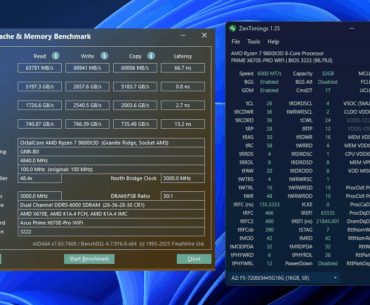
G.SKILL 7200mhz cl34 tuned at 6000mhz cl26
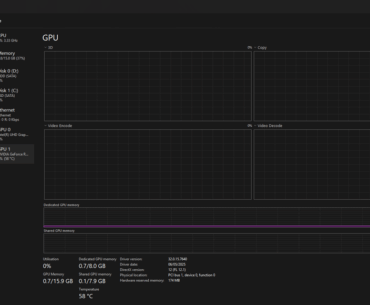
I recently reset my computer and ever since my idle temps and clock speeds are just too high, I downloaded MSI Afterburner to monitor it more closely, followed a few internet guides and messed with the nvidia control panel as…
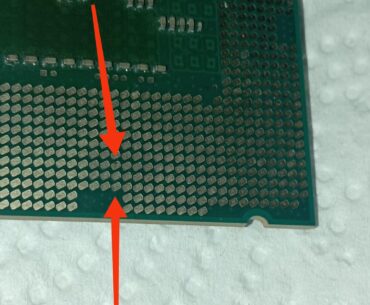
this is an i7 4770, the pads from up to down are: E22: VSS D22: DDIC_TXCN3 C22: DDIC_TXCP3 I'm worry for the E22 pad, because looks worse. this CPU was not overclocked, it was for basic task only. Can't check…
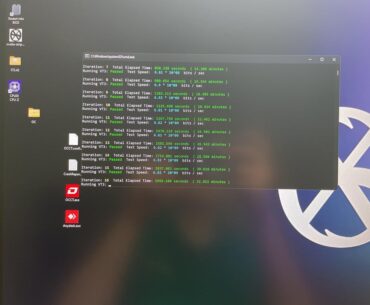
6000MTs CL30 2000 FCLK -> 6000MTs CL 28-36-34-36-42 FCLK 2200 1.2v SOC CO -18

See photo for build details. Msi after burner in photos 3D mark before and after scores from adjust can someone help me understand what or how I can improve this. I’m very basic in OC settings so I’m just looking…
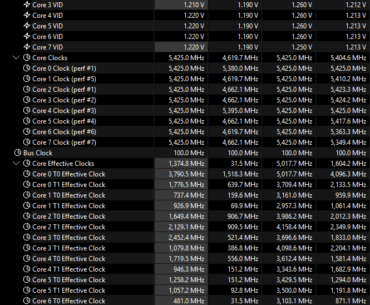
Screenshot taken after playing Counter-Strike 2 for 10 minutes. I reset the counters when I got into a game. Are these safe and in-line with expectations? My goal was to get lower temps and higher performance in light loads (gaming)…

ASRock Failures Face-to-Face: Motherboards, BIOS, & Burned 9800X3D CPUs