
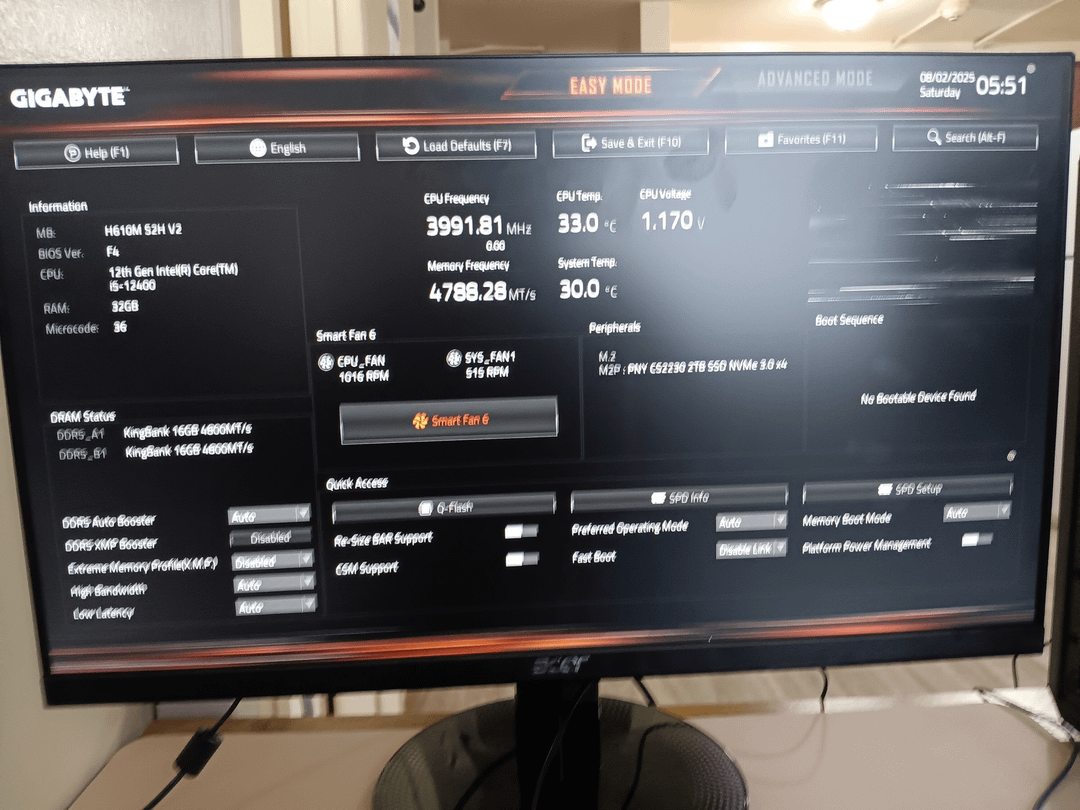
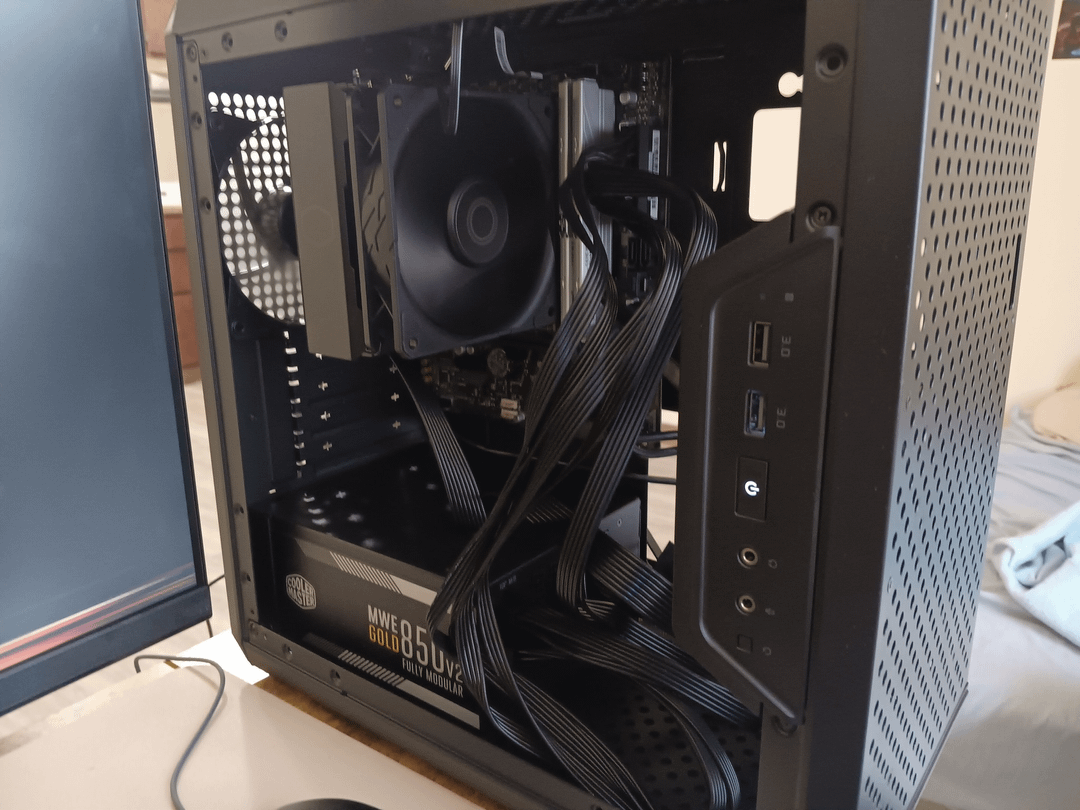
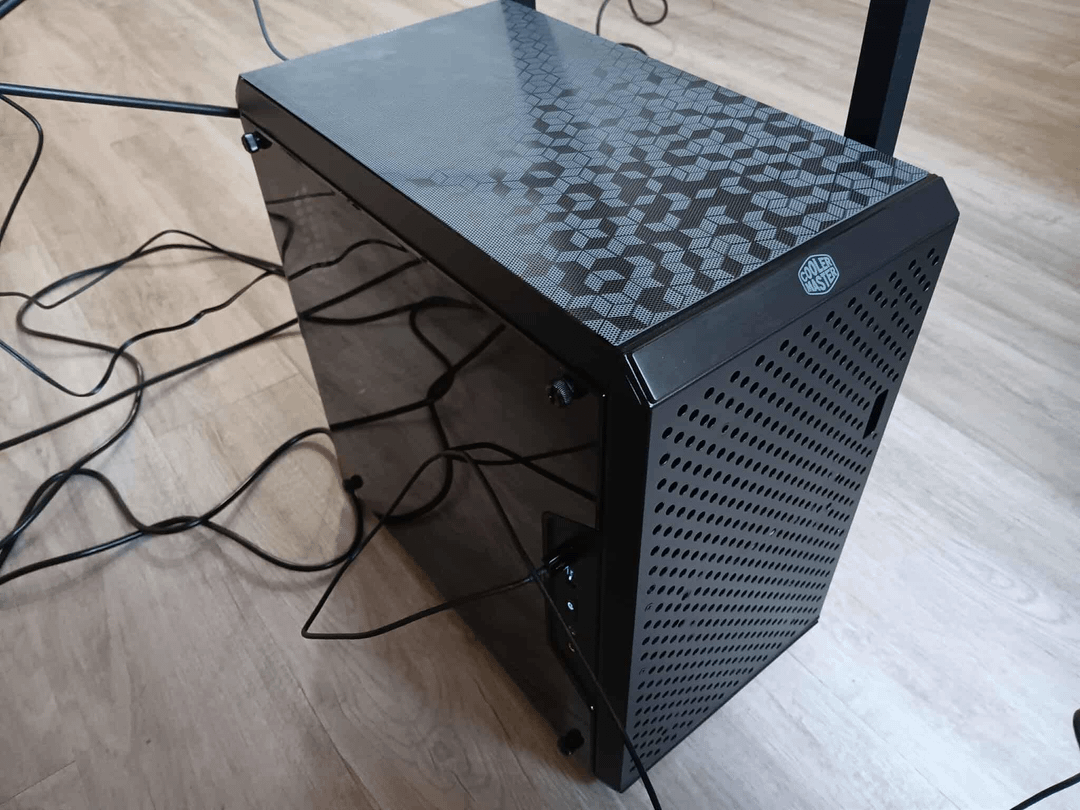
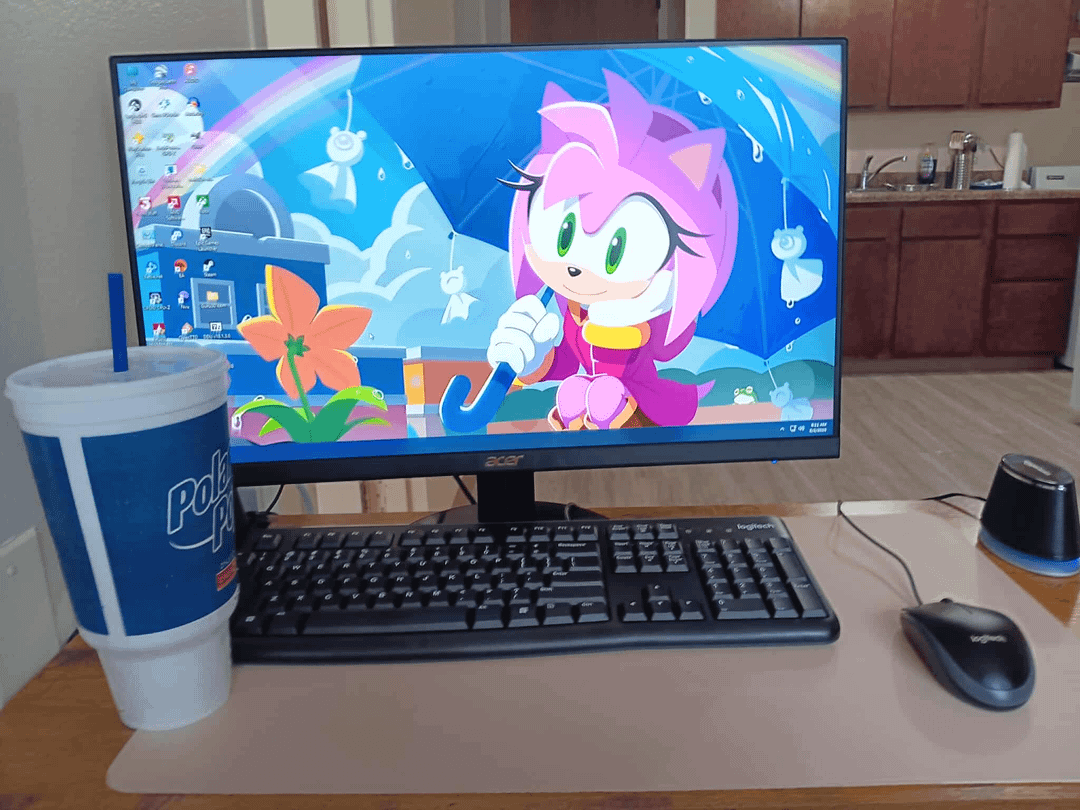
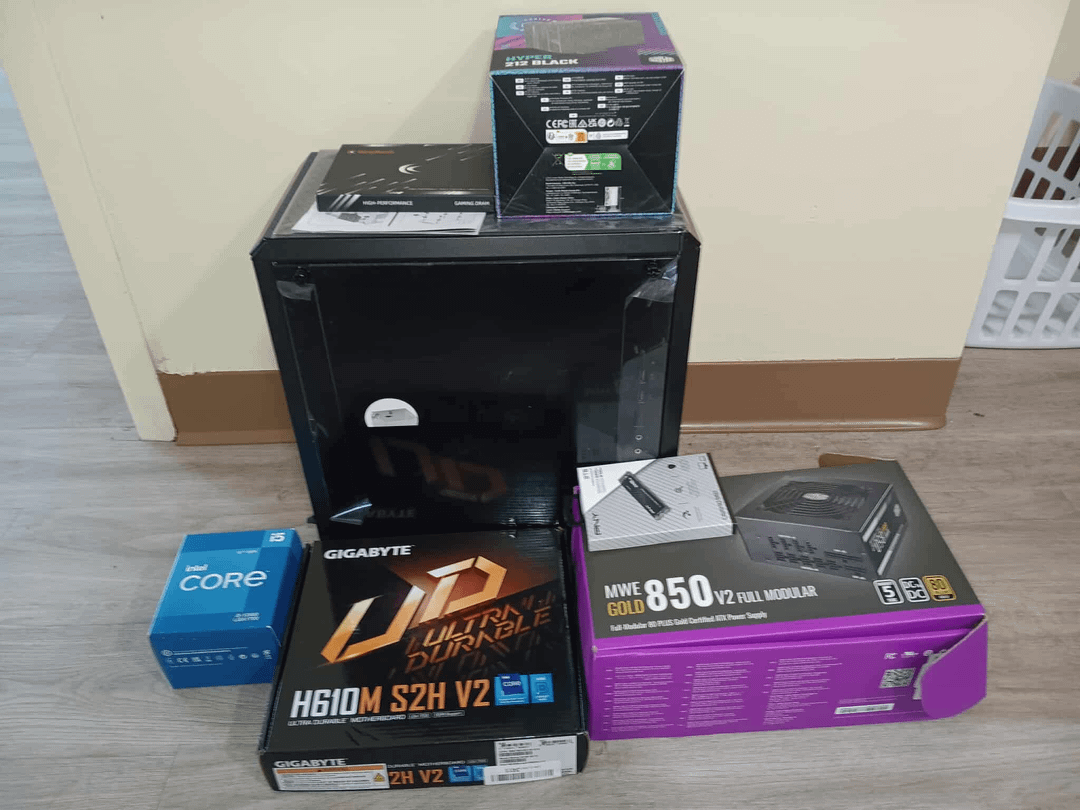
It's got a SATA SSD that used to be in my old PC, but everything else is new.
It took me a whole day because I hadn't built a PC all by myself before. I'd been watching tutorials, but even then, it took me hours to figure out how to properly install the MBD and cooler. I couldn't understand why my PC wouldn't power on (I thought RAM was the issue, come to find out one of the power connectors wasn't connected to the PSU). I had stayed up almost all night long losing my mind (trying different configurations), but voila (once I connected the missing power connector) everything is working as expected 😀
I never realized the feeling of seeing a baby you made come to life. Prebuilds are fun, but nothing beats the pride of building your own.
Not to mention, I know what's in my PC (I don't mean parts). I mean cable management (speaking of which I'm glad I picked the case I picked), knowing which cables are which and knowing which cables plug in where.
It's grueling in the most rewarding way. I'm proud of myself knowing I did it and not someone else.
A full list of components I used for this build
- Case – Cooler Master MasterBox Q300L
- MBD – GIGABYTE H610M S2H V2
- CPU – Intel Core i5-12400
- Cooler – Cooler Master Hyper 212 Black
- Memory – KingBank DDR5-6000 (2 x 16GB)
- Storage #1 – WD Blue 500GB SATA SSD (like I first mentioned) – where Windows is installed
- Storage #2 – PNY 2TB M.2 SSD
- PSU – Cooler Master MWE Gold 850 V2 Full Modular
I'm also using an Acer SB240Y as my display and a cheap keyboard and mouse set from Logitech.
No GPU yet, but when it does, it'll likely be the 5060 Ti 16GB.
22 Comments
Logitech MK120 Wired Keyboard and Mouse Combo for Windows
[https://www.amazon.com/dp/B003NREDC8?ref=ppx_yo2ov_dt_b_fed_asin_title](https://www.amazon.com/dp/B003NREDC8?ref=ppx_yo2ov_dt_b_fed_asin_title)
For some reason, the OP doesn’t link to the right keyboard and mouse.
It looks great good job
How much did it cost? Everything total
Awsum
Congrats. Make sure the fan on the cpu tower is pushing air to the rear. There should be two arrows on the plastic square’s sides, one shows the direction of the fan spin, the other the direction of the air. You want that second arrow to be pointing towards the rear.
Awesome job my internet friend. Nothing like the excitement of hitting the power button the first time and waiting for the pop and smoke! Enjoy it.
now that everything is working, tuck those wires behind and it will look alot cleaner!
I wanna judge you so hard for that terrible cable management but I’ve been doing this for 10 years and mine isn’t any better
cable management could be a little better but if it works, good job!
Congrats, good Job dude!
Couple of pointer tho if you don’t mind:
You have installed Windows on the old SATA SSD? I’d highly recommend reinstalling it to your Nvme drive. SATA is limited to read/write speeds of 600MB/s while Nvme Drives usually have much higher speeds (in the 1000s of MB/s) making your entire PC much faster as everything will load faster.
Also please cable manage. From your post it seems like you mistook cable management for knowing which cable goes where. That’s just the basis to be able to cable manage. Now you want to make sure that cables aren’t overlapping and tie them with Velcro so they’re not dangling around everywhere. I’d recommend checking out a guide on PC cable management on YouTube.
I apologize if I misread your post and you’ve already done these things. Anyways enjoy your new build!
Edit: I also can’t tell if you have front air intake fans in your case. You definitely want positive pressure in your case (so more intake than exhaust) so that dust only gets sucked in where you have an air filter.
Welcome. You’ll never look back 😎
Hell yeah. Good stuff.
There is something i love very much about budget builds. Especially budget mini itx cases. It just feels so unique.like no one has that same configuration with that no name weird but nice looking case, however at.the same time i can see i put good cooling in it. I also love to see the psu on the same side with the mobo. It means it is truly a budget pc case. If the psu is up there hanging, that’s even better. It means that pc its peak budget 😂
https://preview.redd.it/7bor0xasxogf1.png?width=731&format=png&auto=webp&s=0f19bcd1da8afc08241a66cf2f0a31f91efbecee
Enjoy! I built my first ever pc with the same Coolermaster case
You should enable xmp/expo in the bios cuz right now you’re using your ram at 4800mhz
Congratulations! Nice work.
Awesome! I upgraded the wife’s pc today! New cpu/ram/gpu!
Don’t forget to move the monitor cable from the motherboard to the GPU after you install your new GPU.
“cable management”

Wait the ENTIRE day?
Awesome build. It’s a good feeling to fire up a pc you built yourself. Happy computing!!