
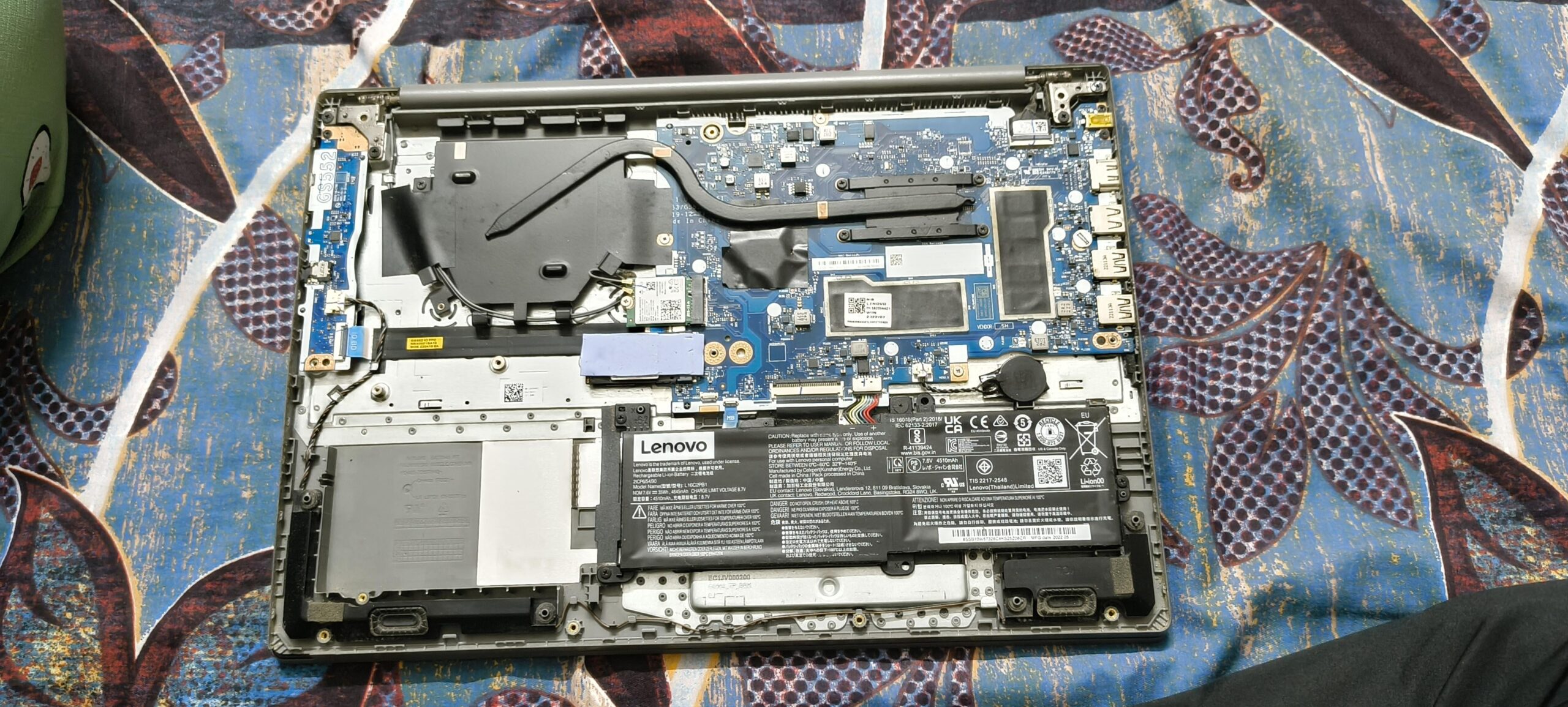
My Lenovo IdeaPad 3 is showing "boot device not found." When I typed a command with the help of ChatGPT, it showed:
"A device which doesn't exist is requested",
and in another command, it displayed the name of the SSD (a Samsung model) but showed 0B space.
ChatGPT suggested unscrewing the laptop and checking for the SSD. I did open it, but I’m not able to find where the SSD is located.
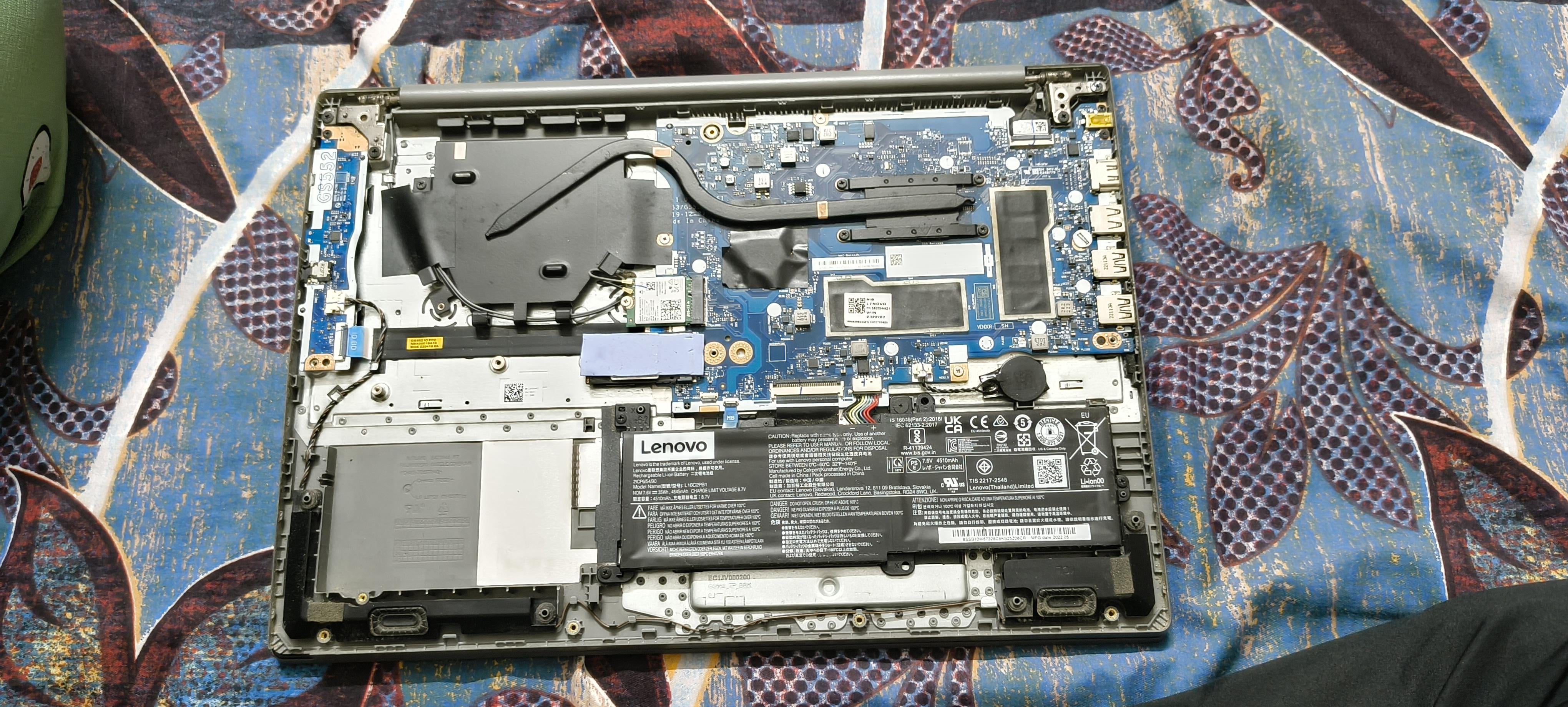
Can someone please point out or circle where the SSD is on the motherboard in this image? It would really help.
12 Comments
[deleted]
Something eith your ssd most probably. Try another known working ssd with some os installed in it. if it works, try formatting the original one. If it doesn’t work you’ll have to change it….
Type of SSD : SATA or NVME ?
Google Ideapad 3 ssd location for picture of location.
u dont have a ssd in it
https://preview.redd.it/tedrsbiztkgf1.png?width=992&format=png&auto=webp&s=ce34906d36be8c96534dcb8f1c5111b1bc11a2af
https://preview.redd.it/nbg83bkhukgf1.png?width=1080&format=png&auto=webp&s=8caa4dd8106c74244e31f4789cc75bb5d2e30821
Your SSD is under the thermal pad. Remove it and you’ll find your SSD.
do a barrel roll
https://preview.redd.it/7thw6gaqvkgf1.jpeg?width=828&format=pjpg&auto=webp&s=92052ca289360b2e40a9f5424095b9853eb4209d
This is your ssd
I always thought it was down there on the bottom left, but my brother in law has one of these and it’s NVME and it’s under that thermal pad that others have pointed out.
Putting the case back on normally helps
if it’s an intel laptop, go to the bios and disable a very specific option that i forgot the name of. same happened to me, ssd would boot just fine on any other pc but not on that laptop.
intel sucks