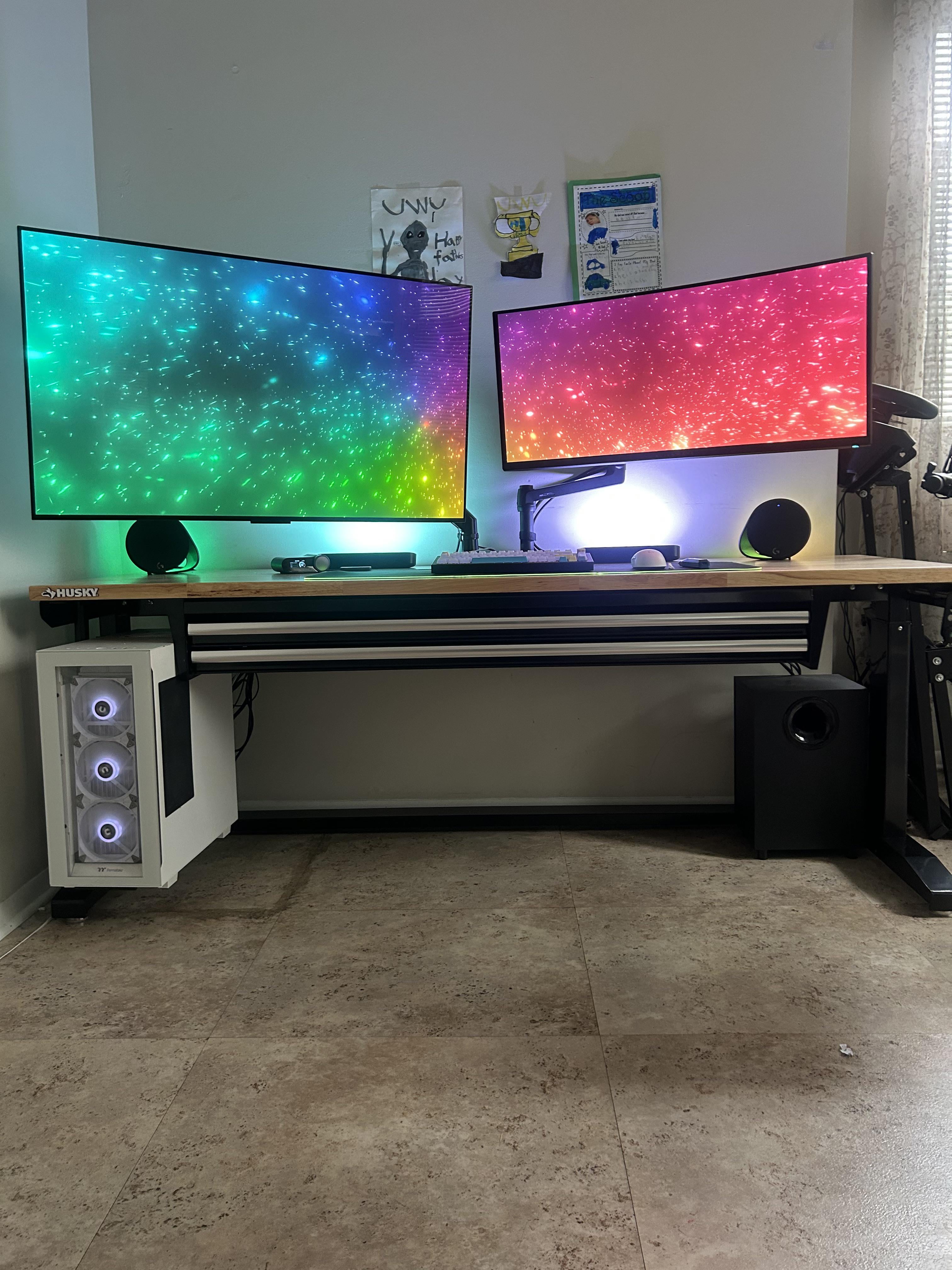
Sit to stand desk. Question, any advice as to where’s the optimal place for monitor arm placement? Both on center or one on either ends?

Sit to stand desk. Question, any advice as to where’s the optimal place for monitor arm placement? Both on center or one on either ends?
9 Comments
I used a skinny hallway desk behind main desk.
I learned the hard way to offset the arm, even if you want the monitor in the center. I put my arm in the center of my desk and it can’t get out of its own way to adjust the monitor back as far as I want sometimes while still keeping the center of the display in the middle of my desk. If I were doing it again, I would mount the arm at least half way to one side or the other of where I want the center of my monitor to be. Based on the displays in the photo, probably towards the ends of the desk.
How’s leg space?
What monitor is that on the left?
My knees hurt looking at this 🤣
Isn’t it hard to use that huge display when it’s off center and rather close?
Do you have a link to the Husky drawers?
I swear my algorithm read my mind as I was literally just thinking of drawers I can install under my sit/stand desk
Edit: ah just noticed the logo. The entire desk is a Husky workbench isn’t it? I thought maybe they sold the drawers separately
What I want to know is how your case is floating 🤣
I’m curious about the mount for the PC tower. What did you use for that?
Also, are you using clamps for the monitor mounts?
I’ve looked at this exact desk for a while. I like the idea of a solid steady workbench, with a manual crank to raise and lower. I’ve read somewhere that someone modified the crank with a nut that allowed them to use a power drill to raise and lower the bench.