
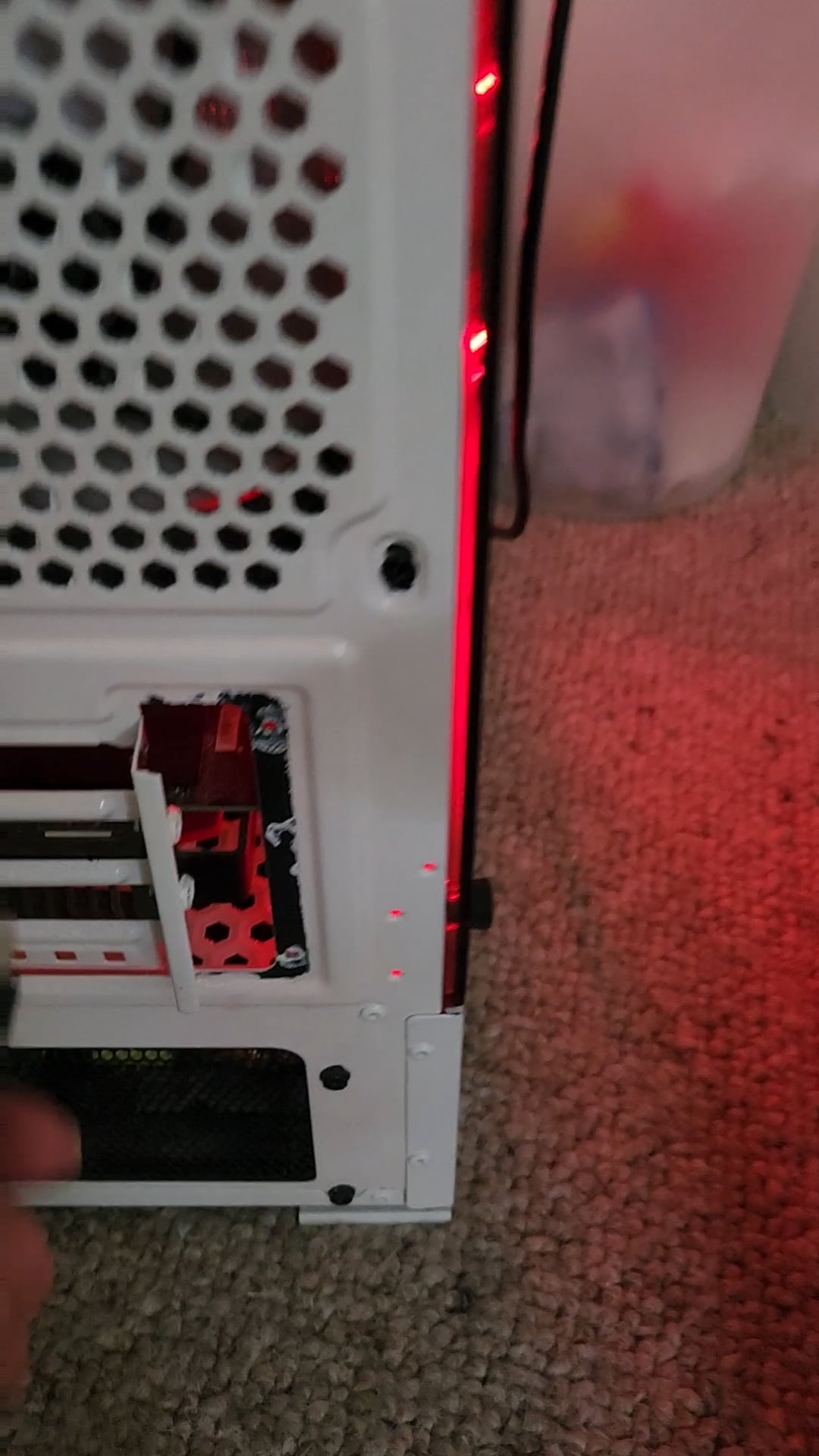
Okay, please dont come for me if I'm being stupid- I dont usually have to problem solve these things myself. My computer monitor won't turn on despite being plugged into (I think) the right places. I've also tried my husband's monitor and cable and it still won't work.
I would ask my husband for help but he's not easily contactable at the moment and I just want to play games.
Dory the dachshund would also like to know the answer, thank you.
34 Comments
Are there any small LEDs on the motherboard / a small LCD screen with a 2 digit code?
I might sound very dumb, but have you checked if the monitor is actually getting power and the plug isn’t turned off ???
Firstly is the monitor turned on and powered? I only see one cable coming out of the monitor.
Looks like the screen isn’t turned on. Does the screen have a power cable? Check if it’s connected properly in both ends.
If that isn’t it, have you tried restarting the computer?
Order of operations:
-Turn on monitor
-turn on pc
-connect one end of the hdmi cable to your monitor and the other to your PC (lower port where GPU is)
-check the input that is set on your monitor to make sure you’re plugged into the right one
Has the monitor got electricity? Check that the specific outlet it is plugged in still has power.
Are the power and HDMI cables at the back of the monitor itself firmly plugged in?
Do you have another monitor you could try connecting to that PC, or an other PC/laptop you could try plugging that monitor in?
Do you have more pictures of Dory?
The monitor should at least display Something like “no signal”.
To me it seems like your monitor has no power or is not working at all.
These comments are actually wholesome, good job guys.
OP- is the monitor plugged into the wall? Is it turned on? Also try different HDMI ports. Make sure the HDMI port you plug into is named “output” and not “input”
Also there should be a button on the monitor that lets you choose the input, and you can cycle through those until you get your PC.
Maybe it’s plugged into power but that socket in your house is damaged.
I’m calling it.
The monitor wasn’t plugged into the electrical outlet/powered on.
First choice was correct, the monitor goes into any of the ports that are in the group of 4 at the bottom.
Something else is going on:
Power to monitor, including the plug to the power brick if it has one.
Are you using a surge protector, try it without.
Is the monitor very new, may be a lemon.
Is the monitor very old, may have given up the ghost.
Is the monitor one of those where you hold the button to turn it on?
Just some early thoughts.
The monitor needs TWO cables connected, one to the power, other to the PC.
Cute doggo!
Dog is like “why are you asking me?”
Have you tried asking the cute dog?
Just to echo what every one else is saying, it looks like the monitor isn’t getting power at all. Check the connection to the screen/outlet and make sure they’re secure. Probably a loose power cable, if not, I’d buy a replacement power cord and see if that does the trick
It looks like the screen doesn’t get power at all.
Check the powercord of the screen. Probably doesn’t sit well.
get that thing off the carpet while you’re at it.
Is the monitor plugged in? Can only see one cable.
that screen is definitively off
btw the good port is the lower one (the graphic card)
I think you have all the help you need here, i just here came to say this is very cute and funny lol
Hope u figured it out!
SOLVED! It was a missing power cable – who knew these things weren’t powered by hopes and dreams?! Thank you all SO SO MUCH for being so kind and answering probably the most basic question you have ever had posted here.
Average masterrace post right here
Cute pup
IT dog is bamboozled
Please be sure you plugged back the HDMI back into the GPU HDMI slot otherwise the GPU is useless
https://preview.redd.it/15u78uatlmef1.jpeg?width=750&format=pjpg&auto=webp&s=c4bf5a9df1641688923a9883b776fa0fb59e273d
Luckily, you have a nice tech support there. 🫡
She wrote this 36 mins ago, and there are 256 replies already. Looks like she got it fixed in 15 mins or so. Man, I love this community
Only one kabel seems to go to the monitor.
Your dog helping is the cutest damn thing lol
IT support is supervising.
https://preview.redd.it/a1g5c98utmef1.jpeg?width=942&format=pjpg&auto=webp&s=2f25423088cb5e251dd7dd73ad1520e5de1046b0
This whole post made my day 😂 the HDMI needs to be plugged into the graphics card which is the bottom set of slots that run horizontally so you had it right the first time and then of course make sure that everything is receiving power and plugged in properly to the monitor and that should be it 👍
Pet the goddamn dog
Glad you fixed your problem! Please get the pc off the carpet so you don’t start a fire now.
Cute af doggo!!!