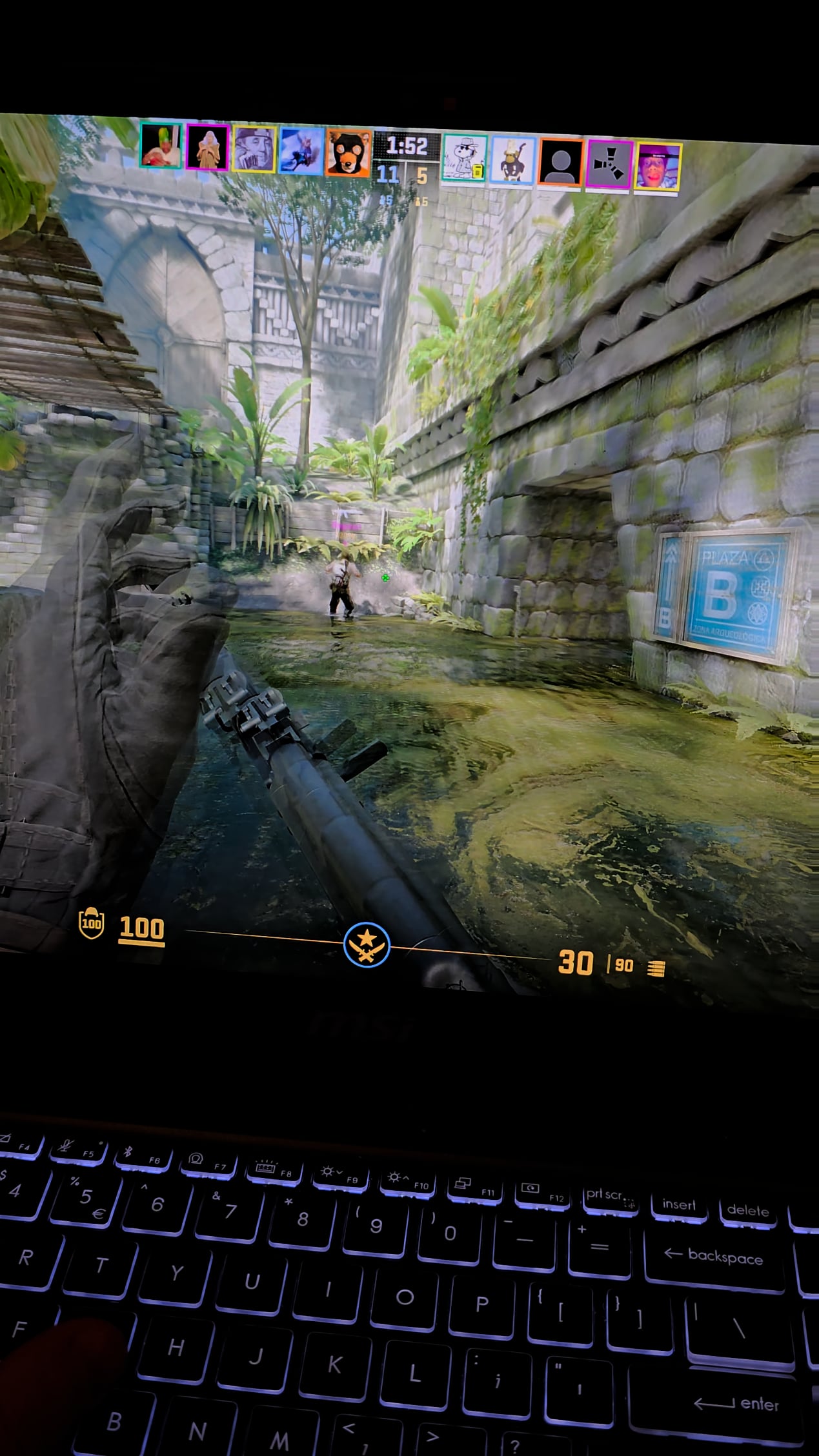
I already tried clearing directx cache, temp files, and updated my graphics drivers. This is on premier servers. Specs:
Laptop 4060 GPU
Ultra 9 CPU
32 gb DDR5
1TB SSD

I already tried clearing directx cache, temp files, and updated my graphics drivers. This is on premier servers. Specs:
Laptop 4060 GPU
Ultra 9 CPU
32 gb DDR5
1TB SSD
12 Comments
The Laptop is MSI branded if that matters at all.
check ram usage, disk space on drive where cs2 is installed(ideally >100gb should be free), if nothing works just do a clean reinstall of windows and use a driver that has good performance on cs2(566.36)
Typically stutters are an internet issue. With that said, can you post your video settings for us.
You have an MSI (Multiple stutters incoming) laptop is the reason.
Try to close any MSI programs you do Not need, like MSI Center, those are just bloating up your Device and cause problems with a lot of programs
enable build info and all the telemetry then screen record with geforce or whatever and someone be able to tell you what’s going on.
I also have this problem for a while now and I don’t know why. But I’m quite sure it only happens when I play with real players. And I’m quite sure it’s not my internet problem or sth with my pc internet settings.
Hope you will find the solution soon!
Had a similar issue earlier in the year albeit my stutters were full on screen freezes for a good 5-6 seconds but audio was fine. After googling for hours, finally figured out on my own that it was a dodgy usb cable that kept disconnecting and reconnecting into my PC (light up desk pad), unplugged it and no more issues.
My money is on your laptop overheating and then throttling down causing the stutters. Laptops aren’t really meant to play games with so it’s a common issue. You essentially have to have an external cooler and get a better thermalpaste if you want to do so.
Can you try playing at a super low resolution like 1024×768 and see if the issue still persists?
Try deleting shaders using disk cleanup and verifying the integrity of game files in steam. The shaders fixed my issue but they weren’t as severe as the stuttering you are getting.
Check xmp is enabled?