
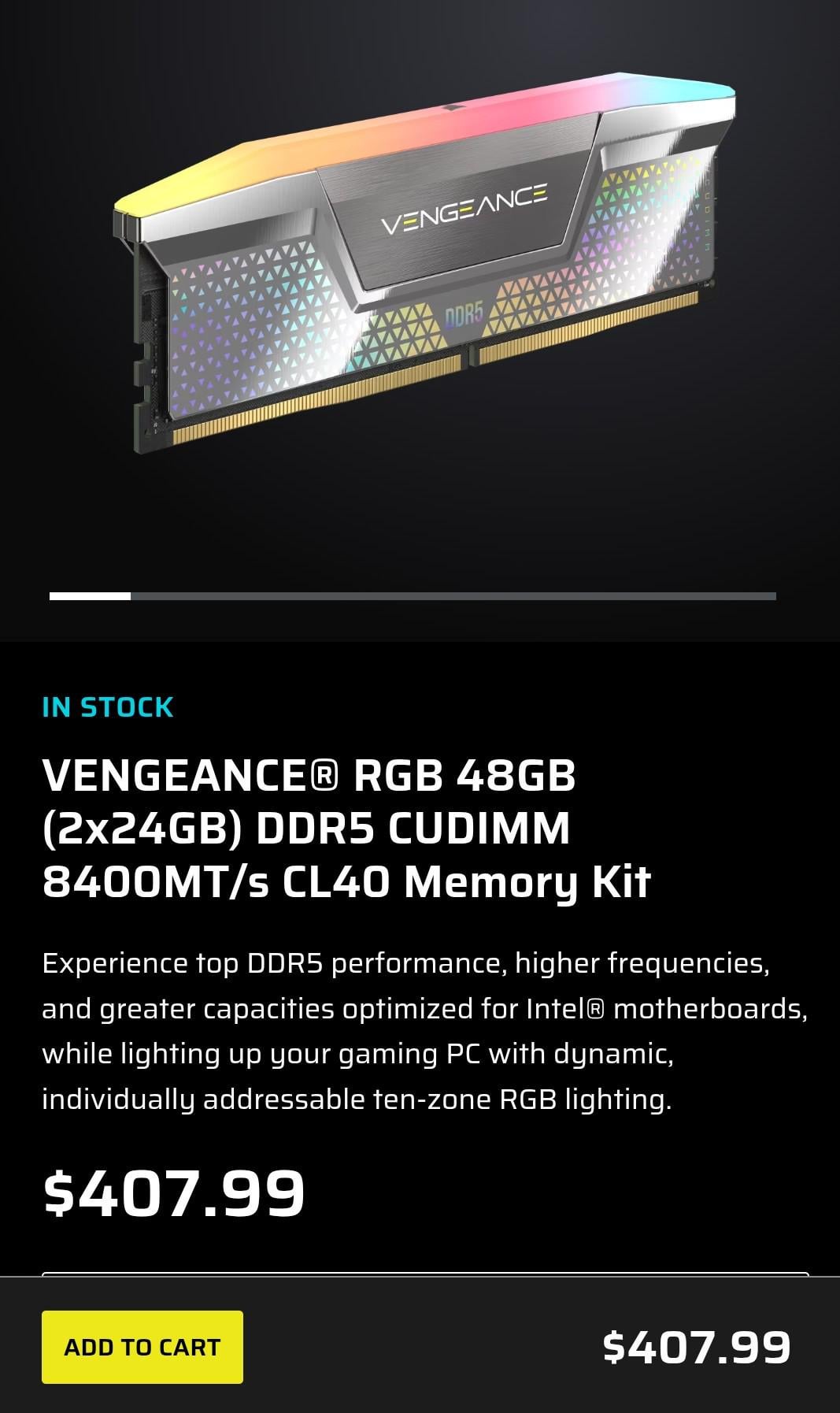
So I've been researching (DDR5) memory recently… and all of the metrics surrounding it. I've come to an impass…. All memory that has a high MT/s in turn will then have a high CAS timing , and the exact opposite…(Low CAS, but then a low MT/s) and theres very few exceptions, or outliers to that general rule/fact. When you equate the real word latency rate they all come out to the same latency (let's say approx 9.5ns) and let's say I get to 9.0ns with a Kit, do I really care about 0.5ns if I have to pick a ram kit thats Silver and my rig is all black, etc. This is NOT talked about anywhere. which is wierd.
Intel's latest socket supports CUDimms so it supposedly is very likely you can OC to over 8000MT/s even higher if you get lucky / have a good MB, IMC, etc.
My question is; there must be something I'm missing here… some nuance, or something.
Or does it simply come down to the fact that the real OC'ing would be to get a high MT/s Kit and then must try to tighten the timings on the kit you got and hope that you have stars aligned to do so. (Sil-Lot, OC'ing MB, Good IMC, etc.)
Because basically, when I look at all of the ram kits available and I do the real world latency math, all of these kits are exactly the same. (Not literally)
Anyway, then this creates a whole bunch of logical offshoots… for example, why focus on high MT/s, when that's risky to be able to get stable. Just purchase a normal kit with say 5800MT/s and a nice low CL. It's the same speed as the other kit, Guaranteed to work, probably less expensive, and literally has the same exact performance.
17 Comments
Just get the CL30 6000 32 GB and that’s it.
The weight of memory speeds impact changes based on workload, CPU and GPU. But broadly speaking, the performance increases above 6000M/T is not worth the cost and may or may not work with your CPU at the advertised speeds
6000 CL30 is the perfect sweet spot. Anything faster is overpaying for extremely quickly diminishing returns and anything slower is cheap to upgrade.
That product shot doesn‘t show a cudimm module at all :F
Cant help but notice this kit is TOO EXPENSIVE ! 😒
Will you notice difference ? 1% better performance maybe ?
Going from 5400 mt/s to 8000 mt/s will increase bandwidth regardless of the latency penalty.
Some games will run better with the extra memory bandwidth (call of duty I know for sure)
It all comes down to
“how much time do you want to spend to OC you ram”
Don’t buy this kit, unless you really like the side lights or whatever that is. I bought a 64GB 6400 cl32 for about 240 from Corsair yesterday. (Assuming usd)
Corsair products are overpriced as fuck
Not, for double the price of a decent 6000 kit. Its single digit perf improvements in games.
More L3 cache your cpu has = less dependent from ram speed and timings.
These kits mostly needed for 2 dim expensive motherboards on intel z790+ but you need to have cherry picked cpu to run these clocks. But current gen intel cpus are lower in nm and more fragile, so pushing a lot of voltage is not possible in a long term use.
Its cheaper to get 9800x3d and cheap ram and manually tune it in bios so games which don’t fit into its L3 cache run well too. Or wait for Intel’s new large L3 cache cpus which are coming.
Ram speeds and timings were super important during DDR3 / DDR4 era, you could get like 20-30% uplift from that alone. It also helped to make frame-time clean – helped to get rid of micro stutters and freezes.
If you are not lazy its always a good thing to lower timings and find highest mhz ram just to make system more responsive and snappy. Primary and few secondary timings get you most of the gains.
I spent several weeks finding perfect balance and lowest timings for my 13700k but it above nearly every other 13700k and beats 7800x3d in most gaming benchmarks. If you are enthusiast you will do it once and then enjoy best performance for years to come. Lower 0.1%, 1% and cleaner frame times.
For gaming no, for AI yes
[deleted]
I never thought the speed was the most important, paid a premium for cl26 sticks. May not make a huge difference, but I get peace of mind knowing it has a higher performance floor. I don’t care about diminishing returns I’m more concerned with removing as much stuttering/hitching at high resolution as possible. Although at some point I’m still GPU bottlenecked with a 5090
The issue here is if you’re buying CUDimms you have to also have an Arrow Lake cpu. You’d get better performance out of the 9800X3D….
Sure, the CUDimms will work on AM5, but in bypass mode at a much lower speed.
The Main benefit with a kit that is rated for a high speed, is that you *know* it can do a high speed.
You can always run it at a lower speed and tighten the timings if you want to.
Whereas the opposite isn’t always true. You can try and run a higher speed by loosening the timings, but you can’t be sure it’ll be capable of hitting that speed.
Beyond that, isn’t tweaking and testing all part of the fun? If the answer is “no”, then you’re really in the wrong subreddit, imo.
>all of these kits are exactly the same. (Not literally)
They’re all *basically* the same (in regards to overall latency). Why say *exactly* the same and then quantify that with *(Not literally)*? Odd.
It’s worth noting that this holds true with DDR3, DDR2 and DDR kits as well; but we definitely have seen a benefit of increased speed and bandwidth over the years.
Timings are measured in tick, which is a unit of time that varies in length depending on your frequency. For clarity, I will use clock frequency, which is half of the data transfer rate (so 4GHz = 8000MT/s, 3000MHz = 6000MT/s etc).
30 ticks at a frequency of 3GHz (so 6000MT/s) is 10ns. 40 ticks at 4Ghz is also 10ns. You can use the formula `timing (nCK) / clock frequency (GHz) = timing (ns)`. You’ve understood that correctly. 30 ticks at 6000MT/s is (and this is important) just as good for performance as 40 ticks at 8000MT/s, with the latter having more bandwidth.
All kits (except G.skill) with 10ns tCAS* will be using hynix 16gbit A-die or 24gbit M-die, which are the current best DDR5 ICs and do not need binning for strong frequency and timings. Binned kits are marginally better, I recommend Klevv’s 6000MT/s tCL 28 1.35v as a great budget option (94$ on amazon right now), if you have too much money, the current best kit available is G.skill’s H24M 6000 tCL 26 1.45v kit, with the discontinued 6000 tCL 26 1.40v H16A bin as second best.
CUDIMMs are not useful besides frequency valids on Phoenix, which I assume you aren’t doing.
*anything 6000 tCL 34 and below plus teamgroup 6000 38-38-38 and everything sold by Klevv. G.skill is the only brand to still use the marginally worse H16M in 6000 tCL 30 kits.
I bought a Patriot 48GB CL32 7000MTs kit for 140€ on Amazon.de a few weeks back. Considering everything in the US is cheeper than here that’s a terrible deal. If you can get higher MT at the same overall latency it’s better than lower cl same latency.