
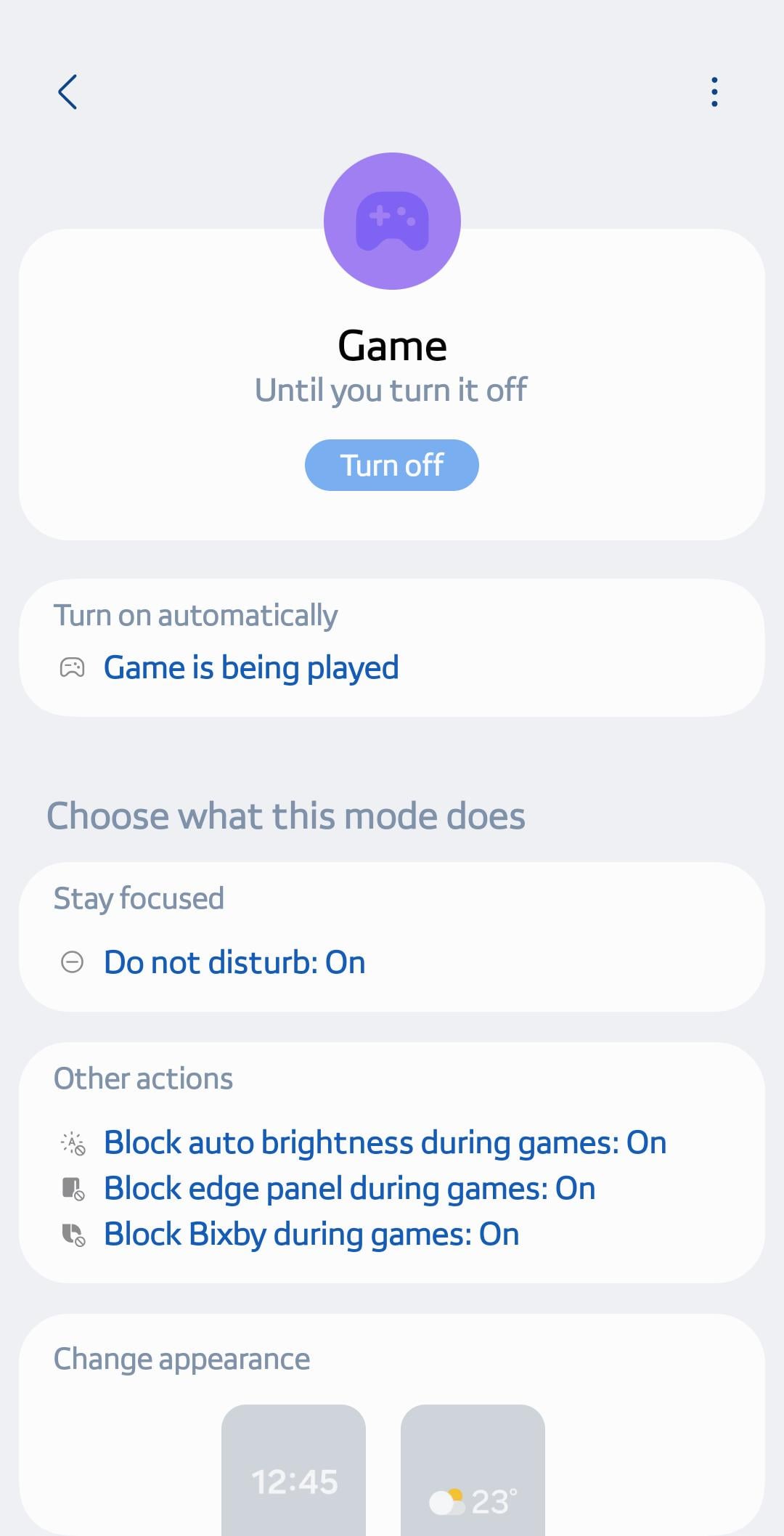
This is for all my pubg friends that are missing Priority Mode on Samsung devices. It has migrated to modes and routines. Here is a quick tutorial how to enable it.
Under settings go to Modes and Routines>Game>Game is being played>Do not disturb on>then select actions like the ones in the picture.
Most important!! Turn on! Toggle the button up top.
Hope this helps!
1 Comment
One UI 7!???