
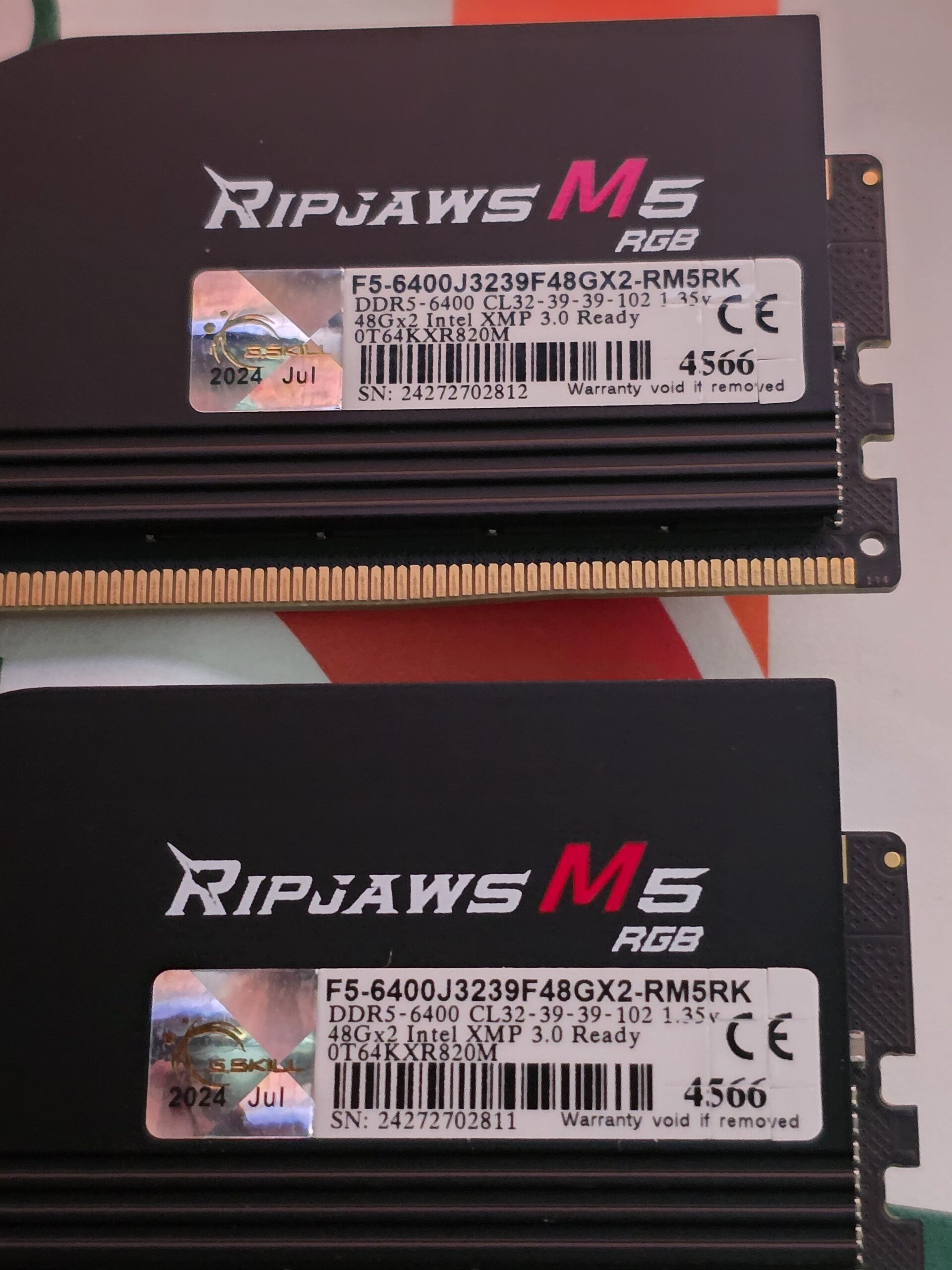
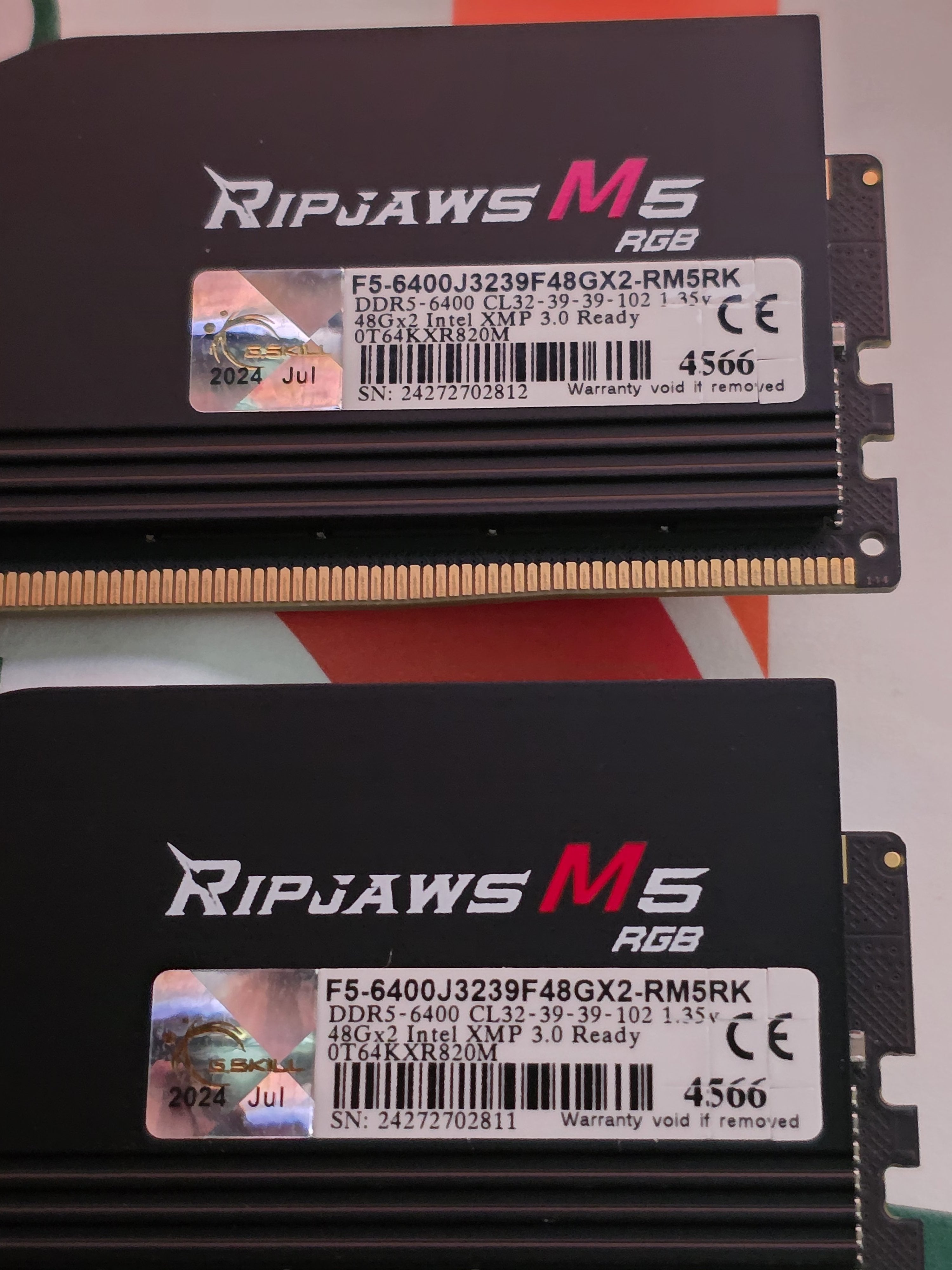
I upgraded from 64GB (2x32GB) DDR5 6400 CL32 1.4v Hynix A die to a 96GB (2x48GB) DDR5 6400 CL32 1.35v Hynix M-die? (not 100% sure because Thaiphoon Burner does not confirm it, but G.Skill model ends with M and the DRAM manufacturer is Hynix according to CPU-Z and Thaiphoon Burner).
The default timings of 96GB
I was able to successfully overclock my old 64GB DDR5.
I tried putting similar settings on my new 96GB, but it wasn't stable.
I am currently running with the SPD profile, but with some modifications
-6200 1:1
-tRFC: 550 (500 is not stable)
-tREFI: 65535
Which timings are going to give me problems on 96GB if I try to lower them?
I might try increasing DRAM voltage to 1.435v in the future to lower tCL
6 Comments
M-die dont accept tRFC as low as A-Die, thats why 550 is required
If iam right, M-DIE also does not accept tRP and tRC as low as A-DIE
VDD to 1.4~1.43V should hep getting tighther timmings.
SPD shows this is a DR 24Gb kit.
So it just uses the regular H24M chips.
With two ranks of it you will lose headroom to IMC bottlenecks but timings wise it should be mostly the same.
[https://youtu.be/8S-euz8JeyM?t=3770](https://youtu.be/8S-euz8JeyM?t=3770)
Your 64GB kit was dual rank H16A, aka A-die, and your new kit is dual rank H24M, aka 24gbit M-die.
Both are Hynix and excellent for overclocking, but as some other commentors have already stated, there are some secondary timings that M-die cannot do as tightly as A-die. tRFC for sure, as well as possibly tRP and tRC.
Invest some time (or money) in Buildzoids recommended H24M timings, they would be an excellent starting point.
I‘m just here to see how the perform 👀
I also have 64 GB of 2×32 dual rank RAM and at the moment I use the buildzoid timings, those of the video entitled easy timing am5 ddr5, but I’m curious how much further I could push, even if my temperatures under stress reach 60 C