
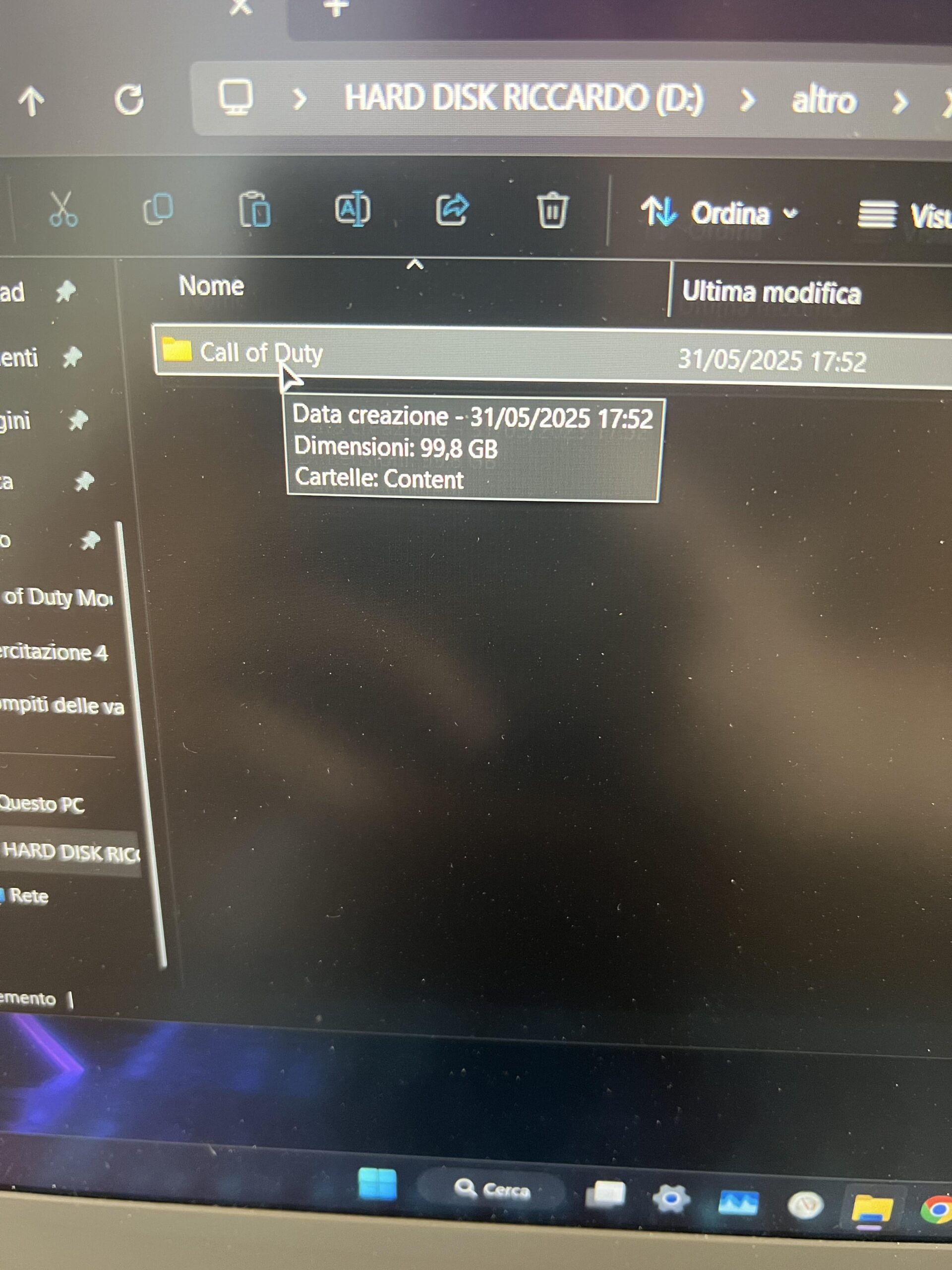
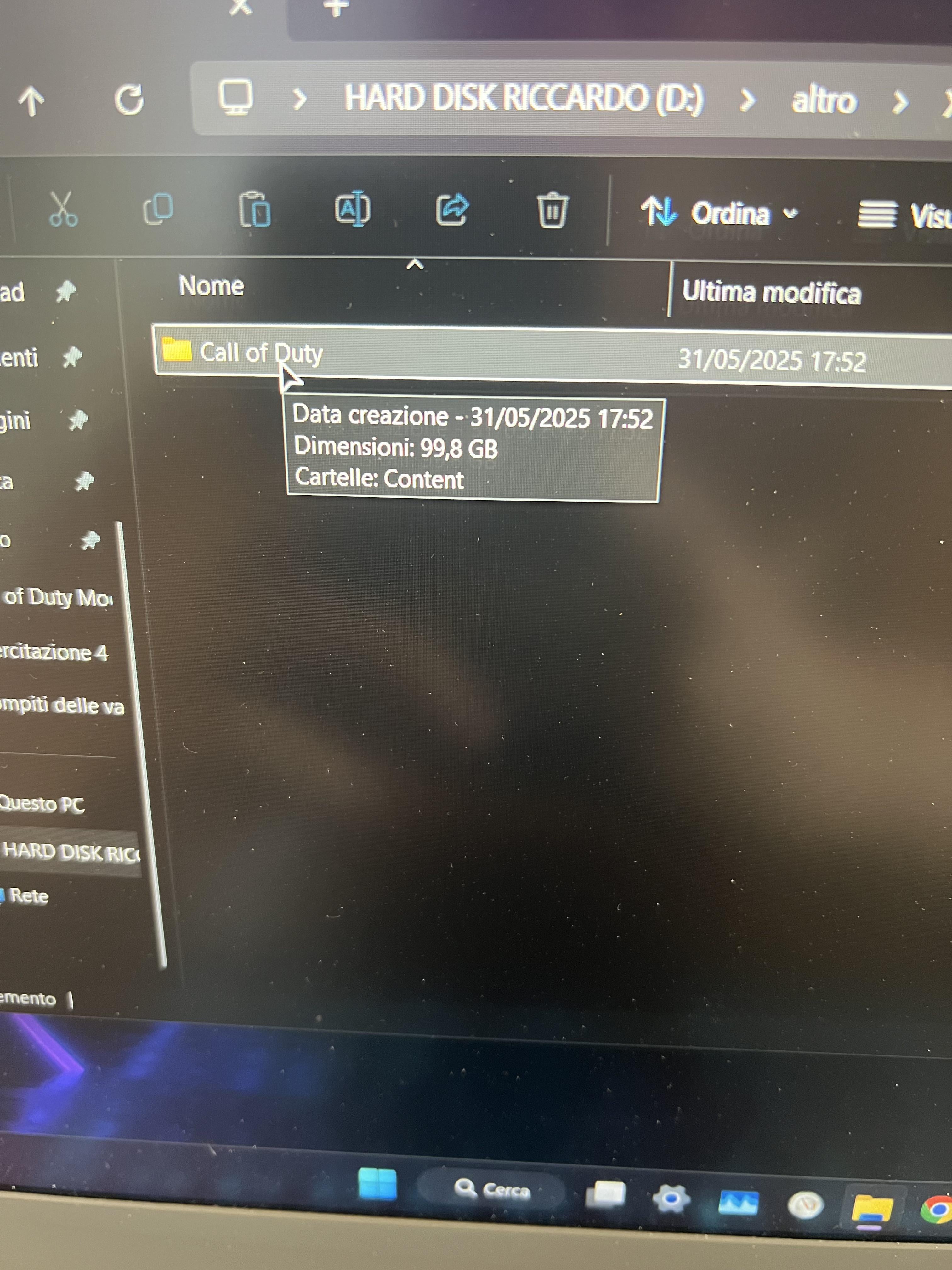
I installed Warzone on Xbox app on my old laptop, copying the data files on a external Disk. Then I bought a new pc, and I was wondering where’s the Xbox folder because I don’t want to re-install all the 150 GB of game when I can only drag the files into the Xbox folder. I tried to search it for all the day, but I couldn’t find it.
Can someone tell me where is that Xbox folder? Thanks
2 Comments
Because of Gamepass the Xbox App is very restrictive with doing this. I’m not sure there’s a way unless there’s a built in “move” function or something like that within the app, though I don’t know.
Open the Xbox app
Click your username in the top left
Click settings
Install options
It should then display where your games install by default.
Mine is C:XboxGames