
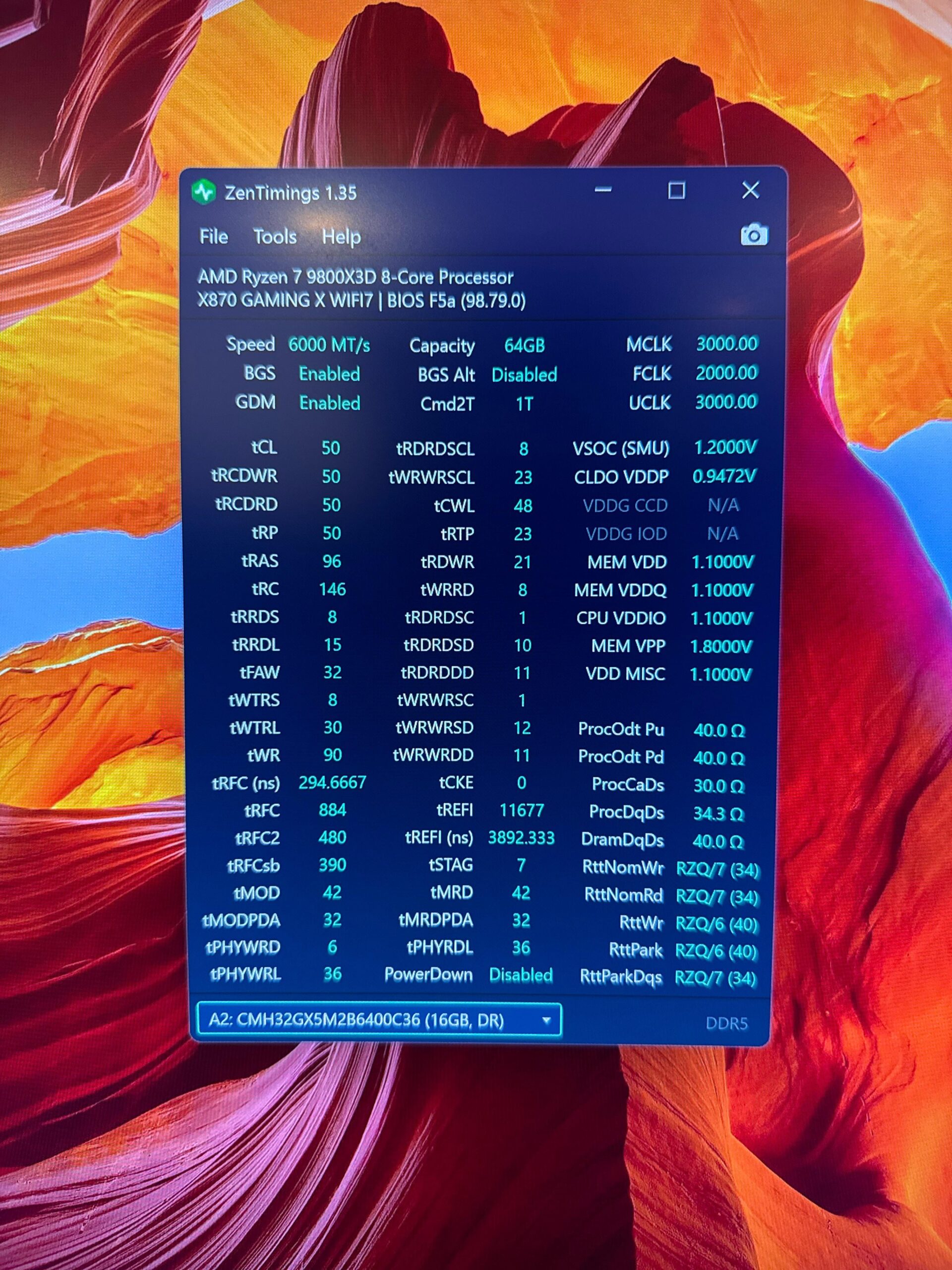
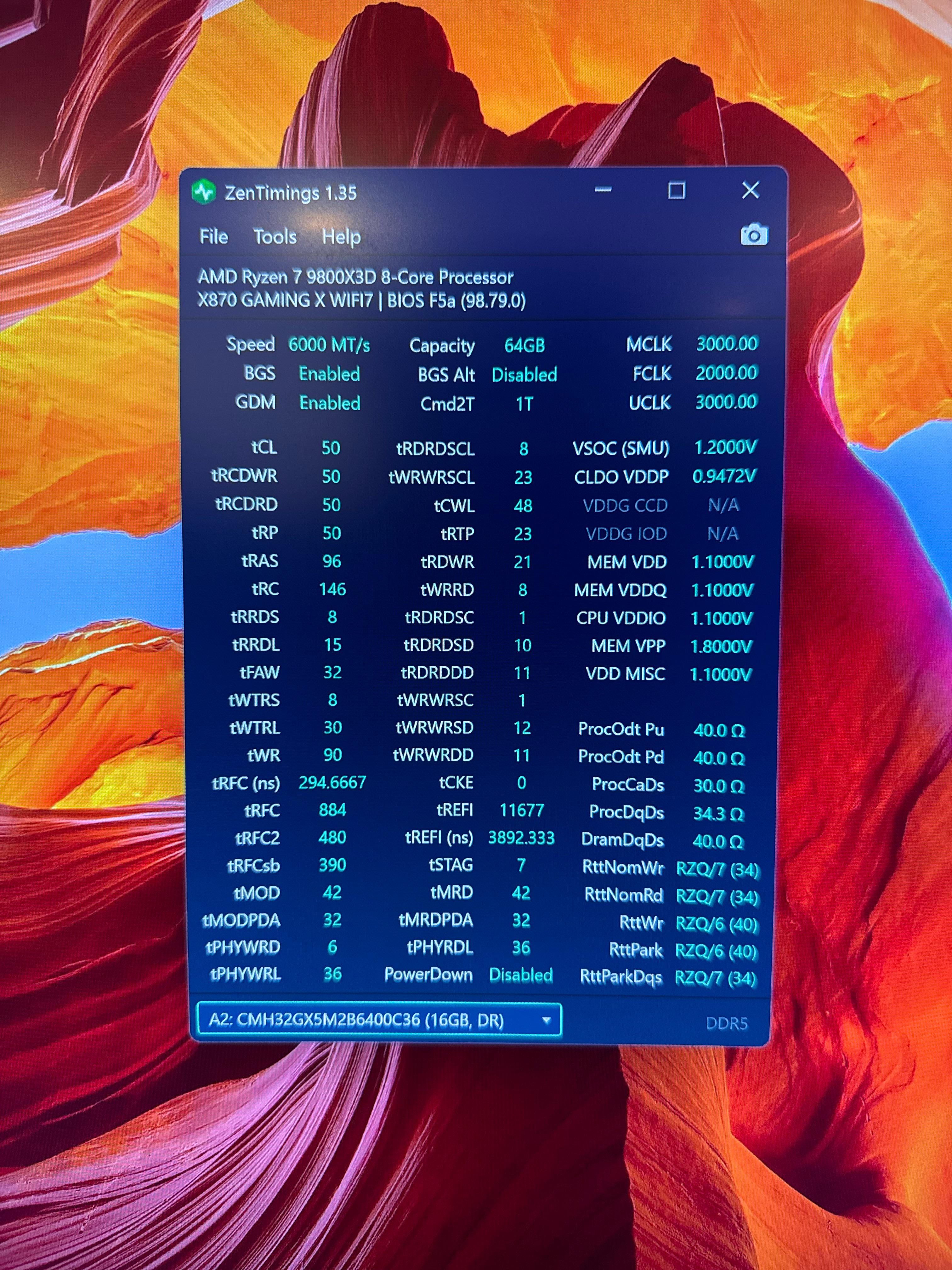
For reference:
Mobo: Gigabyte X870 Gaming X WiFi 7
CPU: Ryzen 7 9800X3D
RAM: 4x16GB Corsair Vengeance CL36 6400
RAM Model No. CMH32GX5M2B6400C36
XMP is disabled
Using System Memory Multiplier on Gibayte BIOS, Running 6000 MT/s
Note: Windows Blue screen crash if XMP is enabled.
6 Comments
Why would you not go 2x32gb. 4x16gb won’t be handled by the 9800x3d well.
The prices are virtually the same too.
Enable EXPO, and play around with CL and clocks. Which again, won’t be handled well.
Cl50?
yes. its 1:1
nope. those timings are ultra loose, who set them that way? this is not expo or default settings, because default settings will set your ddr5 speed to 4800mhz and 52cl timings.
Figure out how much RAM you actually need.
If you can deal with 32GB, take the two sticks out and oc to your hearts content.
If you need 64gb, can you deal with 48gb?
Basically it goes
2 dimms >>>>>>>>>>>>>>> 4 dimms
Single rank >> dual rank
So 2x24gb would be better slightly than 2x32gb which would be *significantly* better than 4x16gb.
Figure out how much RAM you have to have and get two sticks that meet your needs.
You overpaid for XMP/EXPO rated ram because it WILL not work given that you have two different pairs of DDR5 6000 memory. I suggest you either 1) learn how to overclock and manually set your speed, timings, and voltage yourself -takes a lot of time to do so, 2) return both pairs and get a whole 4 stick set of 64 GB all rated together or 3) return a pair of 2×16 GB and run the other 2×16 GB on EXPO/XMP ratings it has, or 4) just keep this overpaid set at this setting
You gotta check what die it has. I would say might be micron. It is 6400mhz cl36. You can check if it can boot at expo/xmp profile with fclk 2167 1:1 mclk=uclk
Then test stability with y cruncher and occt
Then if stable start tighting the timings