Vegeta: Kakarot! You dumbass! You don’t also need to hit the “+” button.
Goku: but Gohan said ctrl + c
Johnden_
If you have clipboard history enabled you can copy multiple texts with CTRL + C and then paste and select with WIN + V.
I’ve used this a lot when copying code.
RyanGarcia2134
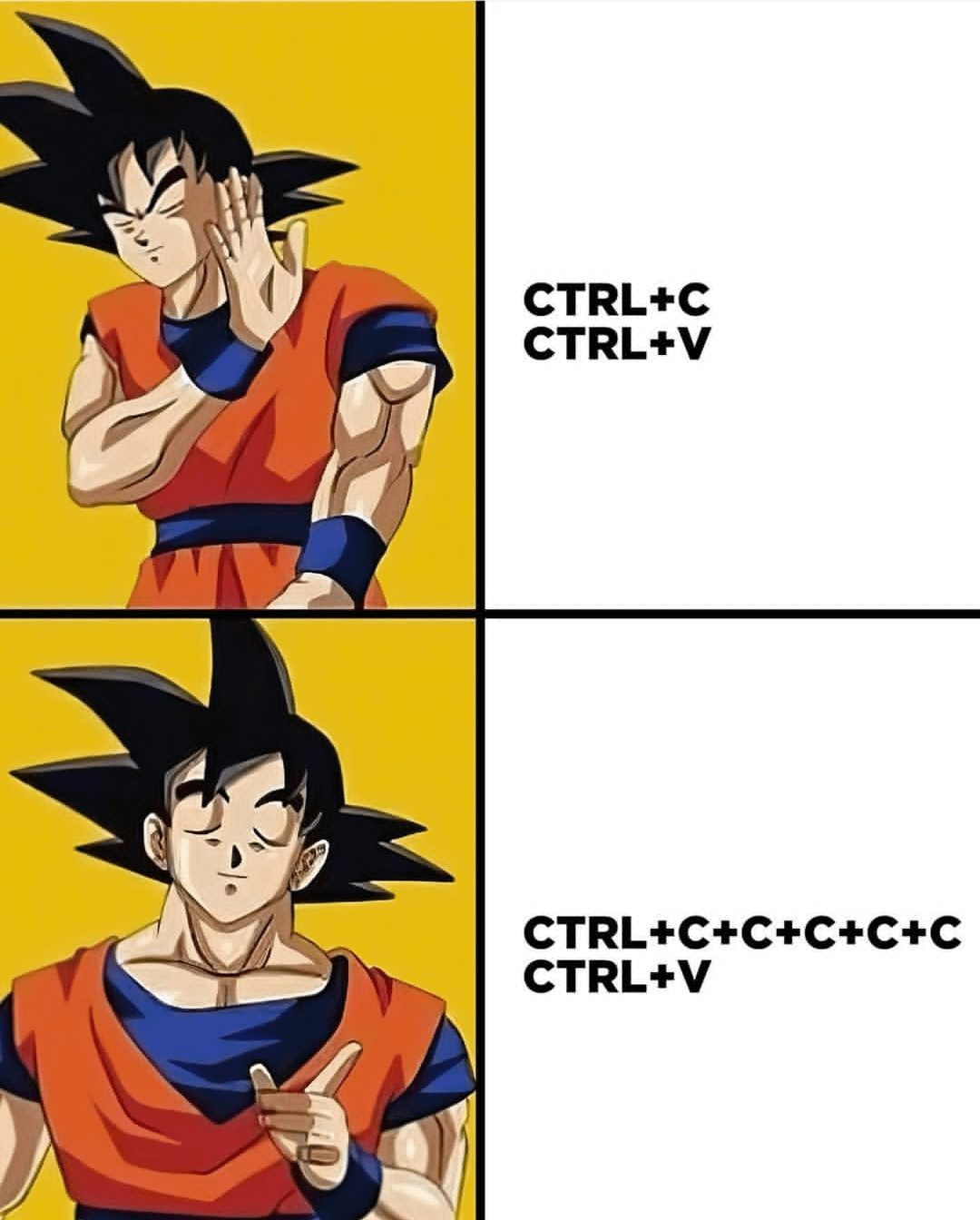
Sometimes i be hitting the CTRL+C+C+C+C+C+X just to be extra sure.
Catch_022
Excel does this constantly.
chicken_is_no_weapon
yy
P
(vim)
shawndw
Once is good enough. You’re not trying to clear the screen on a calculator here.
TheMends
You have to understand that each Ctrl+C only copies around 15% of the file, and an empty Ctrl+V has the same feeling of pooping and looking back at the toilet and seeing nothing.
anitawasright
literally doing this right now at work as I copy account numbers lol

18 Comments
The Photopea experience
Vegeta: Kakarot! You dumbass! You don’t also need to hit the “+” button.
Goku: but Gohan said ctrl + c
If you have clipboard history enabled you can copy multiple texts with CTRL + C and then paste and select with WIN + V.
I’ve used this a lot when copying code.
Sometimes i be hitting the CTRL+C+C+C+C+C+X just to be extra sure.
Excel does this constantly.
yy
P
(vim)
Once is good enough. You’re not trying to clear the screen on a calculator here.
You have to understand that each Ctrl+C only copies around 15% of the file, and an empty Ctrl+V has the same feeling of pooping and looking back at the toilet and seeing nothing.
literally doing this right now at work as I copy account numbers lol
ctrl x
ctrl z
ctrl v
Ctrl x
Ctrl v
Ctrl v
Cool, it’s not just me
I always hit thrice
Ctrl C Ctrl C Ctrl C Ctrl V Ctrl V oh shit Ctrl Z
CTRL+Shift+V is the way
*laughs in linux
and now you know why it’s called C++
This always happens to me with Zoom at work.