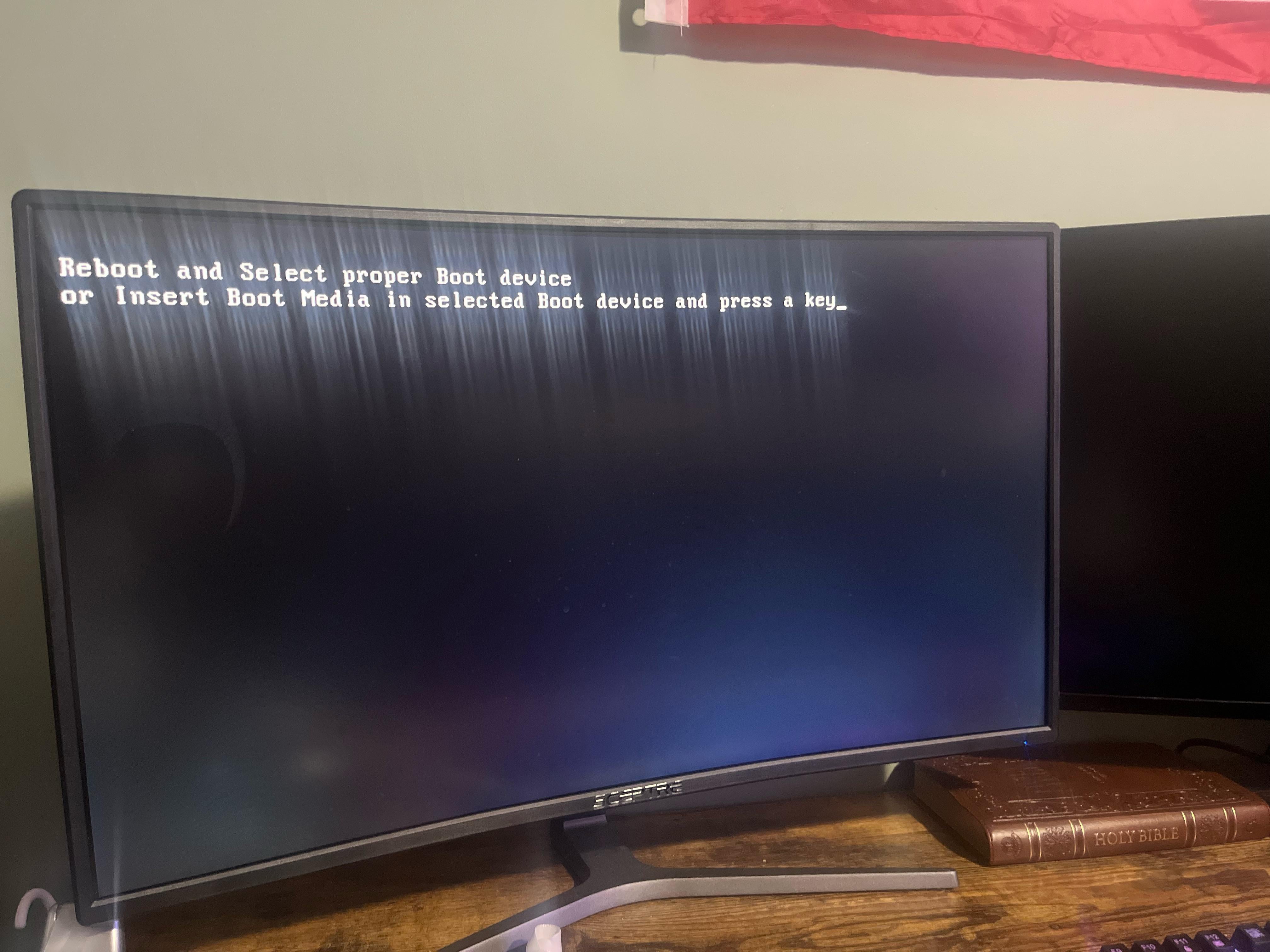
Tried every way to shut it down including disconnecting the interior power and button mashing trying to figure it out as well. No clue what should I do?

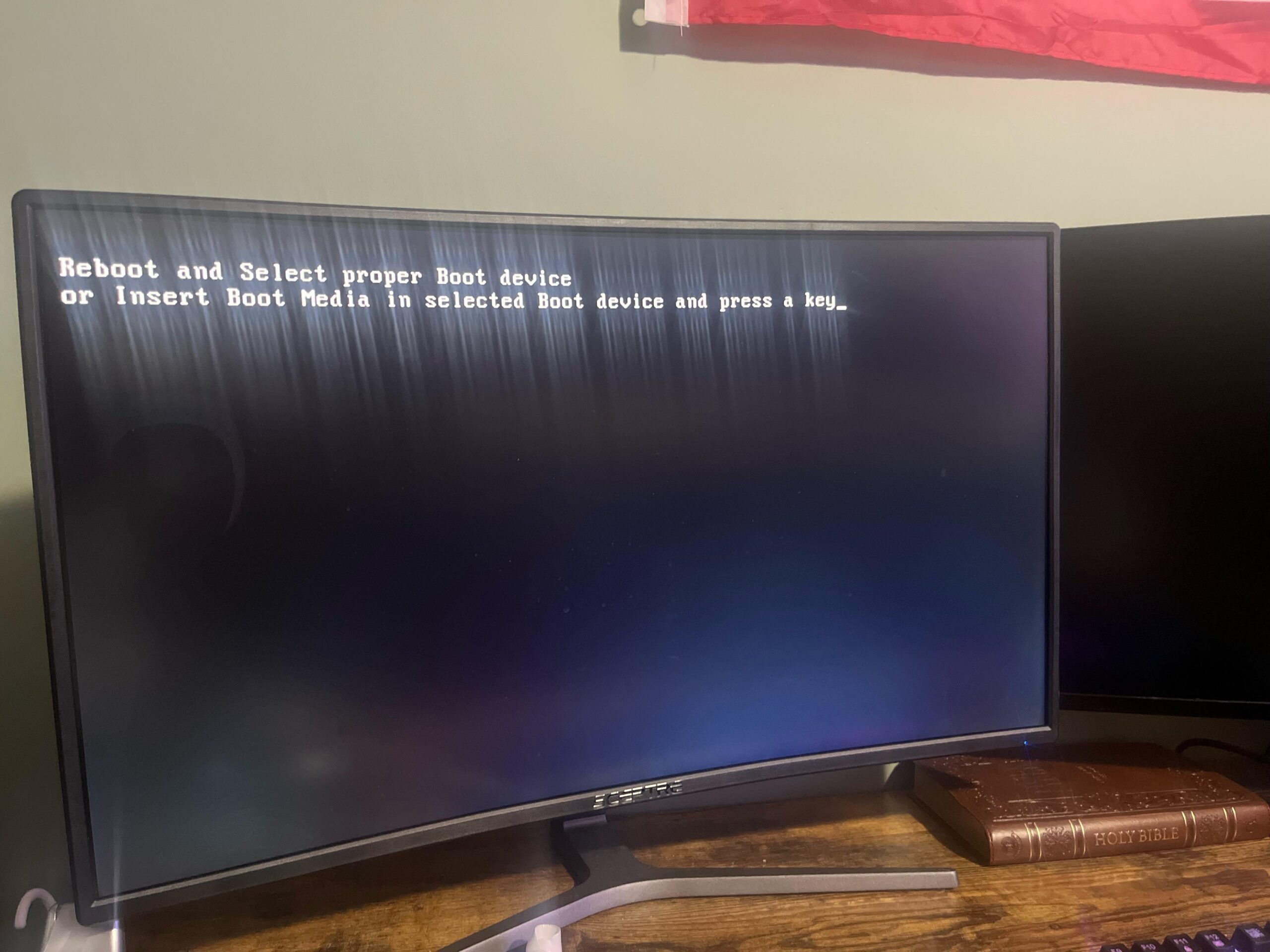
Tried every way to shut it down including disconnecting the interior power and button mashing trying to figure it out as well. No clue what should I do?
6 Comments
Hello Alone_Age_164, and thank you for your submission to Gaming PC! If you are new please check out our rules over at the wiki [here](https://www.reddit.com/r/gamingpc/wiki/rules)!
We have recently added the useful feature of Title Flair! You can set this manually by clicking Flair under your post once you have submitted your post, but if you missed it in the rules there is a much better way that will automatically flair your post!
To do this simply add what your post is about in brackets before your title. For example for a Build Log you can type [Build Log] before your post so that it looks like this; [Build Log]My new awesome build!, and the bot will automatically set your flair to Build Log! This works for Build Log, Build Showcase, News, Hardware News, Hardware Release, Discussion, and Miscellaneous!
Also remember that this is a place for discussing and sharing our love of Gaming Computers! This is NOT the place for help building or determining what parts you should buy, that is better suited for /r/buildapc. Troubleshooting questions should be directed to /r/techsupport. Thank you again!
*I am a bot, and this action was performed automatically. Please [contact the moderators of this subreddit](/message/compose/?to=/r/gamingpc) if you have any questions or concerns.*
Boot into your bios & check if your SSD is detected
(You can boot into bios by mashing “Del” on your keyboard)
Yeah just flip the switch in the back off and back on. Then as your PC is turning on immediately start pressing the del and f2 keys(sometimes it’s either or)
From the menu that comes up (called a bios or bios menu) look for something that says “boot options” or “boot devices” or “boot order”; anything a long those lines. If not seeing anything obvious then might be hidden behind “preferences” or “settings”; See if your storage device is detected correctly in that menu and is the first boot option.
If it’s not showing up try reseating the cables that connect to that storage device (turn off everything first and could even flip the switch in the back to “0” to be safe) and also to the motherboard if it’s not an m.2 SSD that is. If it’s one of those stick ssds that have no cables (m.2) try removing it and slotting it back in. If nothing works then the problem is most commonly with the storage itself being dead.
Edit to add: if any part or all of my instructions are unclear a quick Google search for “how to select boot device in bios” and maybe even add in your motherboard model should bring up plenty of easy to follow guides
That’s what it looks like when I drive at night 😂😂
SSD or HD went to hell, specifically where the OS is installed, it could be NVme too
Looks like it has astigmatism, probly take it to an ophthalmologist /s