Share Facebook Twitter Pinterest LinkedIn Ah yes, CODM in portrait mode call of dutycall of duty mobilecodCOD MOBILE 5 Comments Electronic-Link190 1 year ago how to stop this stupid popup? idk_who-are_you 1 year ago I had gotten rid of it last year as I shifted to jio Helpmepushrank 1 year ago I played a BR match this way before (portrait) and it was pretty fun, obviously hard to control and see blahblahlucas 1 year ago I have a z flip 6 and can play codm on the other mini screen lol Hare_97 1 year ago Download Google messages. – When this pop-up comes, click save – Then go to google messages and block this message sender Voila! Btw same works with Microsoft’s SMS Organizer, you have to just “mute” the sender. I think Google’s block works even if it’s not the default app later on Write A CommentYou must be logged in to post a comment.
Helpmepushrank 1 year ago I played a BR match this way before (portrait) and it was pretty fun, obviously hard to control and see
Hare_97 1 year ago Download Google messages. – When this pop-up comes, click save – Then go to google messages and block this message sender Voila! Btw same works with Microsoft’s SMS Organizer, you have to just “mute” the sender. I think Google’s block works even if it’s not the default app later on

5 Comments
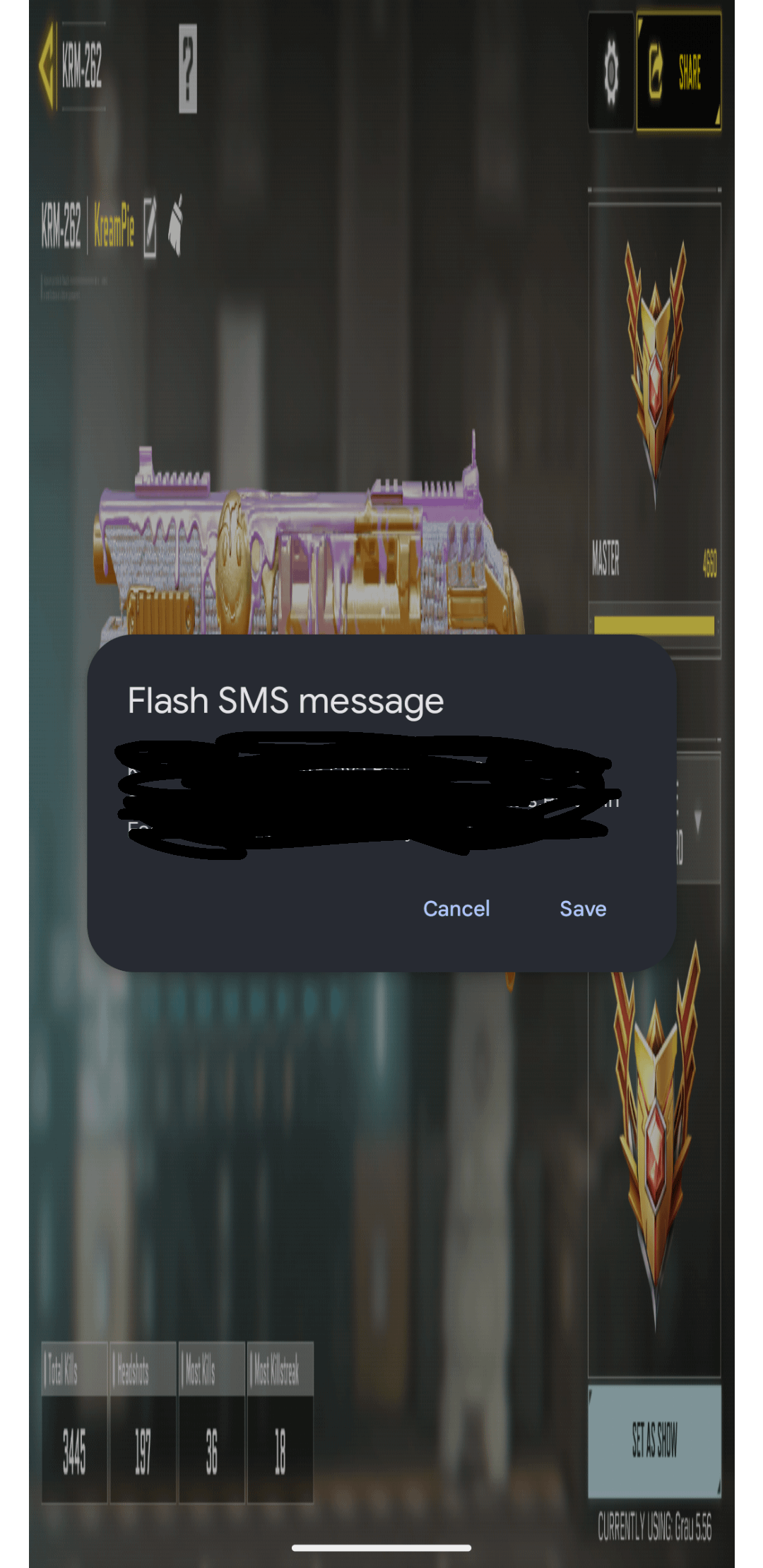
how to stop this stupid popup?
I had gotten rid of it last year as I shifted to jio
I played a BR match this way before (portrait) and it was pretty fun, obviously hard to control and see
I have a z flip 6 and can play codm on the other mini screen lol
Download Google messages.
– When this pop-up comes, click save
– Then go to google messages and block this message sender
Voila!
Btw same works with Microsoft’s SMS Organizer, you have to just “mute” the sender.
I think Google’s block works even if it’s not the default app later on