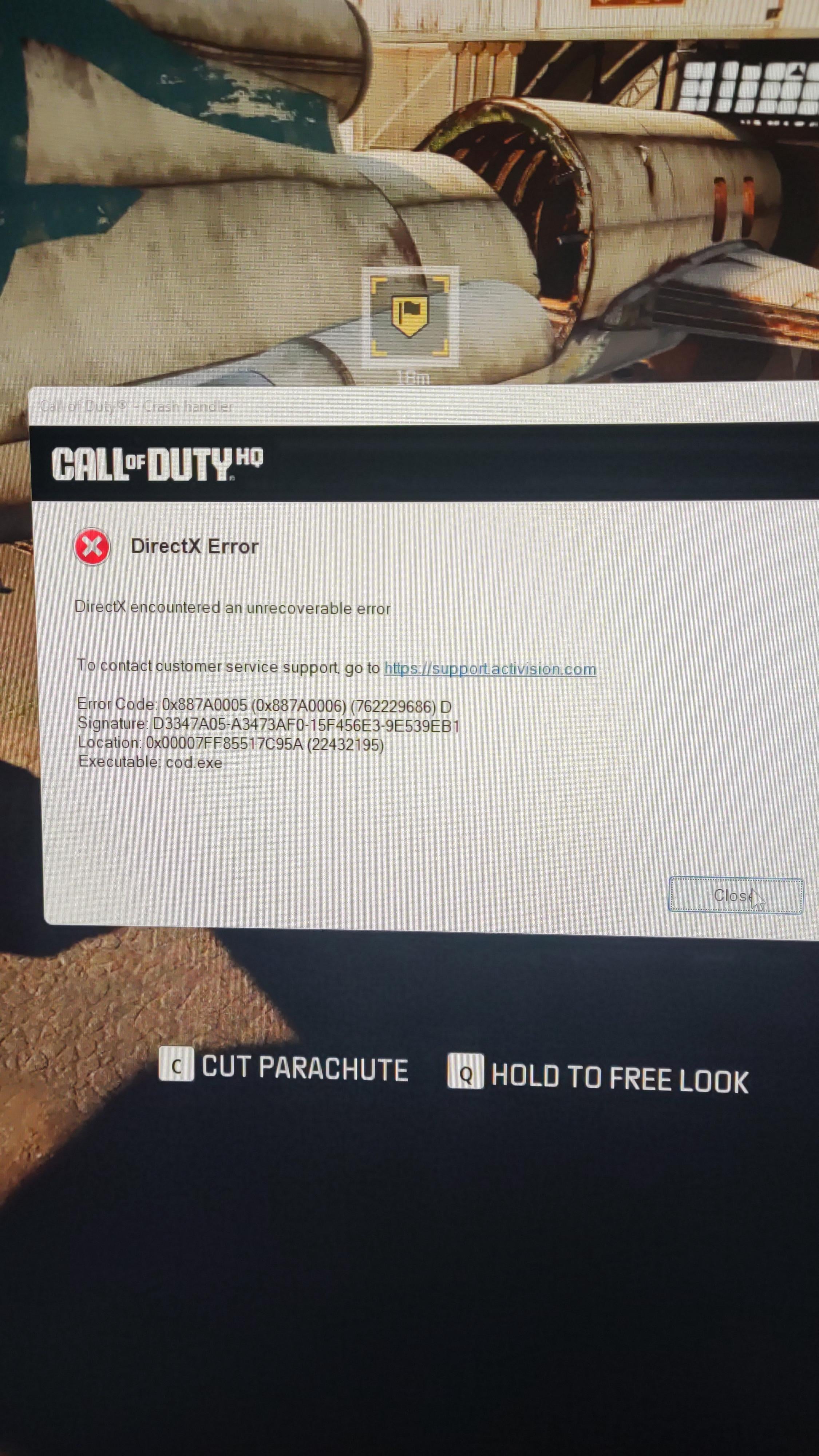
Theyve had 2 weeks to sort this shit out and I'm still getting these fucking directx errors on big map!!! Have they acknowledged or released a fix for this yet?
Amd 5700x3d and 9070xt
Does anybody have a fix for this bullshit.

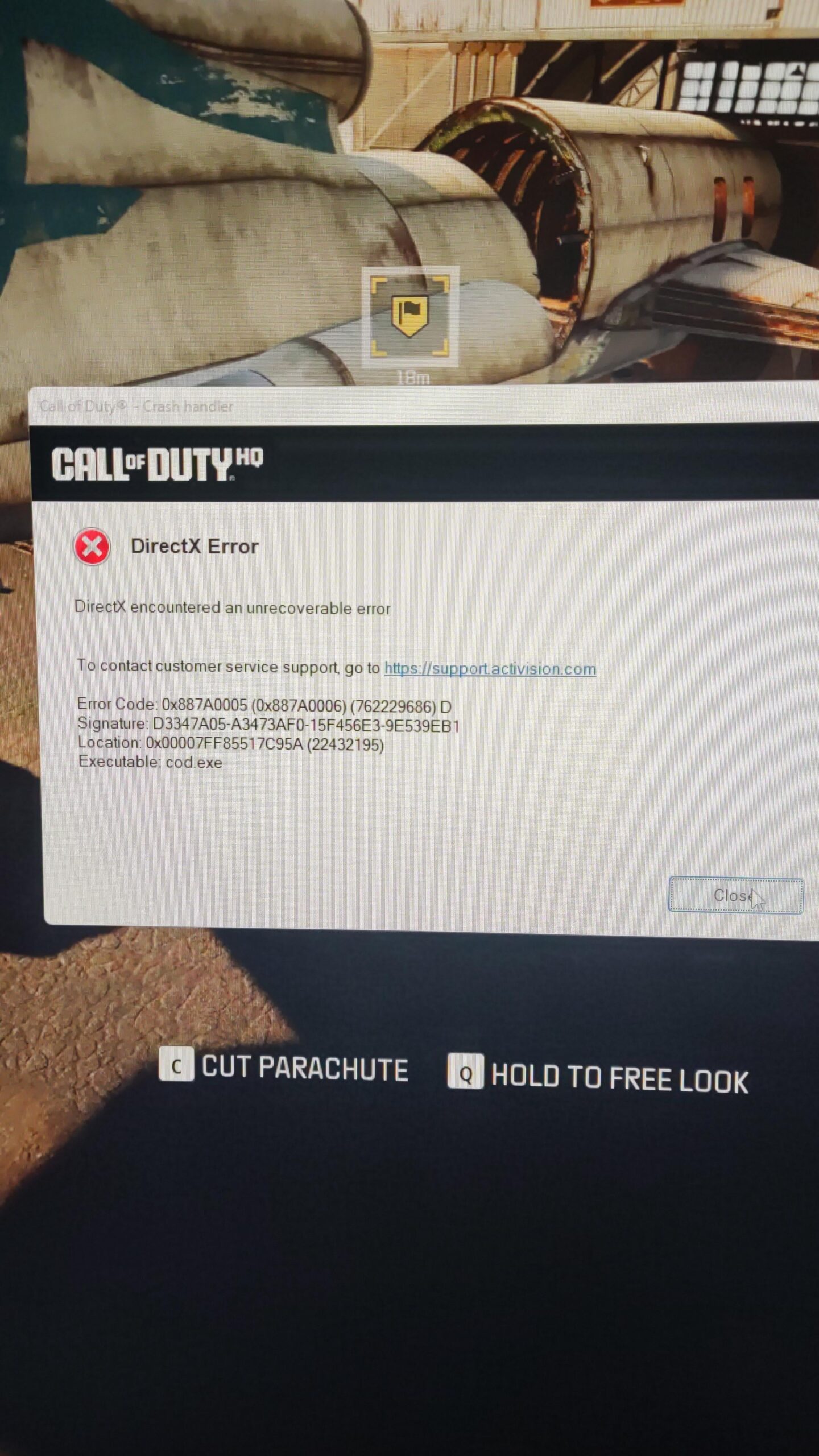
Theyve had 2 weeks to sort this shit out and I'm still getting these fucking directx errors on big map!!! Have they acknowledged or released a fix for this yet?
Amd 5700x3d and 9070xt
Does anybody have a fix for this bullshit.
17 Comments
It’ll be another 2 months until they think about a fix. But any problems with the store will be fixed ASAP!
That’s an AMD driverss problem, that happened to me when i have a 5700xt then i switched to a 4080s and i didn’t see that error again but you should try to re install the gpu drivers to a version that don’t have that problem
Listen, its either enable game mode + hardware gpu scheduling in windows (restart PC to take effect), or disable them (restart PC to take effect). You’re welcome.
rollback gpu drivers, until doesn’t happen
6800 is doing great
Imagine playing COD in 2025. You must hate yourself.
I had the same issue with the same directX error as well and felt like I had tried everything to fix it but nothing worked. After what feels like hours of troubleshooting online, I just decided to go through every single setting in the game and experiment, and since I did that I can honestly say it’s been working a lot better for me. What worked for me was to first and foremost always run the game in ”fullscreen ecxlusive”, and secondly I just maxed out the VRAM scale target to 90.
Before, I could only play 1 maybe 2 rounds before it crashed, but now after I changed those settings I can probably play 15 games between each crash.
Don’t know if it will work for you, but if you haven”t tried I can highly recommend it!
This happened to me and my friend in the same match. It gave me the option to join back. As soon as I did, his crashed. Then our friend who just got the game, theirs crashed the next game. I sent a very strongly worded complaint in with the error report
I had problems with nvidias latest drivers so i rolled back
Disable NVIDIA RELFEX entirely fixed for me…
Yeah , I’ve been having the same problem too with my 5080
You can check your crash logs and see what was the exact reason it crashed. For me it was related to my Dell Display Manager.
Personally since I uninstalled it I haven’t crashed.
Results may vary, but it’ll be a good start.
It could be an application on your computer it couldn’t.
Frustrating because COD is the ONLY game that ever crashes on my system.
I had this. Disabled DLSS. Problem solved. Ended up being an NVIDIA Driver thing. GPU was register g as overclocked for some reason.
For me it works to delete the documents notepads in the cod folder. I think some settings are conflicting. I also run no adrenalin tweaks on Cod. Maybe that helps
Go to documents – Call of duty – players – delete everything outside the folder. You might have a lot of old stuff that are here from older cods. You can deleye this and the game will recreate these files when you log in. It will reset you graphic settings but this fixed it for me it seems.
However, everytime there’s an update something breaks again and I get that crash and then I have to delete the files again.
I have a 5080 and 9800x3d and I get this shit all the fucking time. Only fix I’ve really found that helps so far is let nvidia optimise the game in the nvidia app and leave it. Mine has yet to crash since doing that, touch wood.
I had direct x failures after updating to the newest drivers. Rolled back one problem solved. This was on a 5090 btw.
I had the same problem. Helped me:
Disabling Hardware Acceleration
Graphics: Right-click the desktop, go to “Display Settings” > “Graphics” > “Change default settings”, then turn off “hardware-accelerated GPU scheduling”.
No more crashes in warzone !