
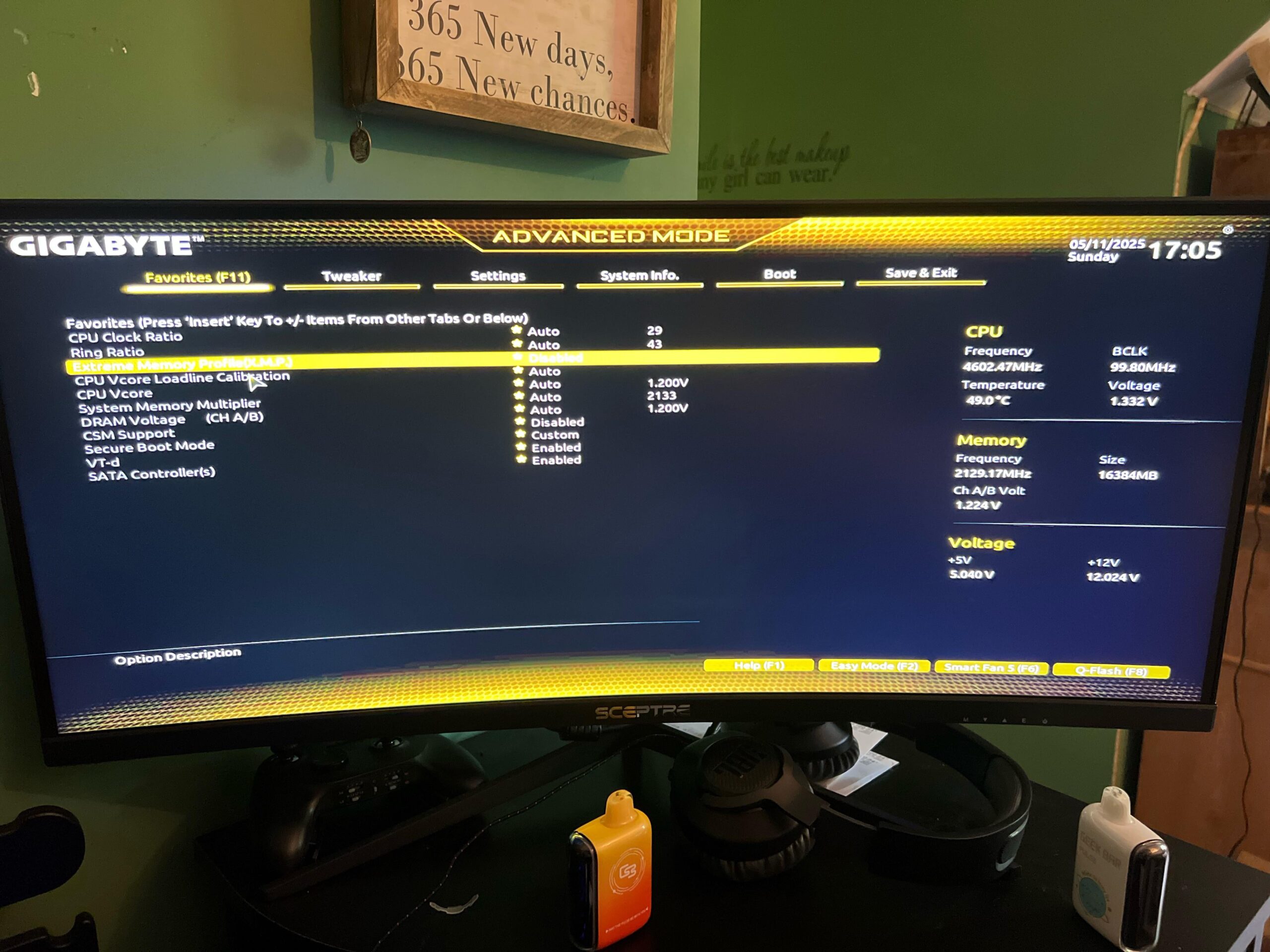
CPU temps have been like 15-25 degrees higher than my gpu. So I went thru windows and tweaked some things in the performance settings but lost a lot of frame rate. Do these settings look right in the bios? Running a i7-10700f rtx3060ti msi, 16gb ram. Any help is appreciated cause I really have like no idea what I’m looking for lol
3 Comments
If you don’t know pc you should not be poking around in bios. Pull the battery and reset your cmos, unless your ram is higher than stock speed you shouldn’t need bios. You can take a pic of the label on your ram if you want to know how and what to do in bios. If you haven’t touched any actual settings in bios then that is good.
What is your pc? Motherboard? CPU? Gpu? Ram and ram timings (listed like 38-42-42)? I have 24 years building gaming rigs but even I have issues sometimes. Also what games are you testing your fps on? Do you have the gpu app installed? Motherboard app?
Why are you even comparing CPU temps with GPU temps?
you are new to PC,
why are you comparing CPU vs GPU temps?
why arent you comparing CPU vs CPU temps instead? because you think you have a cpu temp problem right?
check Youtube or reddit for your specified CPU temps and compare those temps with your own.
its not rocket science!