
Hi,
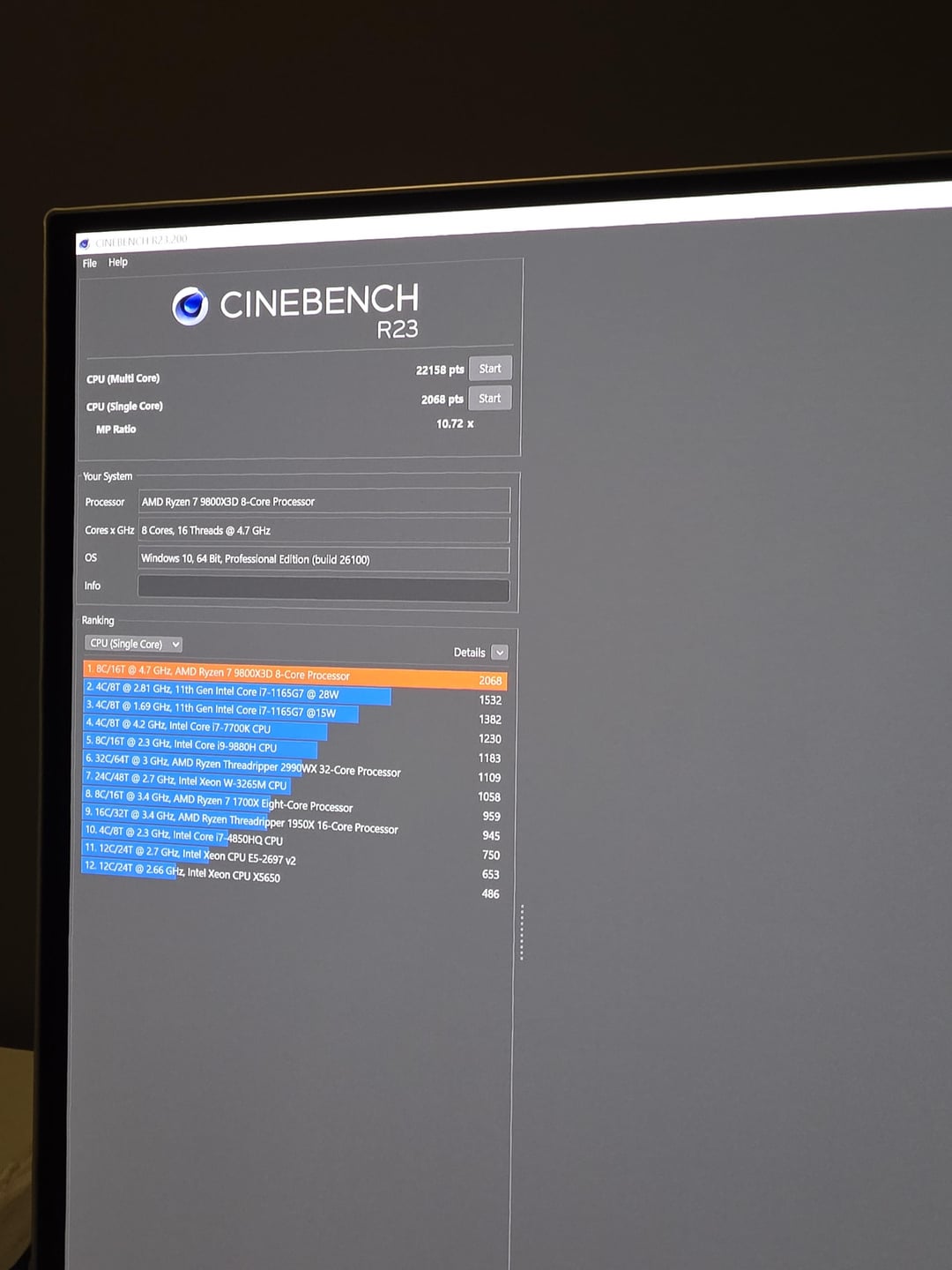
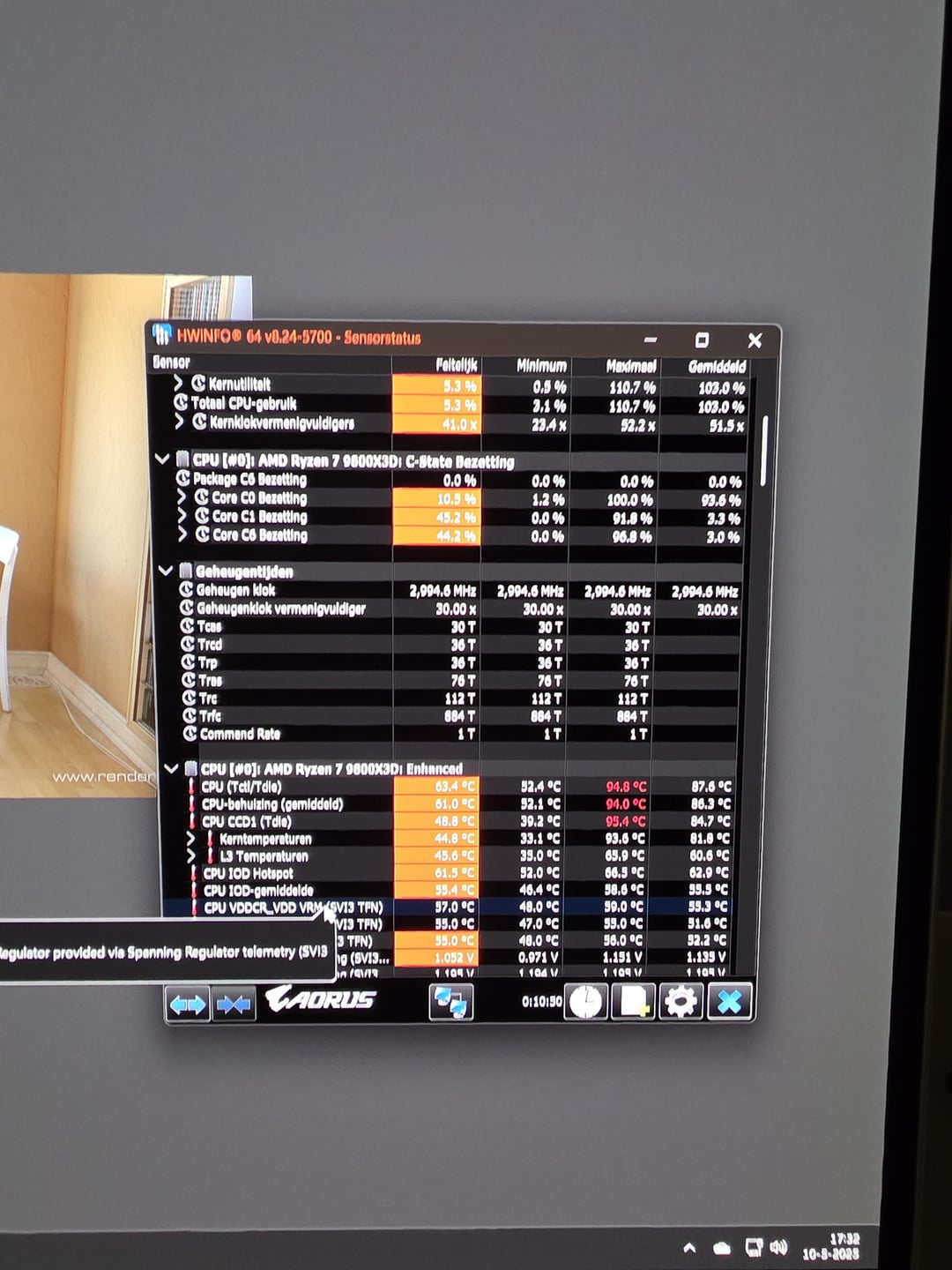
I just got the 9800x3d and i've been running some benchmarks. Last few days i had my pbo -20 and got around 93 degrees in Cinebench 24. Today i changed pbo to -30 and did a cinebech R23 run and it got to 95.4 degrees. It looks like it doesn't matter if i use stock settings or change pbo it just always go to 90+ degrees. I reapplied noctua NT-H2 paste but that didn't do anything.
I'm running a nzxt kraken X72 cooler with AM5 bracket. I've read some coolers don't apply enough pressure. Is this the case with my cooler? I only get to 90 degrees during benchmarks not while gaming. In idle it's always around 45 to 50 degrees.
If i do need a new cooler what cooler should i get?
Thank you.
9 Comments
If you’re not seeing high temps during gaming, I wouldn’t worry too much. Cinebench can easily push the 7800X3D/9800X3D into the 80–90°C range. If it still bothers you, you can always set a temperature limit in the BIOS to something like 80°C. Also, keep in mind that many modern games compile shaders either at launch or even during gameplay, which can temporarily cause your CPU to heat up quite a bit.
Did you undervolt your cpu in the bios? Also make sure your pump is running at 100%.
Pbo doesnt actually reduce the voltage overall. It reduces the voltage the frequency can run at so you can run higher frequencies at the same voltages. Same voltage but higher frequencies can see higher temps
Set your pump forced at 80 – 100%
This guy can’t use PBI to lower his tdc EDC a bit?
To get better headroom, you’ll need better cooling. It really is that simple.
56c idle ain’t normal. Mine sits 26c.
Simple answer, at any given frequency, if you decrease voltage. you will increase amperage. This is the heat generating factor in the equation. its a give and take equilibrium that will be some what silicon dependent
Thats normal temps. this things is just HOTT