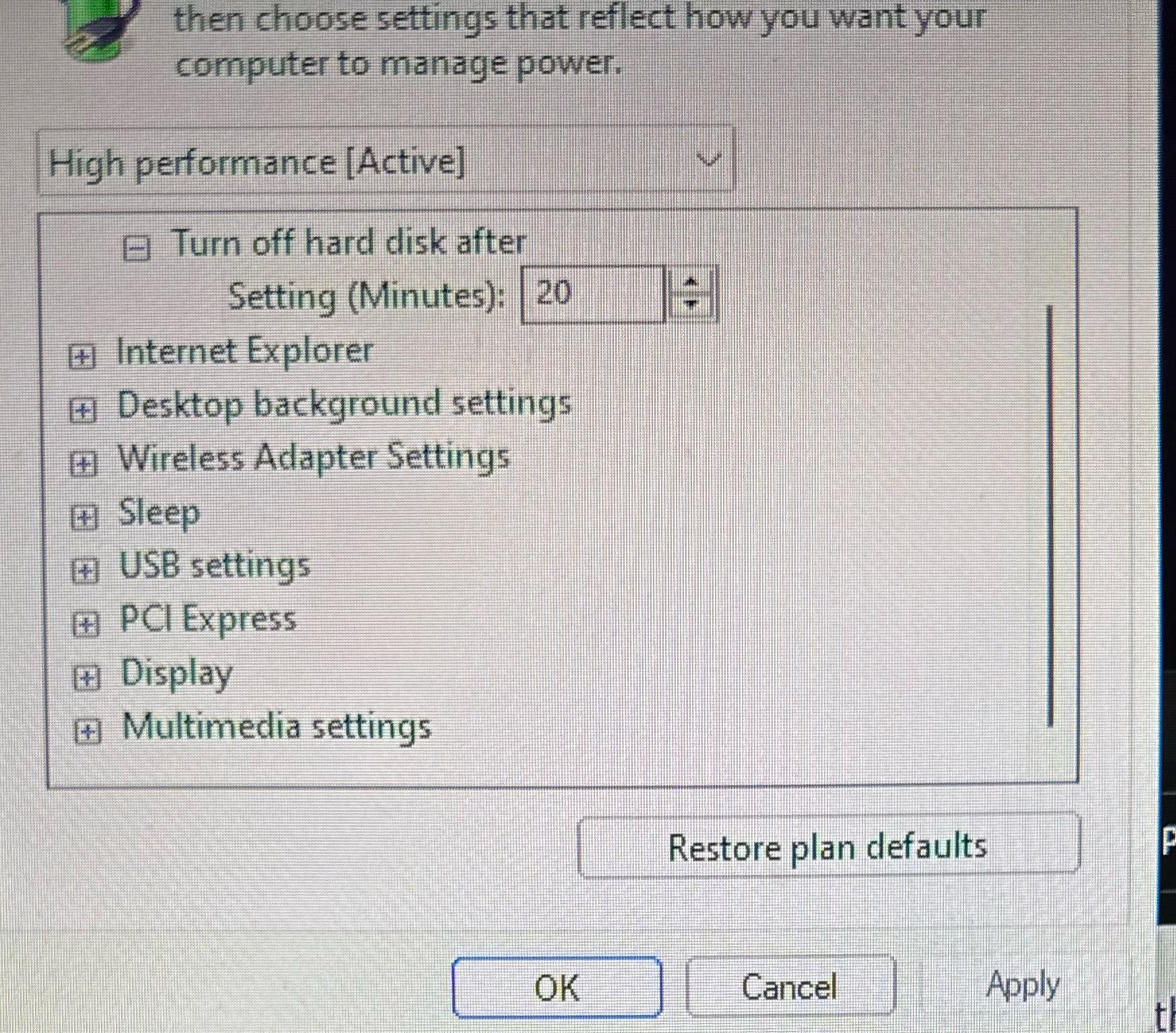
so i wanted to boost my cpu but midway decided i didn’t want to and reverted all the settings i changed but now my pc is really slow and laggy and i can’t do anything on it pls help i am on windows 11 btw

so i wanted to boost my cpu but midway decided i didn’t want to and reverted all the settings i changed but now my pc is really slow and laggy and i can’t do anything on it pls help i am on windows 11 btw
2 Comments
Provide more info.
Desktop/Laptop? CPU? Specs.. etc.
I’d run <sfc /scannow> in an elevated command prompt for starters and reboot. If it’s still not there, may have to jump in the registry to enable the setting so it shows. No idea what you did prior to that so there’s not much to work off of.
Here’s a good app you can use to access power plan settings to reveal/hide:
[https://forums.guru3d.com/threads/windows-power-plan-settings-explorer-utility.416058/](https://forums.guru3d.com/threads/windows-power-plan-settings-explorer-utility.416058/)
You need to download powersettingsexplorer and enable this option, it is not available by default.