
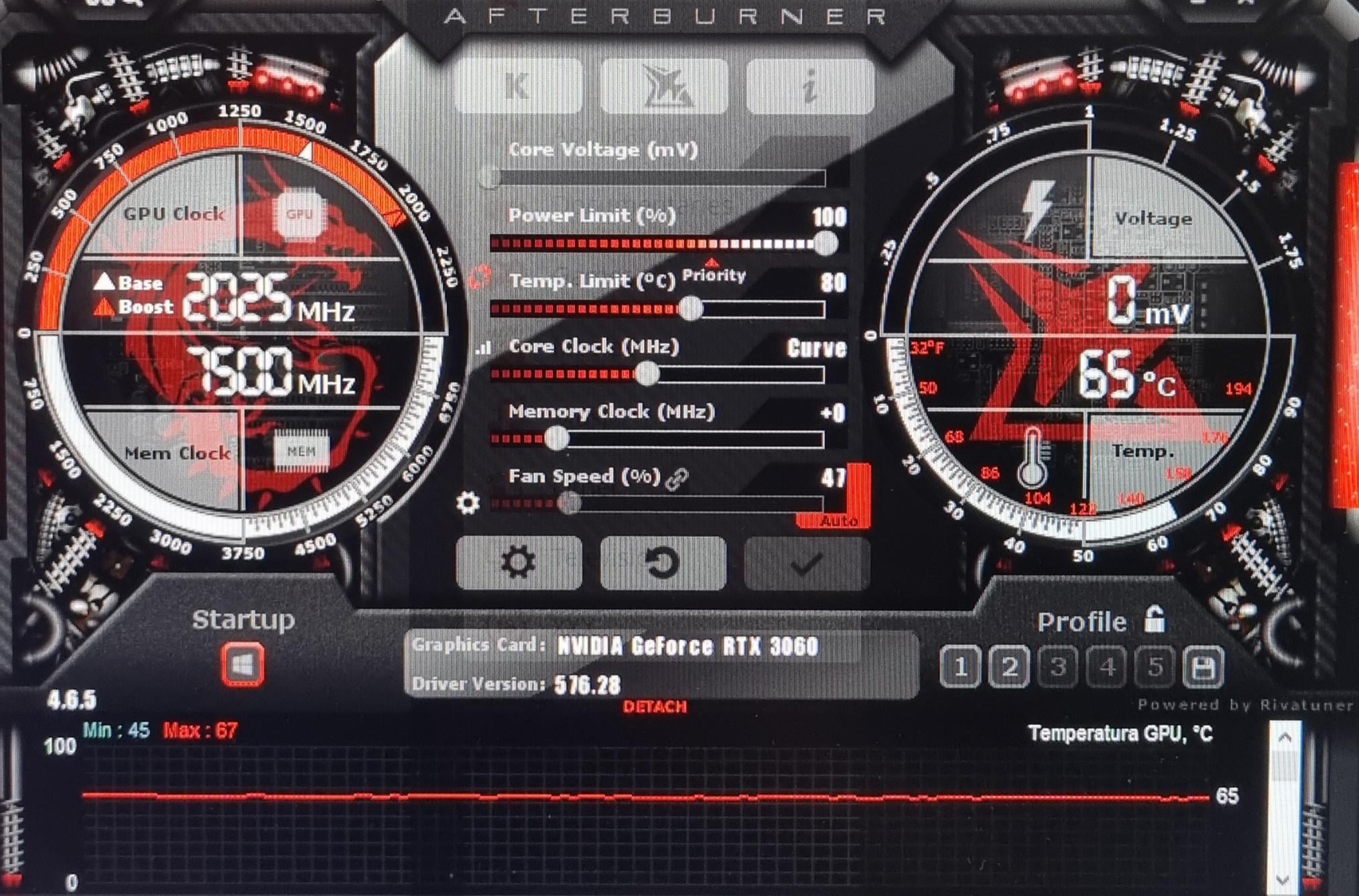
im new into overclocking, and i always played with stock oc settings.I have a RTX 3060 12GB
I ran the oc scanner and it gave me this configuration, is it safe, and should i add something to this?
After this i noticed an increase of like 10-15 fps in Beamng
3 Comments
If you’re new to overclocking, just open the NVIDIA App and enable auto tune. Wait 30 mins and get back onto playing.
+1000 on memory.
Start at +1000 on memory and open an intensive game. Keep pushing it by 100mhz till the fps either doesn’t change or it crashes, then go back another 100mhz or 150mhz to be safe.
For the core, you’re doing a curve which is fine if you’re undervolting but for oc you usually just use the offset. Start at +100 for that and go up by 25mhz till crash then come back 25-50mhz