
Hey everyone!
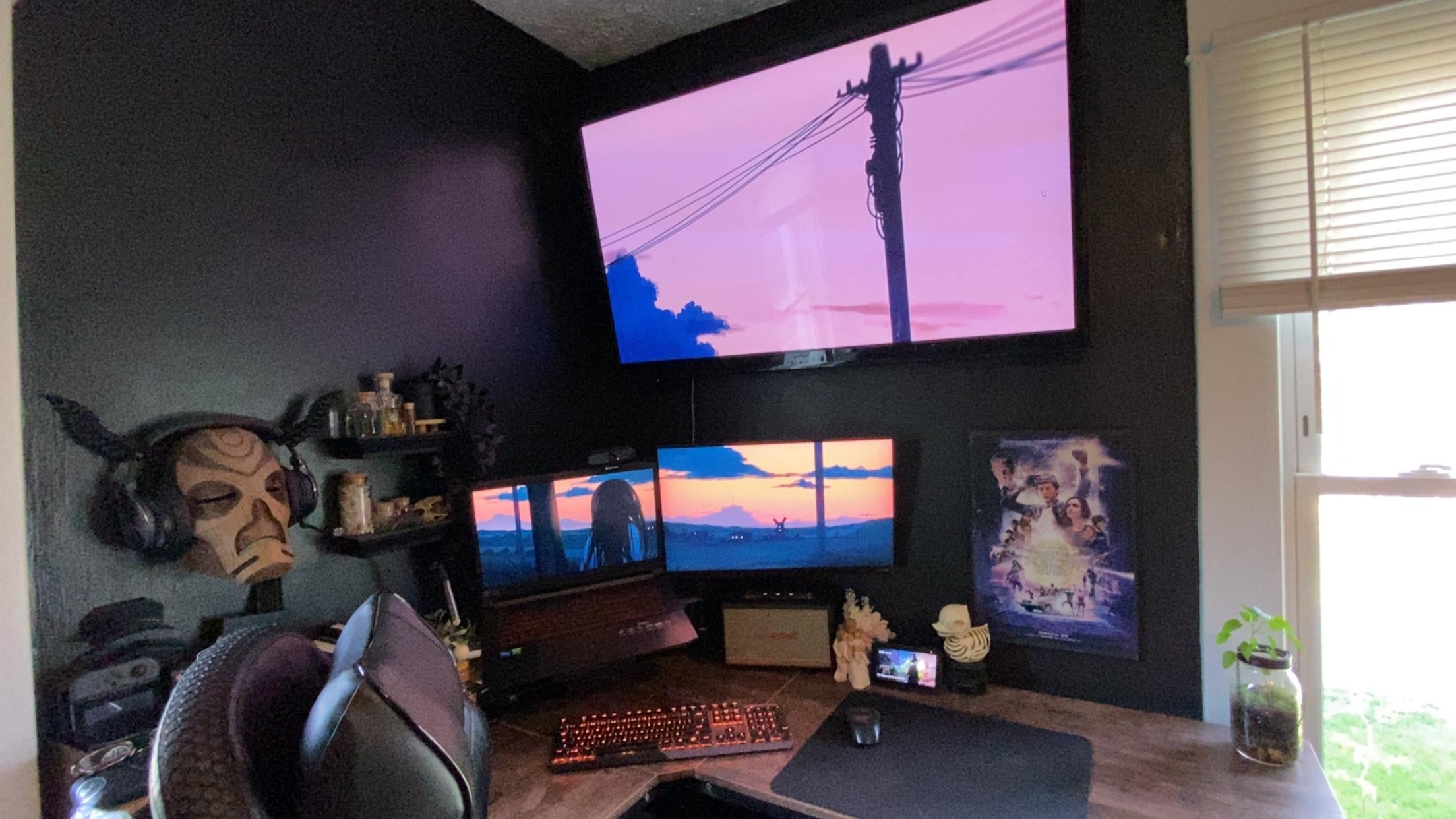
I’m trying to create a seamless wallpaper setup across my three monitors using just the default Windows background settings – no Wallpaper Engine or third-party apps used – although I'm open to recommendations. The current image stretches weirdly, and I’d love something that flows naturally across all three screens.
All monitors are set to 1920 x 1080
I’m just using a single panoramic image right now, set to “Span” in Windows, but it’s not lining up well.
Any tips on how to make or find a triple-monitor wallpaper that fits this layout without distortion? Or how to calculate the right resolution?
Attached a photo of my current setup for reference. Appreciate any help!
2 Comments
bbbbRRROO… where did you get that Dragon Priest mask that your headphones are on?!
Take a photo of your desktop from afar so you can see all screens.
Open Photoshop and open a huge file that covers all 3 monitors.
Crop 3 images where the monitors are, make sure they are the right resolution.
Set new wallpapers