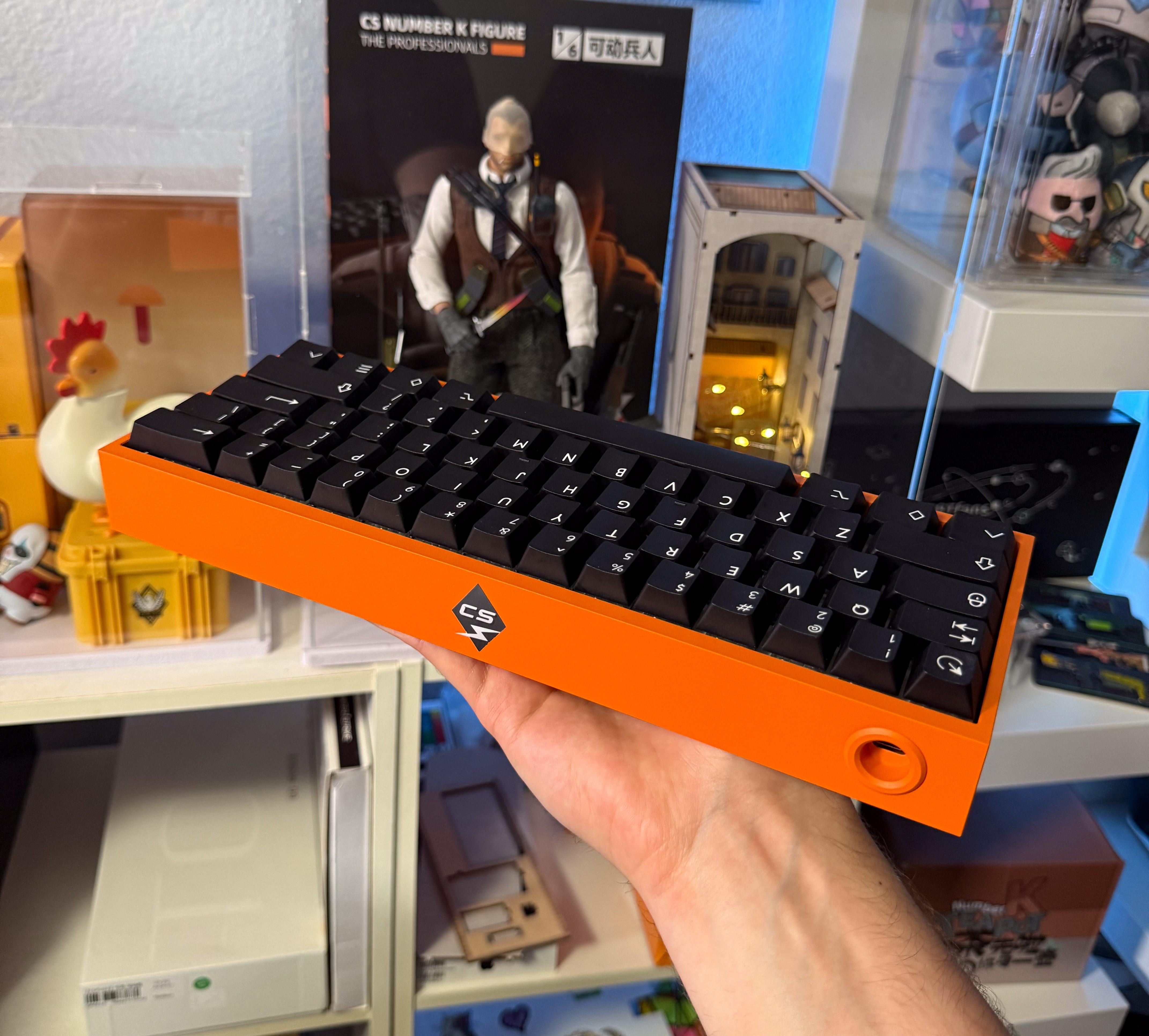
Custom Wooting 60 HE
Sound Test: https://youtu.be/vGc7VubsjwQ
More pictures on my website: https://www.owenminercs.com/Keyboard/60he

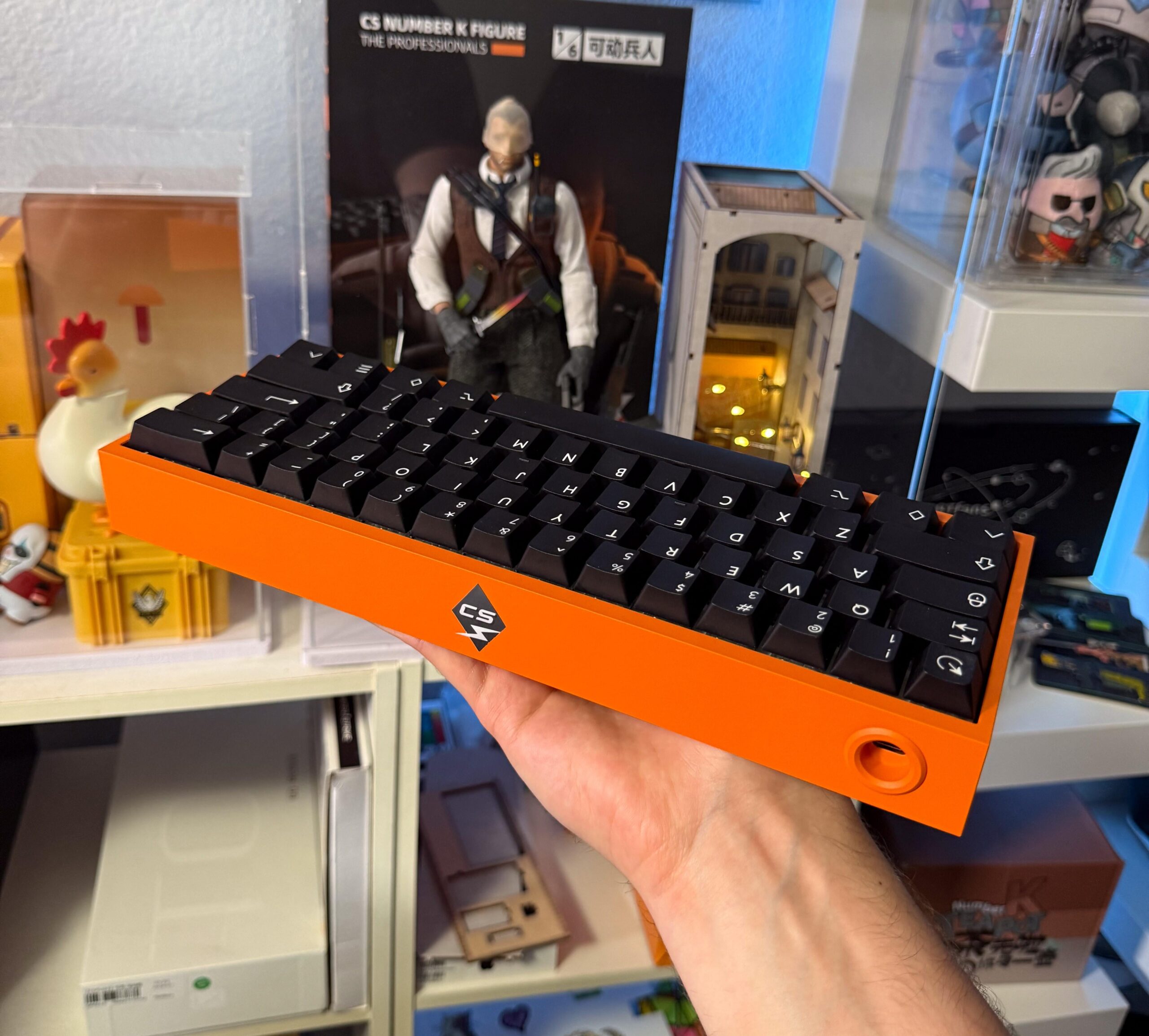
Custom Wooting 60 HE
Sound Test: https://youtu.be/vGc7VubsjwQ
More pictures on my website: https://www.owenminercs.com/Keyboard/60he
4 Comments
Where do you get all those CS figures/chickens, etc?
I checked out your website and wanted to offer my experience with this part:
>If anyone plays on stretched resolution with full-screen windowed mode, it can be difficult to get the monitor to consistently stay at a custom resolution due to issues with DSC. It is possible by disabling DSC, creating a custom resolution in the NVIDIA 3D settings, then re-enabling DSC. However, any time you turn off the monitor, you will have to set the resolution again. To avoid DSC altogether, you will need a GPU with DisplayPort 2.1, which is included on most 50-series NVIDIA cards but is harder to find on other GPU models.
I have the same monitor and a 5080. Unfortunately, [all current drivers have 2 similar open issues](https://www.nvidia.com/en-us/geforce/forums/game-ready-drivers/13/560098/geforce-grd-57283-feedback-thread-released-31825/) preventing playing stretched res effectively on the PG27AQDP, and presumably any DSC monitor. [5156168] is tracking the missing option to perform scaling on the GPU when connected to a monitor in DSC mode. This causes any and all custom resolutions to fail, which means you can only choose from the default 4:3 resolutions. I used to play 1440×1080 on this monitor with my 3080Ti, and no longer can. The highest default res is very jaggy on this monitor. I tried disabling DSC on the monitor and resigning myself to 240Hz instead of the full 480Hz, but it still wouldn’t let me create a custom resolution. So Nvidia’s wording on the issue about “DSC mode” may not even be correct, because it seems like the mode itself being on or off does not change the behavior. [5158681] is tracking colors being oversaturated when the in-game resolution is below native res, so even if the first open issue gets fixed, this one will still need to get fixed as well for 4:3 to be a good experience.
Also, as far as I’m aware, the source and the display both have to be DisplayPort 2.1 to use 2.1 features/bandwidth. The monitor being 1.4 means you’re capped at that spec even on a 2.1 GPU, unless I am mistaken.
Wow thank you for the info! I hope future driver updates can fix these issues.
Wonder what’s inside 🤤