
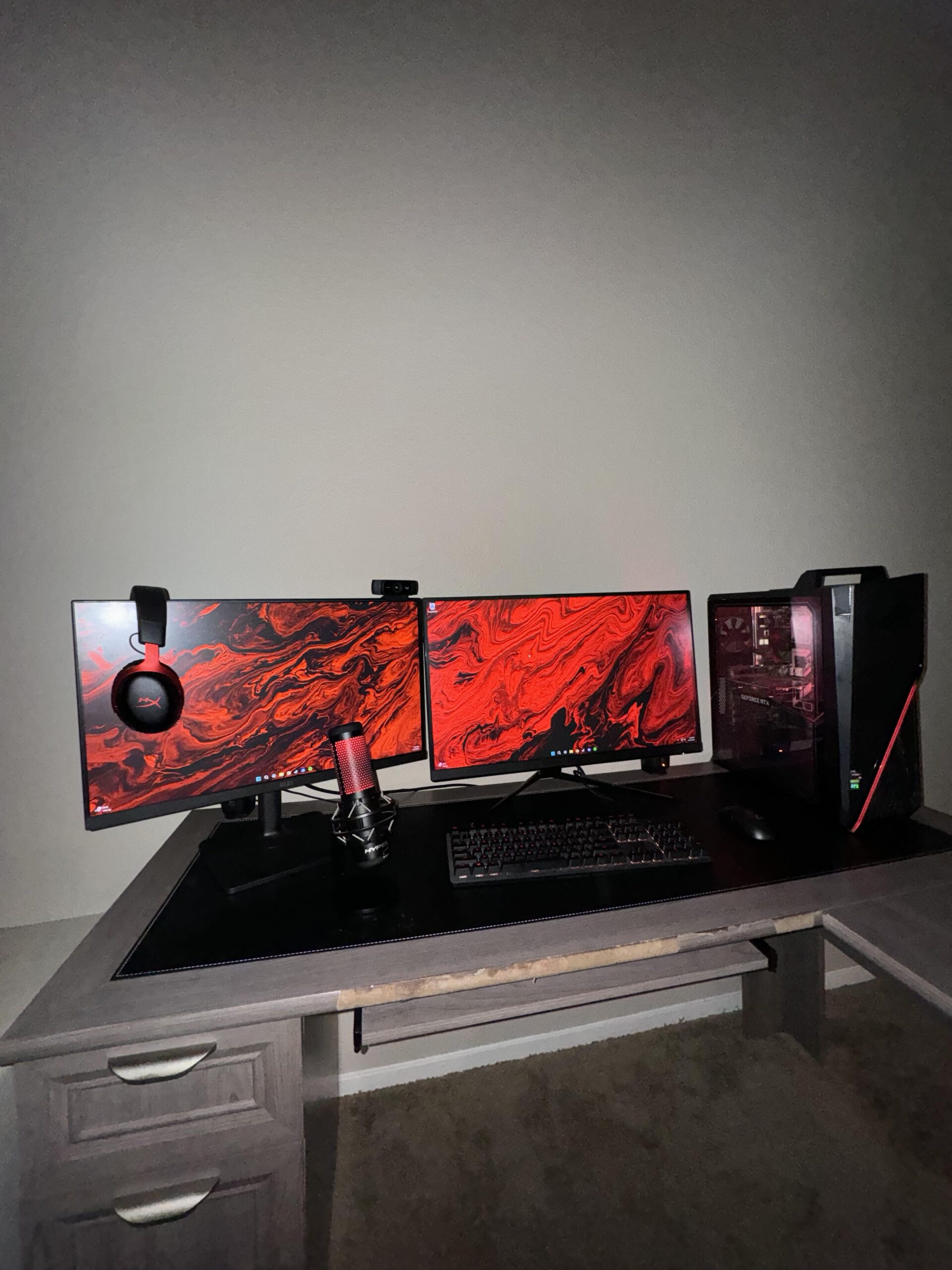
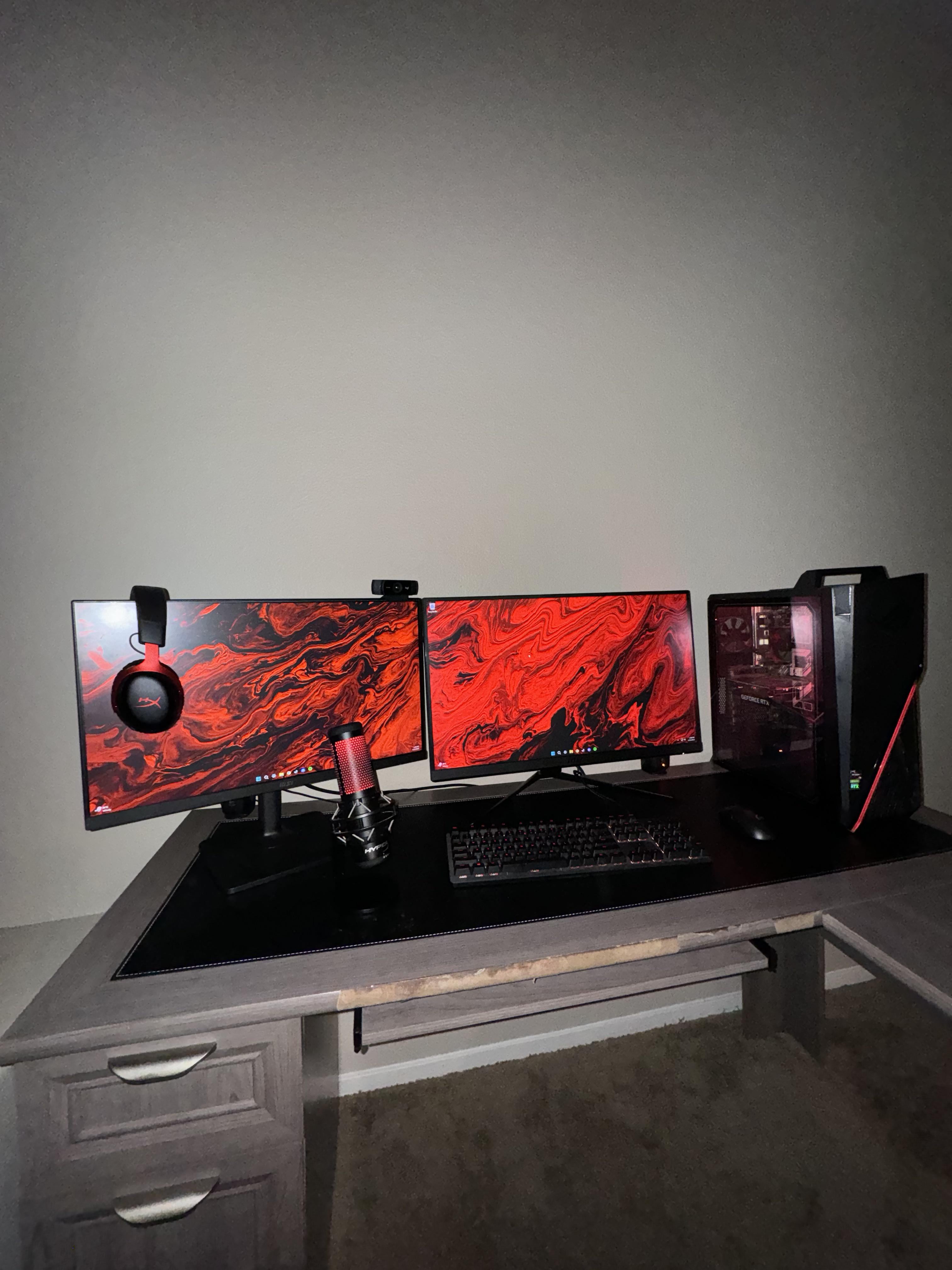
I'm looking to add a mic arm to my setup to have some more desk space but I'm a little lost on where I should place it, I was originally going to put it on the left side of my desk but the depth of the desk on that side wouldn't be deep enough for the clamp, so I was thinking either on the back of my desk between my monitor and CPU case or on the right side of my desk. Any advice?
42 Comments

that’s a fucking cool ass setup you got
If the arm is long enough, I’d have it lean over from the back of the desk kinda between the PC and the monitor.
Gonna post a pic of mine for visual reference. If you have the space on the right I’d personally clamp it there and extend to a comfortable spot to capture your voice. Or mount it behind your PC like how mine is in the pic and extend it from between your PC and monitor. Ig it depends on the arm mount you got tho.
https://preview.redd.it/lo009o3joiue1.jpeg?width=4032&format=pjpg&auto=webp&s=132ba40183a5d2230d8a2b2a4824975c0ca6aeb6
Probably move your desk mat to the edge of the desk and your monitors further back
Elgato LP from behind the monitor on the left side, or if you want a more traditional arm, just to the left of where you sit.
Dangle it from the ceiling
Low profile arm, behind left monitor.
just get on that mounts to the rear table and goes over the monitor.
mic with arm combo
You should consider getting an articulating dual monitor stand. Some mount on the edge of a desk and tidy up space.
Desk mount or wall mount up an over the monitors
Under the chair 😏
Maybe something like the the Elgato LP Mic Arm (low profile) from behind and below the monitors. That’s what I use.
There are also cheaper other brands that offer such arms, like Aokeo (AK-55) or Ixtech
https://preview.redd.it/mejdz3cdziue1.jpeg?width=1200&format=pjpg&auto=webp&s=02811f379c4a7aa90c56b7b8b849aa1f0da43a8d
I think I also had the same problem and I solved it by taking it to the right in front of my cabinet
https://preview.redd.it/hae46ihuziue1.jpeg?width=4712&format=pjpg&auto=webp&s=8d906a1d5f68558b0251e8ce8970b99c2852625c
It might seem weird, but trust me, it works. Clamp the mic arm to the back of your desk. Bring the arm forward from the bottom, between your two monitors. Oddly enough, having it right between your two monitors makes it less visible, not more. Each eye compensates for the other with any blind spot on your screens created by the mic, which essentially makes the mic invisible when you’re looking at either monitor
On the headset
Low profile mic arm.
Do what i did and put it between and below the monitors, but you will need arms for the monitors too to get enough space (which i would personally suggest but thats your choice)
https://preview.redd.it/lbfvearz2jue1.jpeg?width=4032&format=pjpg&auto=webp&s=645b49cbfec3c1bfb2bab3e4cb3e571a065e8f6b
My setup is similar. I just have it on the left basically sitting in the desk
There are flat ones being more horizontal on the table
Move PC to left side and put the arm on your right side.
Deskname?

So I have this same Mic at work and use Nvida Broadcast with it. I have it behind my screens and it picks up my voice perfectly and filters out my music from a full surround sound setup. I do conferences all the time and am by far one of the clearest sounding people in any conversation.
So as odd as it is…Try behind your screen with no arm. HyperX makes a dam good mic and it will pick you up just fine. Pairing it with Nvida broadcast put’s it in god mode territory.
[https://www.nvidia.com/en-us/geforce/broadcasting/broadcast-app/](https://www.nvidia.com/en-us/geforce/broadcasting/broadcast-app/)
I’d use a triple hinge boom arm that can go from behind the monitor. Though you’d have to use a different kind of mic, maybe a dynamic compared to the usual condenser
Attached to the mic torso
Mic is the least of your problems. Put those monitors on arms and see the magic.
Hang it from the ceiling with fishing line.
I’d put it on a new desk
I don’t like your priorities…
My next purchase would be a dual monitor mount for your desk. I am telling you… It clears up a stupid amount of space on your desk.
Also… I have no idea how you can game when your keyboard and pc give you 5 inches of room for your mouse like that. PC location looks inconvenient.
I’d move your PC out of your right hand area. Put it under the desk (on a pc stand since you’re carpet) or figure out a spot on the left side for the pc off the desk. Heck, even rotate your whole set up on the right hand side of L shaped desk. Got that whole area going to waste. Put the pc on the left where your screens are now and move the monitors on right side of L.
But if I had to spend your money for you… I’d go for a dual monitor mount first. It was the best purchase I made for myself.
[https://imgur.com/a/4jyWDvW](https://imgur.com/a/4jyWDvW)
The amount of space you get by removing the bases of the monitors is stupid. I’d prioritize that then figure out where the mic stand should go.
We kinda need to see the entire table for a good solution.
Don’t know if it’s what you’re looking for, but I got one that mounts underneath and I don’t think I’ll be able to go back.
Move your monitor forward and mount the mic on the back of the table with an articulating arm.
You can get new and used Huano brand or similar dual monitor arm sets for cheap. Once you have you monitors on arms, you can search for low profile mic arms to add in or attach to the monitor arms.
That is a gigantic desk, but I think an LP mic arm would actually still work here, check them out!
Somewhere where it isnt in the way but close enough so your teamates can hear you.
on the wall, to hang above you?
I’ve struggled with this, I’m now happily using a low profile arm that sticks from behind my monitor on the left. Doesn’t block the screen, can be moved out of the way!
Mic arms are very annoying. Since changing to a lapel mic I’ve enjoyed things much more.
I have mine microphone just placed on the table underneath the monitor. Doesn’t affect sound quality and doesn’t block my view
Easiest is in front of the case. You’re probably sitting more on that side of the desk right?
Being close to your mic makes such a difference in quality.
from the back is not very comfortable since it will block part of your visual.
you will need to get one the can be put on the side.
your mic requires you to be from 6-12inches away for optimal use.
there are many types of mic arms some can even be bolted to the desk or one that is long enough that it can go from the back around the monitor which is not popular anymore hard to find a long one.