
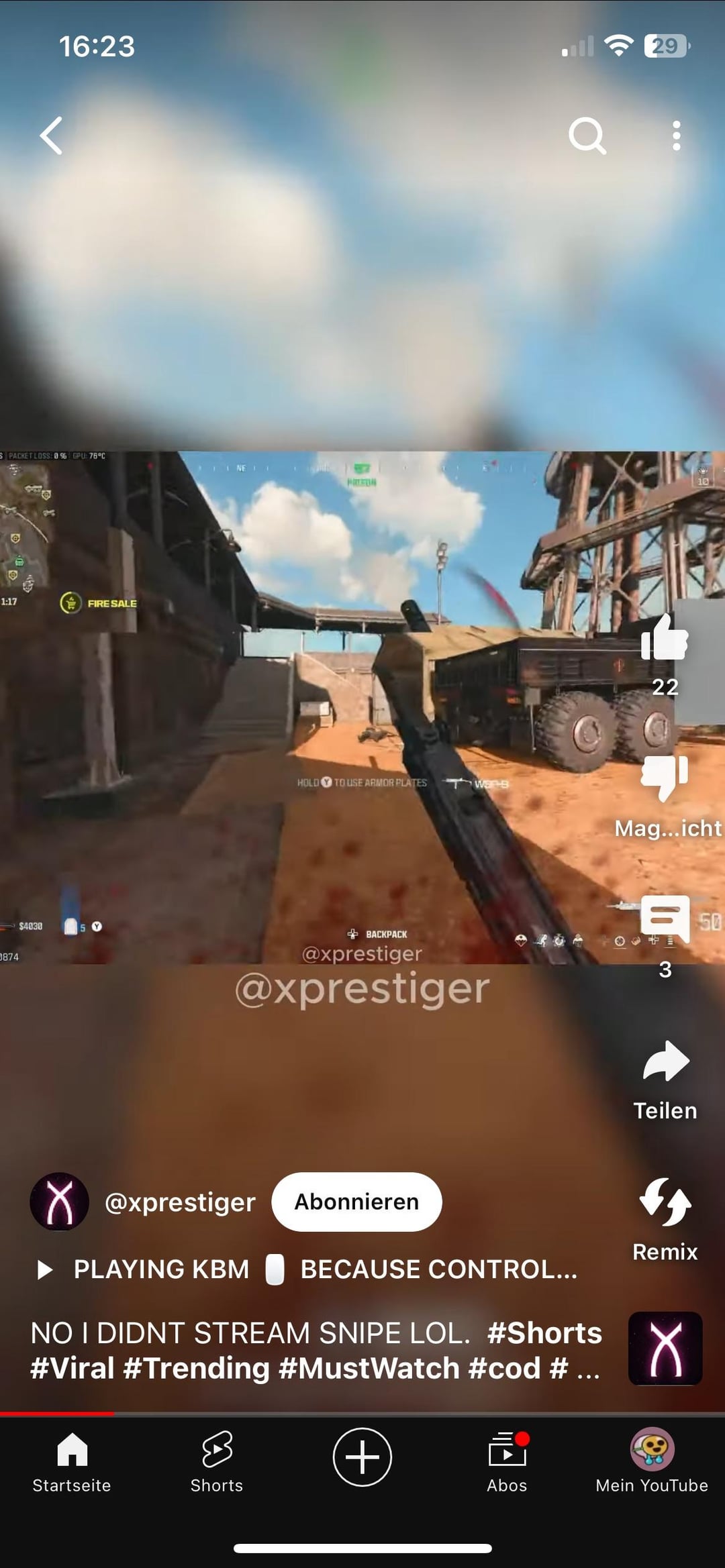
Seen this in a POV in YT Shorts and was wondering. I’ve been thinking about this when looking at gameplays but thought I was trippin. Now I can really see the difference and idk how to change it to make my game look like the 2nd pic. Is that some kind of colorblind color correction?
7 Comments
More cartoony? 😂
probably dwm lut or nvidia filters
Nvidia filters
Digital vibrance in nvidia control panel, you can also hit alt + f3 in supported games to use filters
That is a footage that was edited.
You can do kinda similar stuff with nvidia filters.
But they gonna eat a lot of GPU if you add too much of them
Turn your saturation, sharpness and vivid pixel/color vividness up too high. Or have hdr enabled but stream with improper video encoding that captures hdr color in a non hdr color format. Or a mixture of both. Pick your poison.
Record a clip, then edit it