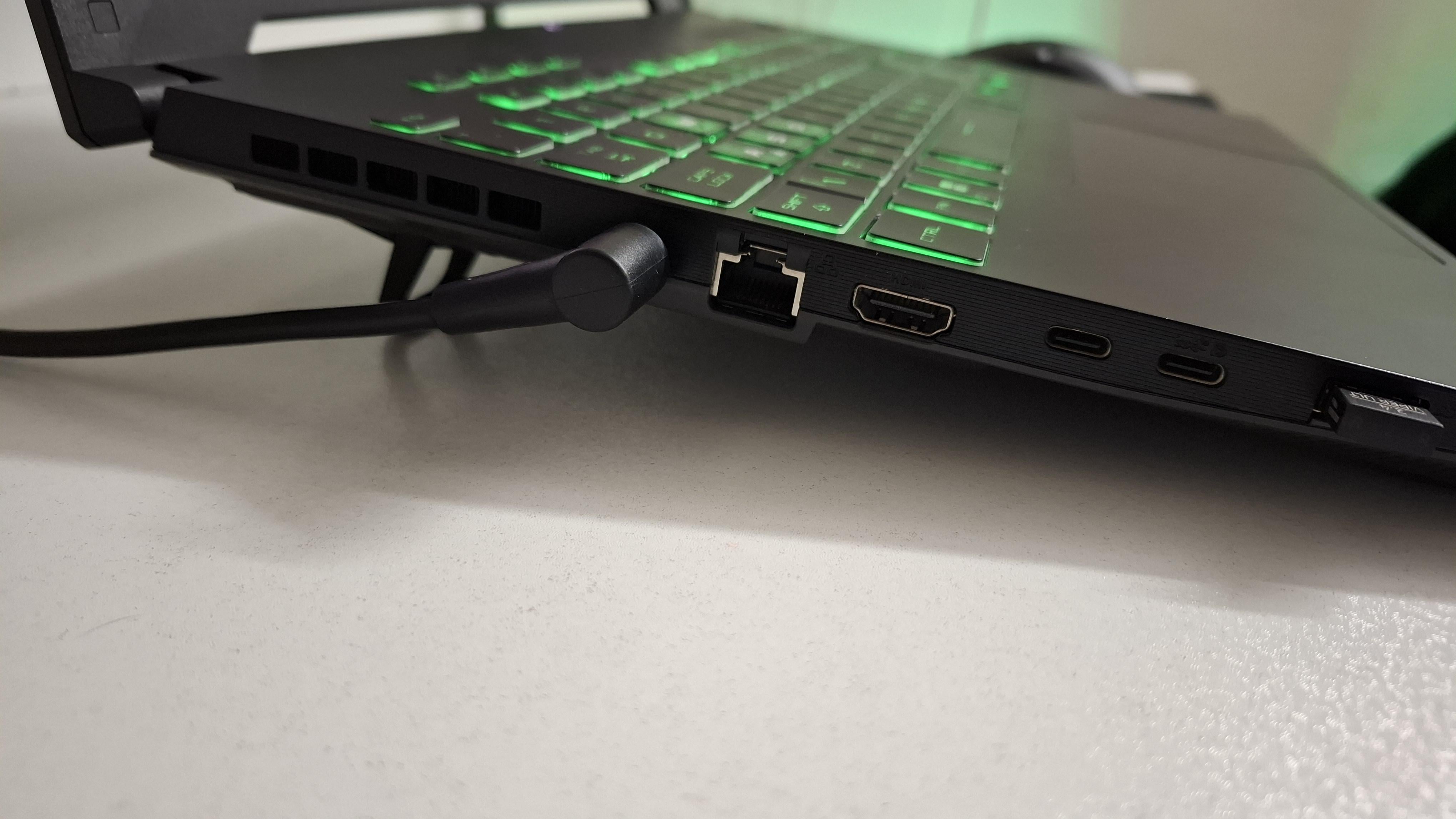
Am I REALLY helping with my modern gaming laptop’s lifespan by elevating it reducing its temps by 5c? I’d simply rather it be flat. (85c to 80c on the GPU)

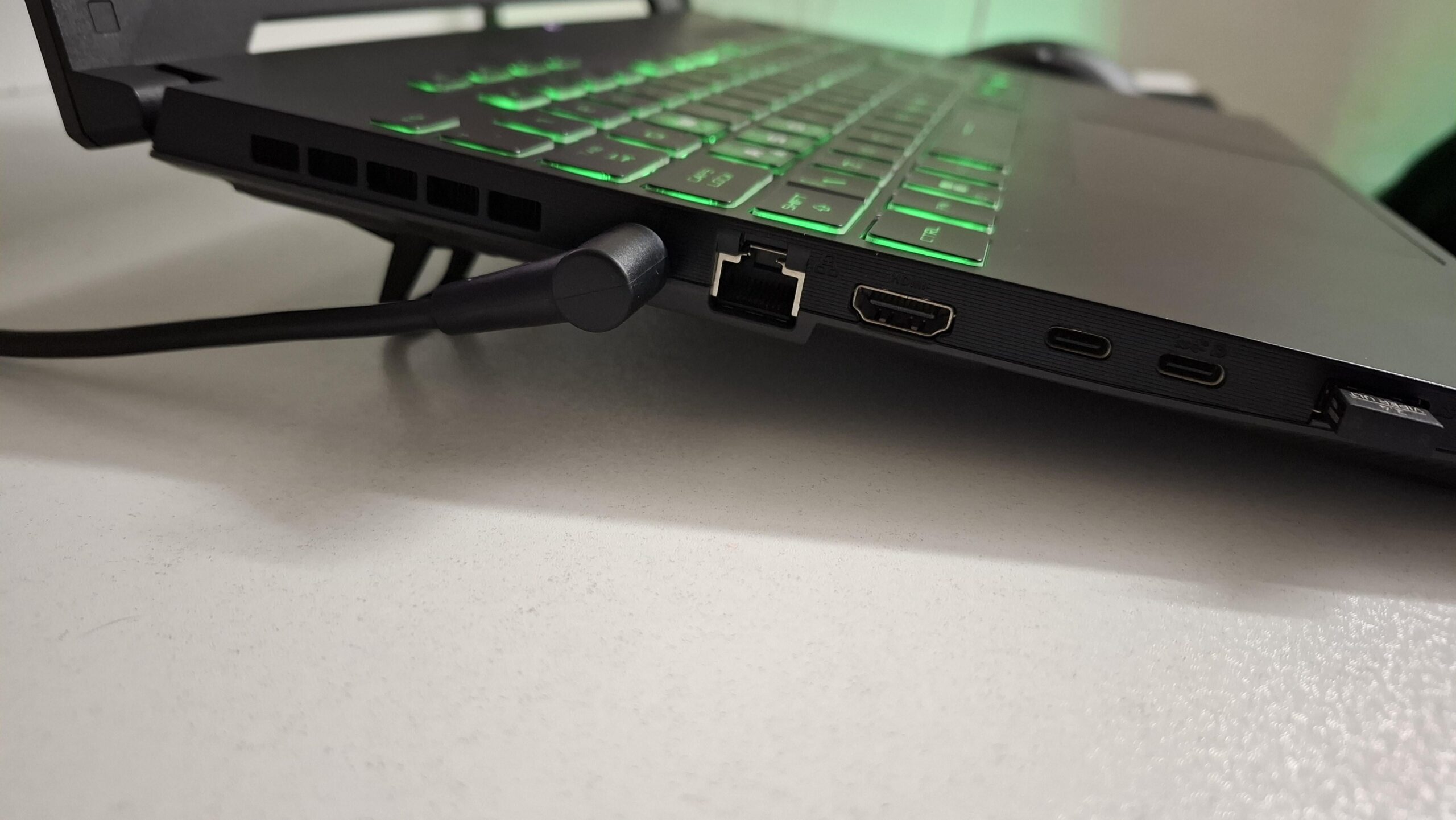
Am I REALLY helping with my modern gaming laptop’s lifespan by elevating it reducing its temps by 5c? I’d simply rather it be flat. (85c to 80c on the GPU)
34 Comments
Anything that lower temps is a good thing, but keeping it clean by dusting it every now and then, and change thermal paste is also something to take into consideration.
There are laptop stands that have built-in fans to help with the cooling.
You could take a look at that.
you can also increase the lifespan of your baterry if you put passive “CPU” coolers on the charger / adapter, did this for my old guy 13 year old laptop asus KVJ55 still kicking and battery still stands for 1hour 30 minutes 😀 not gamin on it tho anymore.
Reason? charger gets hot > current is less stable > worse battery charging, with laptops you always pay the price of “Compact” transfer by extra heat in small space. so yeah cooling is a good choice, but you gotta make that comfortable for the use also, + the cleaning part is really important metioned by other users here
Get an Illano colling pad. Drops the temps by 20c
I have thing like that, completely satisfied.
https://preview.redd.it/gsnbxrq0uxtd1.jpeg?width=1000&format=pjpg&auto=webp&s=87fcca5d5251adeb4c4743405989cb1ff65db8bf
>I’d simply rather it be flat.
why ?
Things I’ve seen kill a laptop:
* Battery.
* Screen
* Keyboard
* Bad RAM (soldered to board preventing replacement…. you evil bastards)
* Bad SSD (Soldered to board…. preventing replacements)
Things I’ve not seen kill a laptop: Excessive heat on the GPU/CPU.
The devices will throttle, yes, and because new laptops will throttle, this protects the laptop from damage due to thermal issues.
That being said, you will improve the performance of the device as it will allow the thermal headroom to improve and thus clock up faster.
tl;dr: Make your next laptop a Framework.
The average lifespan of a laptop is five years. Assuming no major faults and that you take reasonable care of it, it’s going to last that long fine. Stick the thing flat on the desk and be done with it.
extended 4 corner legs with additional layer or thicker rubber stands you can buy these in hardware stores.
Not really. 85C is not hot enough for silicon to deteriorate.
Yes it helps a lot. Most new laptops don’t have big standoffs on the bottom and you’re getting a lot more air flow by elevating it. If you did some extensive testing you would see the temperature differences vs is being flat on a table. Get a laptop cooling stand if you don’t like it propped like that.
It was my only option when gaming in a room of the top floor of a flat-roofed building in Australia with a room temperature of over 45 C. Even then the laptop shut down due to overheating. A additional cooling unit is required at that stage.
At 80-85 C, you’re fine.
My gaming laptop permanently rests on a wedge that has a few fans on the inside so it is assisted with cooling down. When I had it flat it would overheat. I eventually came to like the slight incline so I could see my keys better and have a more elevated typing experience, but it would also be nice if it would run properly flat on a surface without the wedge.
Doesn’t help much with lifespan, but helps with performance.
If you don’t like the laptop to be at an angle you can buy a cheap laptop stand (most of them even come with fans).
I am not sure if it is helping with lifespan much, but 85c on gpu is pretty much on edge of throttling. So if you are on 85c and do not want to start looking at powerpoint slides instead of game you should have it elevated
Just use it how it’s comfortable, its useful life is limited anyways.
If you’re truly only hitting 85C, then it doesn’t matter that much. But if you’re getting to 90 or 95, then it starts to matter.
the thing you kill mostly with elevated temps is the battery. The Cpu, gpu, memory etc all work good for their rated spec: if your cpu has the temp limit at 95C, it doesn’t make a real practical difference if you run it at 80 or 85c.
However, your battery’s health lowers significantly with higher temps. Keeping the battery region cooler is beneficial.
I believe I destroyed my battery earlier than normally because I played Bf3 for ages and my laptop almost melted haha
If you want it flat you can just lift the laptop up evenly, chances are that even less than a centimeter of clearance under it will give you the same improvement in temps.
might as well unless its really uncomfortable. You don’t have temp sensors all over the pcb so 80c somewhere might be much higher elsewhere without the elevation.
What if you added something to the other side to even it out?? Possibly…….. 10c difference??????
Get oversize grill basket. Turn upside down. Put laptop on it. Cheap, easy and flat surface with ventilation for cooling.
Can even metal paint to fit your aesthetic if you so desire.
To me, it’s worth it if it saves 5*C
Better yet, elevate it to eye level with a metal mesh surface or something, and use an external keyboard.
Yiur neck and hand will appreciate it.
laptop stand, external kb/m is how i do it
Almost certainly going to benefit you when pushing the chips during gaming, but don’t think that it matters too much if you’re just watching Youtube.
No. The bigger thing for damaging hardware isn’t high temps. It is a change in temperature. Playing a AAA game for 12 hours straight with temps sitting at 90c the entire time is less damaging then playing the game, getting temps to 90c, then killing them game and letting the GPU cool, then restarting the game over and over again for 12 hours. We never worry about that, so who cares really. 85c is fine. AMD sets their CPU temp limits for their auto overclocker to 95c.
So as long as you aren’t messing with overclocking, dont worry about it. As long as the plastic housing isn’t melting.
The best thing to expand a laptops life is to detach the battery while plugged in. If you can, that is. Otherwise, all power goes through the battery and burns its lifespand fast.
Yes, you really should. Especially thin gaming laptop, they are not great at cooling. 5oC gain for a simple solution is a good deal.
This is just a thing. It will vanish so fast. You cant save it. If gpu will be ok, cpu may broke. If cpu will be ok, ram may fail, if ram is ok.. etc etc.
So chill and just enjoy your device.
I have a fan dock for mine
You are not
The only thing that it will help with is noise , when you’ll need to clean it and thermal limitations
Higher Temps accelerate wear and tear. If the angle is pissing you off, I’d recommend some sort of tray that allows better ventilation. I used to use a cookie cooling rack that was like 1/2″ tall and it worked great
Long term yes. Plus lower temps are always better for your device.
Just elevate it with a couple small pieces of wood or something