
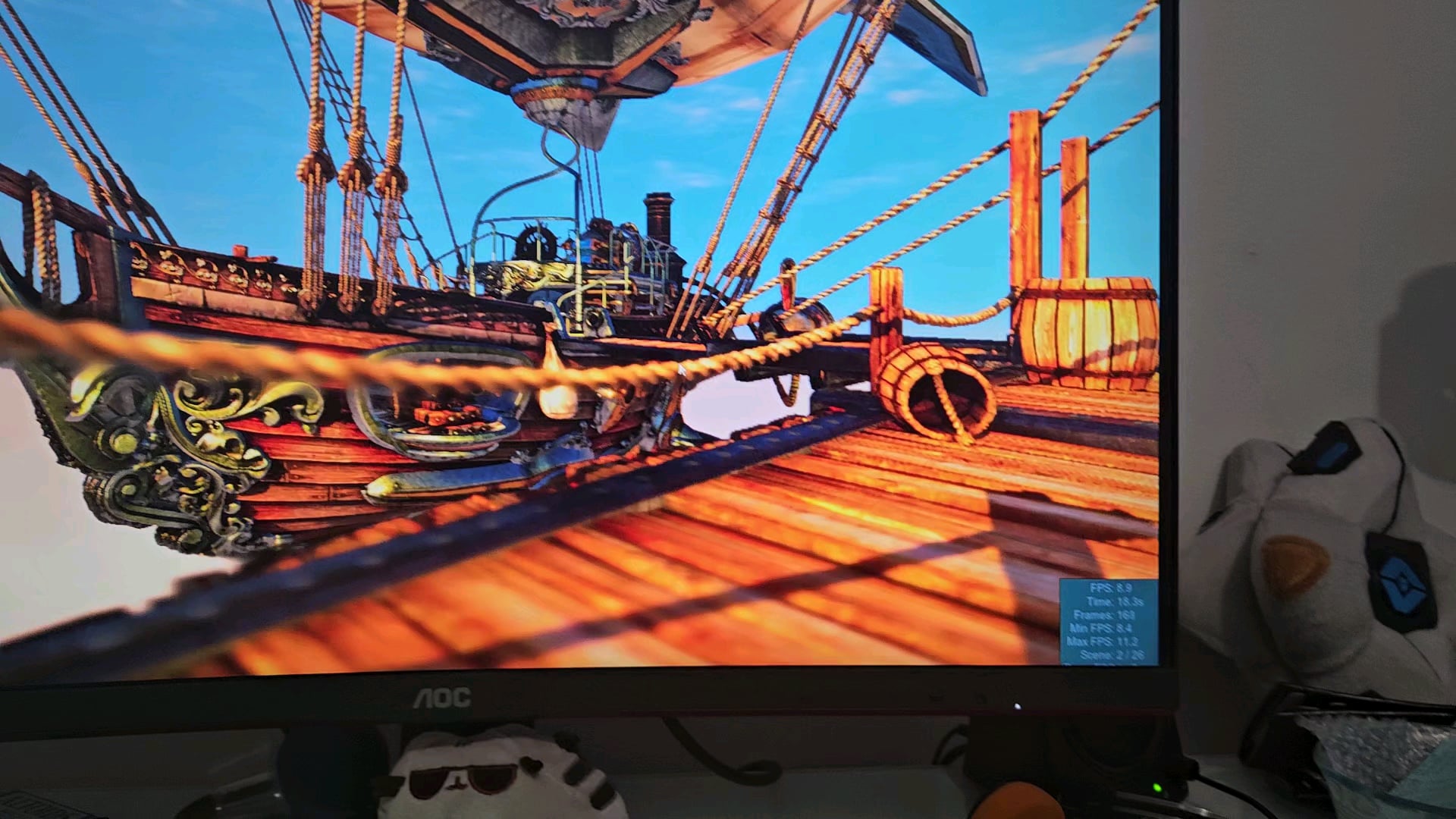
So it was working fine and I took and opened it to clean it (didn't have compressed air so couldn't) placed it back and it started happening (I checked the cables).
I ran the pc in safe mode and the problem still happened if that is any indication towards anything
13 Comments
> **”it”**
what is it
> “opened **it**”
what is it
> “placed **it**”
*what is it*
> “I ran **the pc**”
OP plz 🙁
When you put the cables back in did you put them into the video card or to the mother board.
connect the display cable to the GPU not the motherboard.
something tells me youre running video off your CPU not your GPU
More than mine:D
Glad we figured it out but isn’t this odd behavior?
Every time I’ve seen someone use the wrong port there’s just no display at all. Definitely not this 🤔
Off topic but what game is this op?
Have your graphics drivers uninstalled themselves? This can happen after windows updates.
Can’t beat a classic fix like that, it’s a classic.
Cables
This is why I don’t get chips with integrated graphics. Can’t make this mistake
Gross. Looks like 60fps.
You need to download more GPU from the internet.