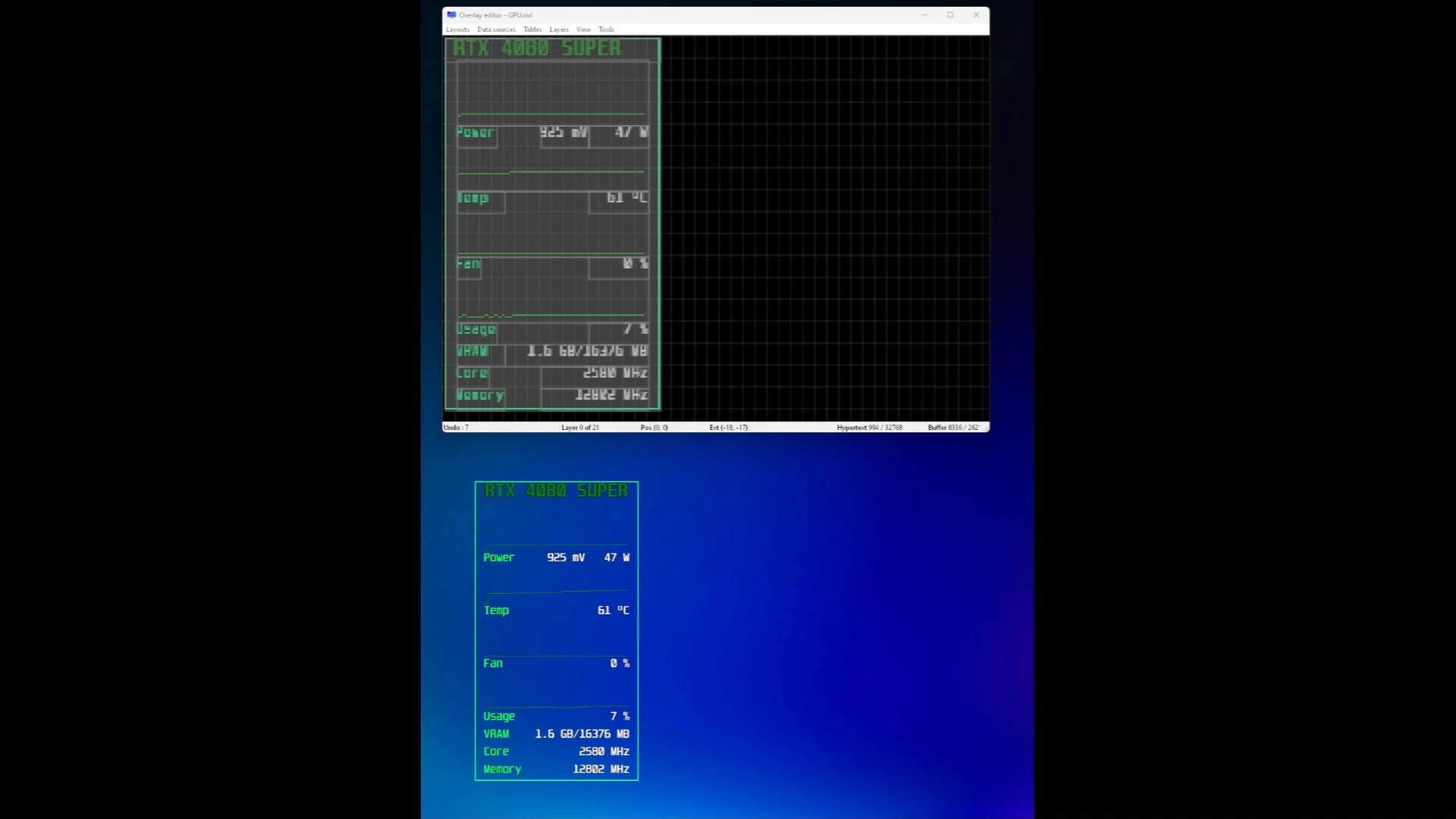
The Desktop Overlay Host only allows for fully opaque or fully transparent background. Nothing in between. Ive been searching for hours on all the guru3D threads but everytime someone asks how to do semi-transparent backgrounds, they get referred to the custom background colour setting from the overlay editor.
Clearly thats not the problem here. The only way for me to get transperncy to work is by setting the chroma key background colour to all black, but that just makes it 100% transparent and it keys out the background of the OSD too.
Also I hope this sub isnt too wrong for this post, ive seen questions about OSDs and RTSS on here before.

1 Comment
The Desktop Overlay Host only allows for fully opaque or fully transparent background. Nothing in between. Ive been searching for hours on all the guru3D threads but everytime someone asks how to do semi-transparent backgrounds, they get referred to the custom background colour setting from the overlay editor.
Clearly thats not the problem here. The only way for me to get transperncy to work is by setting the chroma key background colour to all black, but that just makes it 100% transparent and it keys out the background of the OSD too.
Also I hope this sub isnt too wrong for this post, ive seen questions about OSDs and RTSS on here before.