
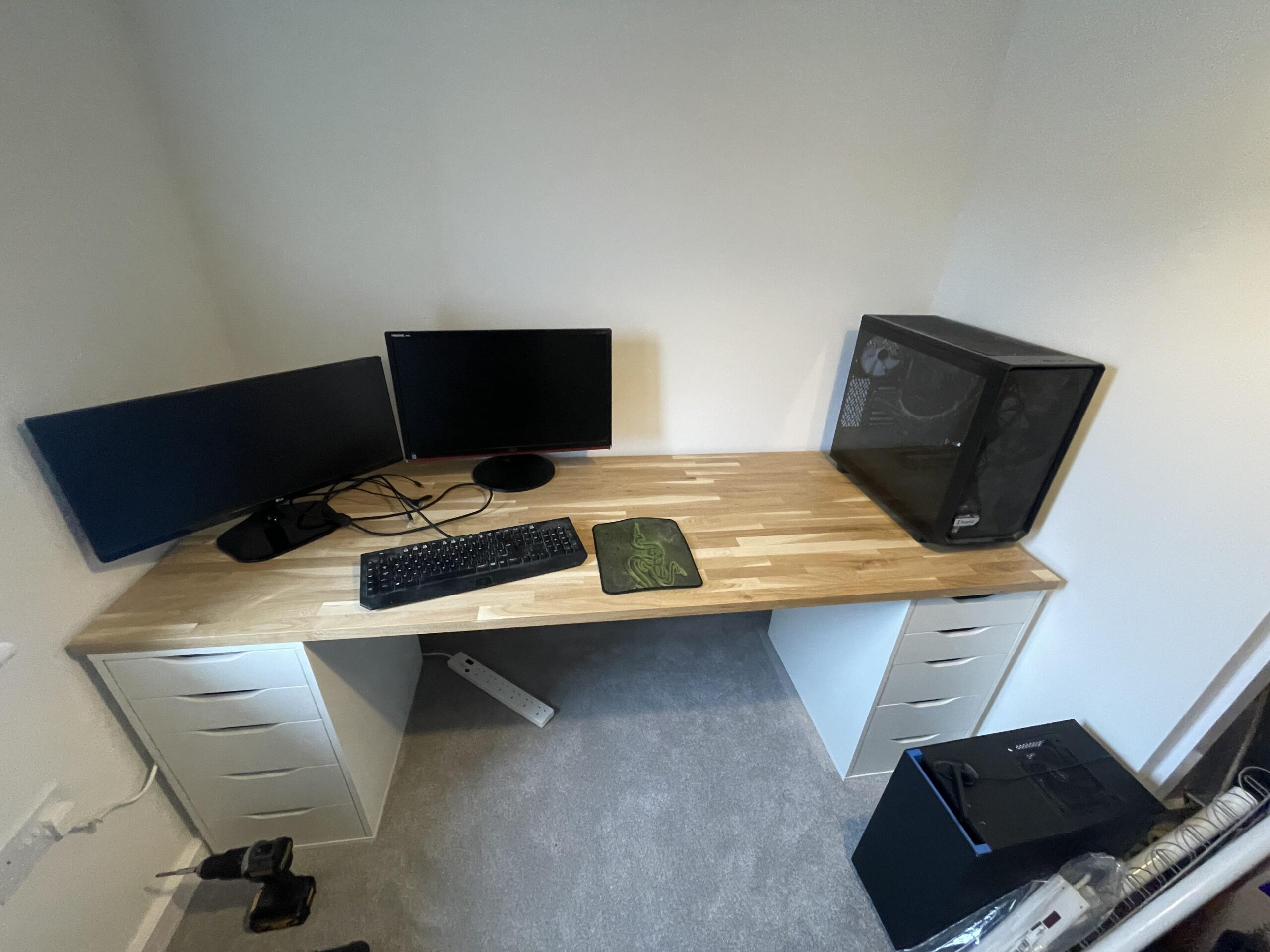
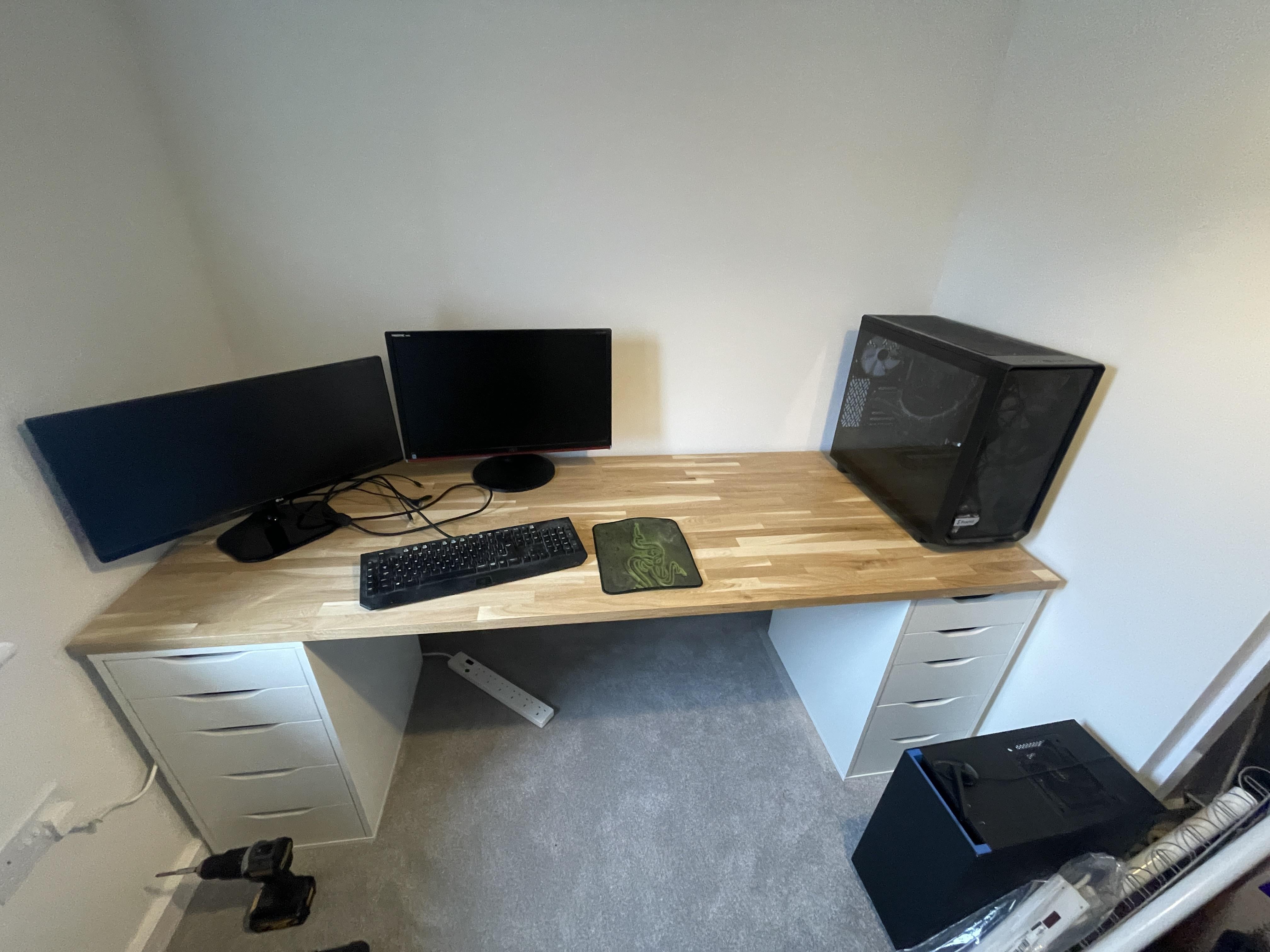
Moved house, setting up a new desk. Always had my pc under the desk but have a large enough desk that I could potentially have it on top now. Always liked having a clean desk but have heard that carpet increases dust and heat in the pc. Left hand side of the desk is for gaming, right hand side will be for when I’m doing uni work on the laptop. Thoughts??
by dumbquestionsi
12 Comments
carpet bad for computer go desk mode
I have this same exact desk and i had mine on top for a long time but the angle on the computer monitors started giving me neck issues and the desk was a little too cramped. I have hardwoods though so it easily transitioned to the floor. I would recommend centering the monitors on a mount if possible. For your necks health.
if you want that desk space, put it on the ground by using a tower riser off amazon they are like 15 bucks
On top, because of carpet. But if you need more space, buy a ‘PC carpet stand’ and that should help at least avoid direct contact.
On top, your pc needs fresh air
On top. On the bottom will draw in too much dusk from the floor. On top it can be seen and shown off.
I think carpet below the pc is bad if I recall so prob desk?
I recommend below if it doesn’t overheat and has good airflow.
I’ve had all of my pcs on the floor for decades without issues. You can buy risers for the desktop to further elevate it off the ground, but either way, you’ll be just fine.
I usually prefer to put it under the table to save desk space and to avoid the noise from the PC. You can always use something like this to ensure its ventilation:
[PC Stand](https://www.amazon.com/dp/B0C4T42TPC?ref=emc_p_m_5_i_atc&th=1)
Below.
Place two blocks at the bottom of the PC case if you intend to have it at the bottom of the carpet. In my opinion, looking at the photo, you could say 20-25cm of extra space is somewhat wasted because PC tower, it is mostly used when connecting peripherials and switching PC on.
This will help you give more space for your two monitors as it is now, for a third monitor. Or, you can place the monitors more towards the center if that is your preference.
Looking at the light shining throw, it may be obstructive due to the glare coming from the side.
With both inside the room, definitely good ventilation is required.
Overall looking good so far. Just some small components for safety measures.