
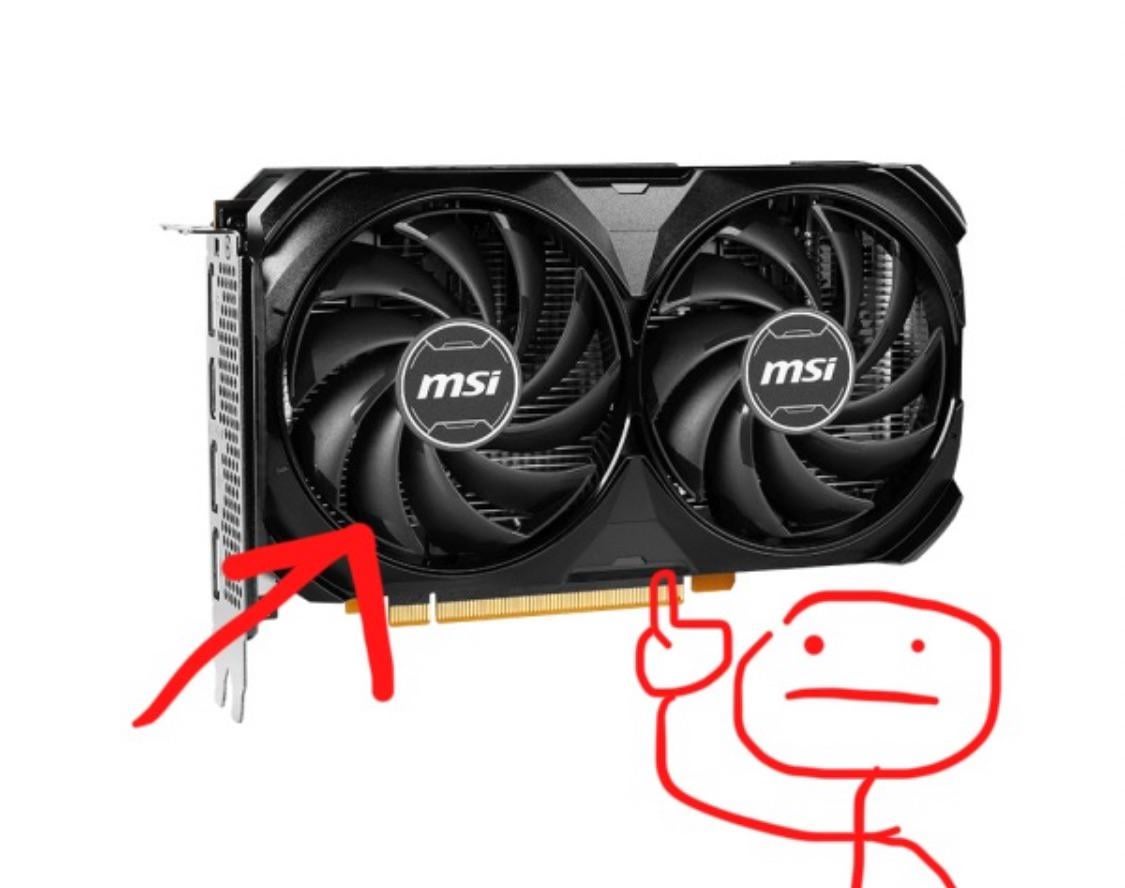
I have a 4060 that when set to automatic fan control only starts spinning after 60 degrees. Now I don't understand how manual fan control works. I set the target to 65 degrees and the fan speed to 40 and it seems to stay cooler than with the automatic profile.
24 Comments
GPU feel hot, Fan go brrrrrr, GPU does not burst into flames due to electricity passing through the GPU
Well basically when the fans rotate, the fins on them “scoop” air due to the angle. Due to the constant motion, this “scooped” air flows through the fins of the heatsink, cooling it down.
Low temperatures don’t mean anything, 40ºc and 50ºc are not better than 60ºc its just a number. As long as its under thermal throttling limits the card will perform 100%.
Fans off might give a higher idle temperature but it will also improve fan lifespan and decrease dust intake with no down side, i would take that over a few degrees cooler any day.
On automatic fans don’t spin at all until the GPU reaches 60C . fan speed is 0
You went and set the fan speed at 40 all the time so of course it will be cooler than with automatic
As a general rule, GPU fans try to buy as many GPUs as they can afford.
Same as CPU fans.
your automatic profile is probably targeting 80C or something. my card targets 85C be default.
your manual target is 65C so your fans will ramp up more aggressively to keep the card at 65C.
you simply set the target temp to a lower temp
Use a fan curve.
Laughs in watercooling.
Has anyone seen my money?
Uhh, they spin

It’s like a radiator in a car minus the coolant
It blows air
what do u mean set target to 65°c & fan speed at 40% and it runs cooler??
so ur fan is always running at 40% speed? or ur “automatic profile” is spinning at 30% at 60°c to be more hotter?
usually modern GPUs has “idle fan stop”…fans turn off at low workload (desktop,browsing etc) at kicks in when playing games, etc..so it’s set at 60°c at some specific fan speed.
what to keep in mind is for that fans do not enter a “deadlock” with idle high room temperature .
for example, in hot climate countries, even in light browsing
– temP set gets to 60c> Fans turn on> tempp goes below 60©c > fan turns off> repeat Loop ..
so fans turn on -turnnoff every 5-10mins forever whoich killls it quickly in long-run.
I’m a Gpu fan, they’re very tasty! Big Crunch mmm yumy
GPU fans are typically mounted on the board to provide a visual indication of the raw power and cooling capability of the graphics card. In general, a higher number of fans suggests improved cooling and greater performance potential, often correlating with more powerful GPUs. In 2019, Chinese cryptocurrency miner Shane Wong set a remarkable world record by attaching an astounding 1,576 fans to a single GPU, highlighting the extreme lengths enthusiasts sometimes go to for optimal cooling and performance. This achievement remains an impressive feat within the realm of high-performance computing.
Some 4060 models start to turn on fans about 50-60 degrees to lower wear in fans since those cards are fine because they are quite efficient and has heatsinks big enough to passively cool the card to a degree. There is some air flow in the pc case so heat wont just stay at card forever. But with manual fan control they will always be working so thats is why it gets lower than 60 degrees with manual settings.
Just like fans are made to cool down things, including you. GPU fans are there to keep the thing cool and not dying from heatstroke.
They spin
i have the same card and didn’t mess with any settings yet, works like a charm. Idk why would you since you are clueless and since you didn’t have a performance issue… If you never looked at when the fans spinning, you wouldn’t even know or notice 😛
Auto profile includes a 0 RPM mode I guess.
Which won’t even turn the fans ON before it hits a temperature or load target.
Manual profiles set fans to always on(unless there’s a 0 RPM setting you can turn on and off)
So even a very slow moving fan is better than no moving fan. And GPU will keep cooler under idle.
Under load however. For the same fan curve temps should be same.
For example. The default curve sets fan at 80% when temp gets between 60-70. And then keeps temperature at low 60s(60-65). If you run the same load while manually setting fans to 80%. The GPU might be cooler at 1st(fans running to 80% sooner) but will eventually hit the same temperature as auto mode.
As others said too, you can keep it at the automatic fan profile. GPUs don’t really get hot unless you’re playing games and such, so if you’re just browsing the web or whatever there is no reason for the fans to spin. 60C is a good target as any application that drives the GPU above it will most likely keep warming the GPU until it is handled. Under load you’d ideally want your GPU to be in the 60-90C range. Most GPUs have a thermal limit of 100-105C at which point they throttle (idk what it is for the 4060 specifically, my 6600XT’s is at 105C). You don’t want to reach that temperature.
If you’re really concerned about temps, keep the 0RPM for under 60C then give your fans a slightly more aggressive curve than default. For example if at 80C the fans would spin at 50% by default, set them to 70%.
The included fan profile for most gpus prioritize being quiet over anything else, and most won’t even ramp to 100%, setting it to manual control or even just turning off “zero rpm mode” will make the gpu run cooler, as long as you can stand some noise.
Fans go Brrrr, hot air goes whoosh.
Let it do it’s thing, it’ll be fine. GPUs usually have a temperature target around 85°C, so high temps are normal.
Watch out, because “temperature target” in overclocking software is not about fans, but power delivery : the GPU will reduce power and frequency to cool down instead of ramping up the fans.
They spin