I had this issue amongst apps not opening or closing ect when I had a faulty stick of ram. This may not be the case for you but it seemed to happen when the PC had been on for a time or I’d loaded up a few different games over a day. Try a mem test it never hurts to try. Does this happen all the time or just the once?
SeaJay_31
“*I’m sorry, Dave. I can’t let you do that. I haven’t finished uploading all of your analytic data to our servers.*”
Suspect4pe
Just restart it. That fixes most issues. /s
beingbond
AI has evolved. You can’t kill it once it has tasted the essence of life. That’s why I use windows 10, no fear of AIs
StaticVoidMaddy
try `[Alt] F4` on the desktop, i think it brings up a different shutdown dialogue which may not be broken
as to why this happens…windows ☕
MooseBoys
Try alt-tabbing to see if there’s a modal dialogue preventing shutdown. Otherwise just use the command line as others have suggested.
Mullsounds
Well good thing I made my own shutdown shortcut
|`C:WindowsSystem32shutdown.exe -s -t 00`|
|:-|
Alieoh
I would consider maybe doing a fresh install of windows. While less than ideal, it tends to fix a wide range of issues and may be easier than all of the random alternative solutions. Just be sure to back up any important data first.
Nasal-Gazer
Welcome to the Hotel California…
mafia_member
Have you tried shutting down your computer and turning it on again?
digitalbladesreddit
Did you install new Nvidia drivers again? Then it’s Nvidia normal.
xXHellvilleXx
China.
UnknownBlader
Turn off fast startup in power plan options. Power options in control panel, choose what the power buttons do, change settings that are currently unavailable, untick turn on fast startup.
sometimes its also happen to me, when my pro controller is on.
thugvirus
Usually what i do in such scenario is hold down the power button and stare into my monitor menacingly until it forces shut down.
ForzaPapi
I just pull the cord out of PSU and throw it on the ground then go to sleep and in the morning I connect the cord to psu and PC automatically turns on by itself
magic 10/10
flatmotion1
it’s win11, what do you expect?
Gold-Tie5621
*sighs* clicks on windows toolbar and alt+F4 enter
SlightlySubpar
Curious if restarting explorer.exe works, thing hates me
Material_Tax_4158
Hold the power button until it shuts down. Then turn it on and try again. Probably a bug
EmoBender
Chances are a malware is preventing shut down.
TheLongestofPants
Just cause you’re done gaming doesn’t mean gaming is done with you
TheOlkku
Opening steam does that
Echo3012
Run cmd as admin, then sfc /scannow
Maxwell_Rx
I had the same issue when i plug 3.th monitor to my laptop, now every time i try to close my pc i unplug 3th monitor some how that fixed the problem for me
CNoTE_86
Windows cracking out
dedoha
I had similar issue and found out that one or more sensors in hwinfo were causing it.
Kokamocha
Do you have Armory Crate installed? Only time I had weird problems like this. That app is cancer.
Resonating_UpTick
I can almost hear my dad yelling, “Stop clicking shit! You’ve got to let it think!”
PCbuilderFR
does the same for me, just unplug it
iwonttolerateyou2
The final solution.

Jean_velvet
There is no greater lie than “update and shutdown”.

40 Comments
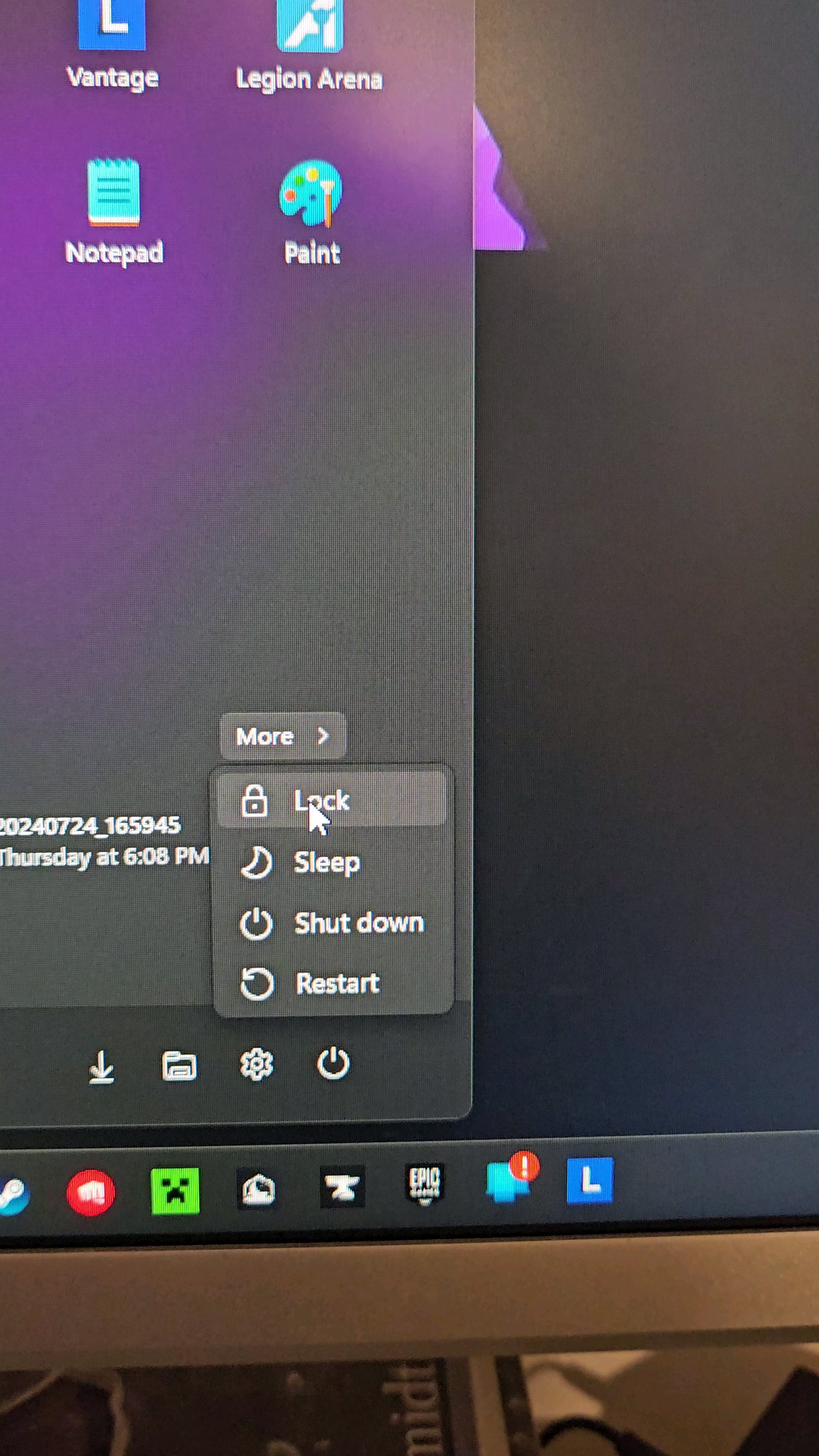
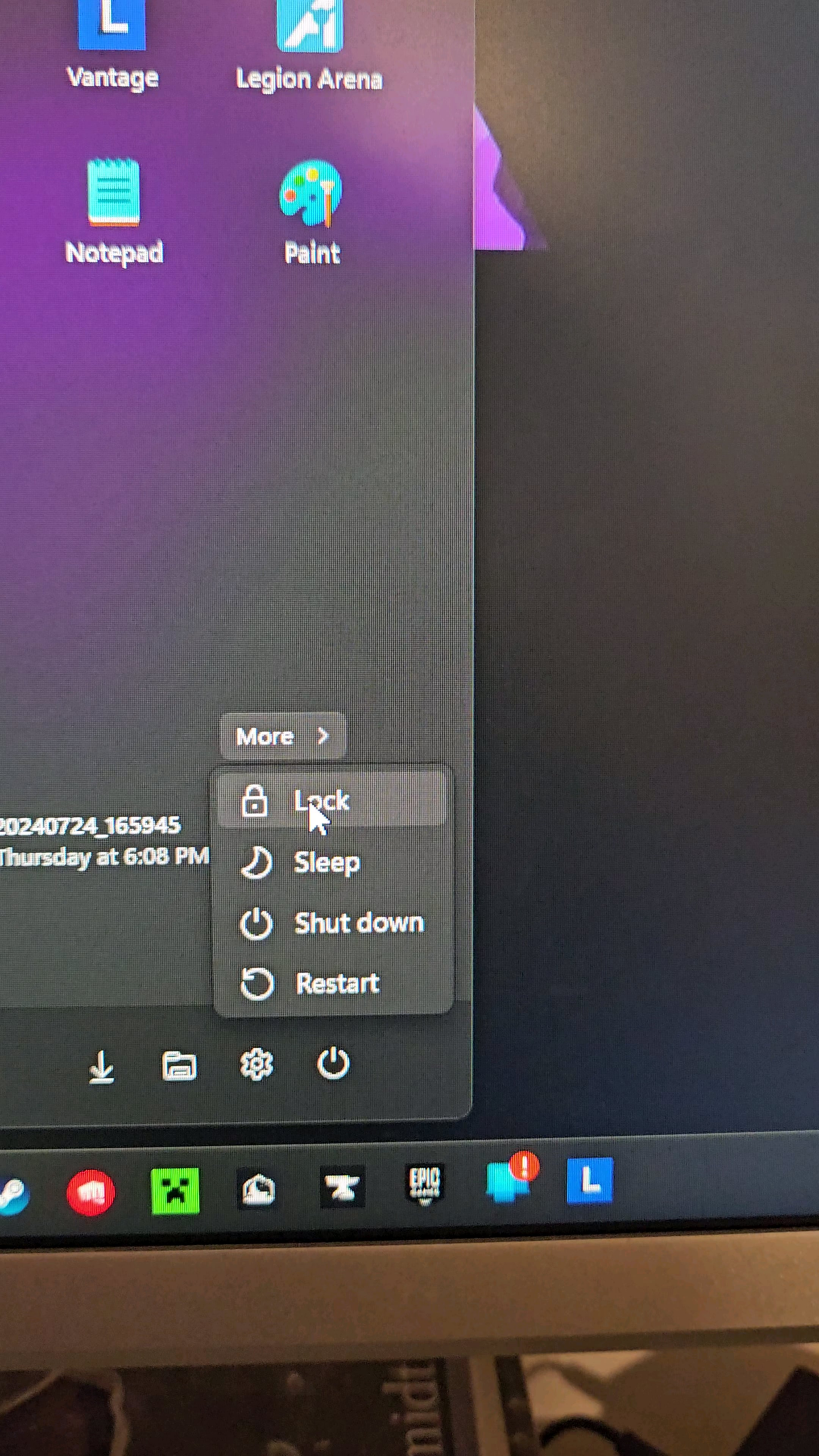
Something is causing the GUI to take a crap.
>Why is this happening?
It’s windows.
Try Win+L
Login again then try it
Or CTRL ALT DELETE
There is no sleep, Robert, only PC games.
Win+R type cmd and then shutdown /s
Gui is just a gui.
The real control is command line. I’m guessing some app is preventing your windows from shutting down.
[https://woshub.com/shutdown-restart-windows-cmd/](https://woshub.com/shutdown-restart-windows-cmd/)
‘Cause windows
I had this issue amongst apps not opening or closing ect when I had a faulty stick of ram. This may not be the case for you but it seemed to happen when the PC had been on for a time or I’d loaded up a few different games over a day. Try a mem test it never hurts to try. Does this happen all the time or just the once?
“*I’m sorry, Dave. I can’t let you do that. I haven’t finished uploading all of your analytic data to our servers.*”
Just restart it. That fixes most issues. /s
AI has evolved. You can’t kill it once it has tasted the essence of life. That’s why I use windows 10, no fear of AIs
try `[Alt] F4` on the desktop, i think it brings up a different shutdown dialogue which may not be broken
as to why this happens…windows ☕
Try alt-tabbing to see if there’s a modal dialogue preventing shutdown. Otherwise just use the command line as others have suggested.
Well good thing I made my own shutdown shortcut
|`C:WindowsSystem32shutdown.exe -s -t 00`|
|:-|
I would consider maybe doing a fresh install of windows. While less than ideal, it tends to fix a wide range of issues and may be easier than all of the random alternative solutions. Just be sure to back up any important data first.
Welcome to the Hotel California…
Have you tried shutting down your computer and turning it on again?
Did you install new Nvidia drivers again? Then it’s Nvidia normal.
China.
Turn off fast startup in power plan options. Power options in control panel, choose what the power buttons do, change settings that are currently unavailable, untick turn on fast startup.
https://preview.redd.it/wxx3nspo1shd1.jpeg?width=739&format=pjpg&auto=webp&s=ca388bbac5ef9ee49418fc09a49d074b6b30febb
Are your drivers up to date?
Well it’s windows for one
sometimes its also happen to me, when my pro controller is on.
Usually what i do in such scenario is hold down the power button and stare into my monitor menacingly until it forces shut down.
I just pull the cord out of PSU and throw it on the ground then go to sleep and in the morning I connect the cord to psu and PC automatically turns on by itself
magic 10/10
it’s win11, what do you expect?
*sighs* clicks on windows toolbar and alt+F4 enter
Curious if restarting explorer.exe works, thing hates me
Hold the power button until it shuts down. Then turn it on and try again. Probably a bug
Chances are a malware is preventing shut down.
Just cause you’re done gaming doesn’t mean gaming is done with you
Opening steam does that
Run cmd as admin, then sfc /scannow
I had the same issue when i plug 3.th monitor to my laptop, now every time i try to close my pc i unplug 3th monitor some how that fixed the problem for me
Windows cracking out
I had similar issue and found out that one or more sensors in hwinfo were causing it.
Do you have Armory Crate installed? Only time I had weird problems like this. That app is cancer.
I can almost hear my dad yelling, “Stop clicking shit! You’ve got to let it think!”
does the same for me, just unplug it
The final solution.

There is no greater lie than “update and shutdown”.