
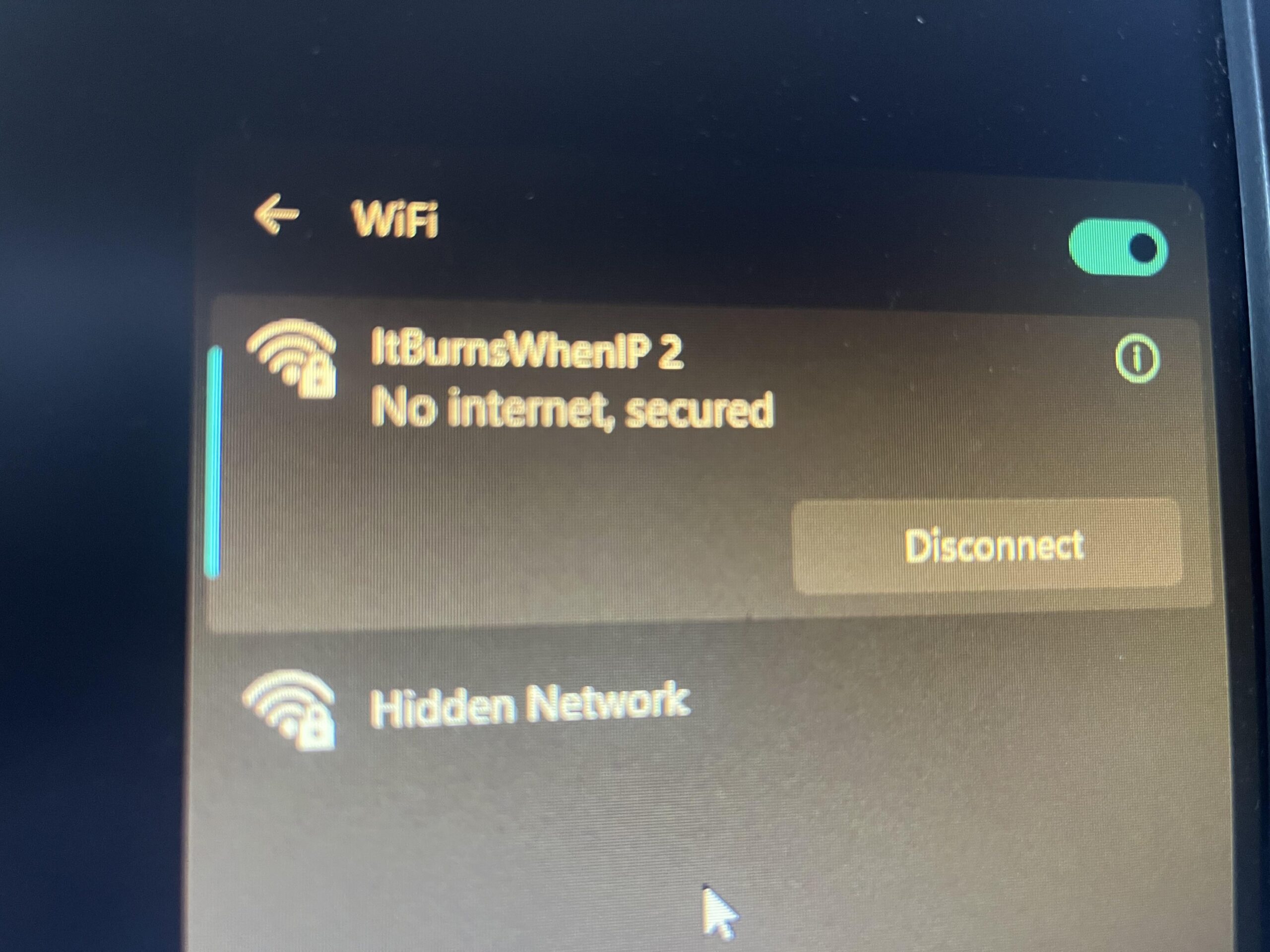
I am desperately seeking some help as I have read and followed guides in multiple forums and tried everything I can think of. I recently moved my pc from one room to another and now this is what I get from any network. I originally assumed it was a wifi problem but have now realised the pc is the issue as it does the exact same thing when connected to my mobile hotspot.
Any ideas or tips would be greatly appreciated cheers
19 Comments
Forgot to add that it’s running an MSI MAG B550 with built in wifi
Can you hardwire or use a usbc to connect to the phone or router? If not I’d reinstall the wifi driver. If you havent restarted your router I’d start there.
See the doctor
Oh, I had a similar problem with the 4g router in the village while I was setting up the antenna in the attic in the direction of the base station. If your modem is not connected to the Internet, it will not distribute the Internet with an ideal Wi-Fi connection, the problem may not only be in the computer. From which device do you distribute the Internet and what is the source of the Internet (optical line, twisted pair, SIM card) and what is the Internet speed?
Restart pc
Release renew ip
Check drivers
Run updates
Things always worth trying
Are you using the right wifi key?
If you power powershell, and do a “ipconfig”, what’s it say your ip address is? Guessing 169.254.x.x?
Could be a IP/DNS problem is you set a manual IP or DNS server. Ensure you wifi adapter setting are set to DHCP to automatically get an IP.
Update: have just tried connecting via Ethernet and even then it has the same issue, recognises the network is connected but no internet access
Try accessing your routers IP. It may have disconnected from the web temporarily.
” no internet” but connected
Have you tried running the windows network troubleshooter?
Thank you everyone for your help and advice, I feel I have tried everything possible now, is it possible my motherboard has given up?
My pc was very dirty caked in dust so whilst trying to resolve this I complete dissembled cleaned and reassembled it but I cannot even access any of the internet components as they are covered by a big metal heatsink
Did you try uninstalling the WiFi drivers from Device Manager and then rebooting the PC?
Did you try Winsock reset?
Do you use a VPN? I’ve seen this with NetExtender and uninstalling the VPN fixed the issue for me.
Disable windows firewall
8Hz WAN IP
what does the network say? Ip via dhcp or manual? put ur DNS on [8.8.8.8](http://8.8.8.8)
I’ve had this as well recently. Hopefully it’s just a bug with windows.