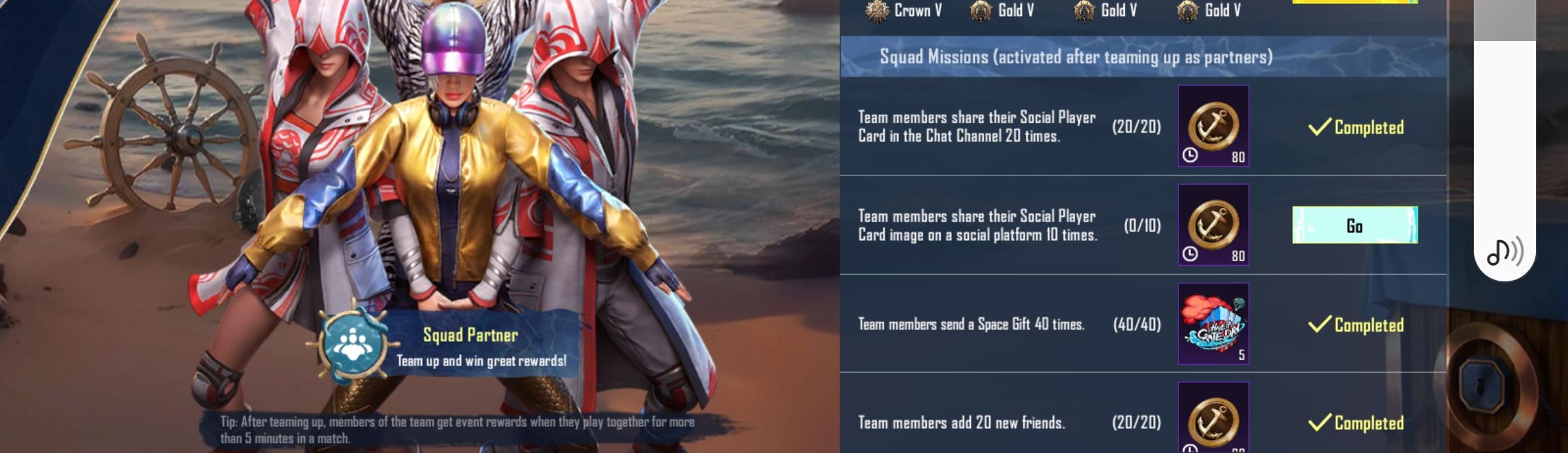
Go to your character lobby, left up corner tap on your name, it will bring you to Basic Info menu. From tabs at right tap Social Player Card then down left corner tap share button (it says Share 1st time to get 10g). Choose any social media from the list and tap it, you dont have to send it to anyone, just one tap on social media icon should be enough to count it. Repeat required amount of times

1 Comment
Go to your character lobby, left up corner tap on your name, it will bring you to Basic Info menu. From tabs at right tap Social Player Card then down left corner tap share button (it says Share 1st time to get 10g). Choose any social media from the list and tap it, you dont have to send it to anyone, just one tap on social media icon should be enough to count it. Repeat required amount of times