
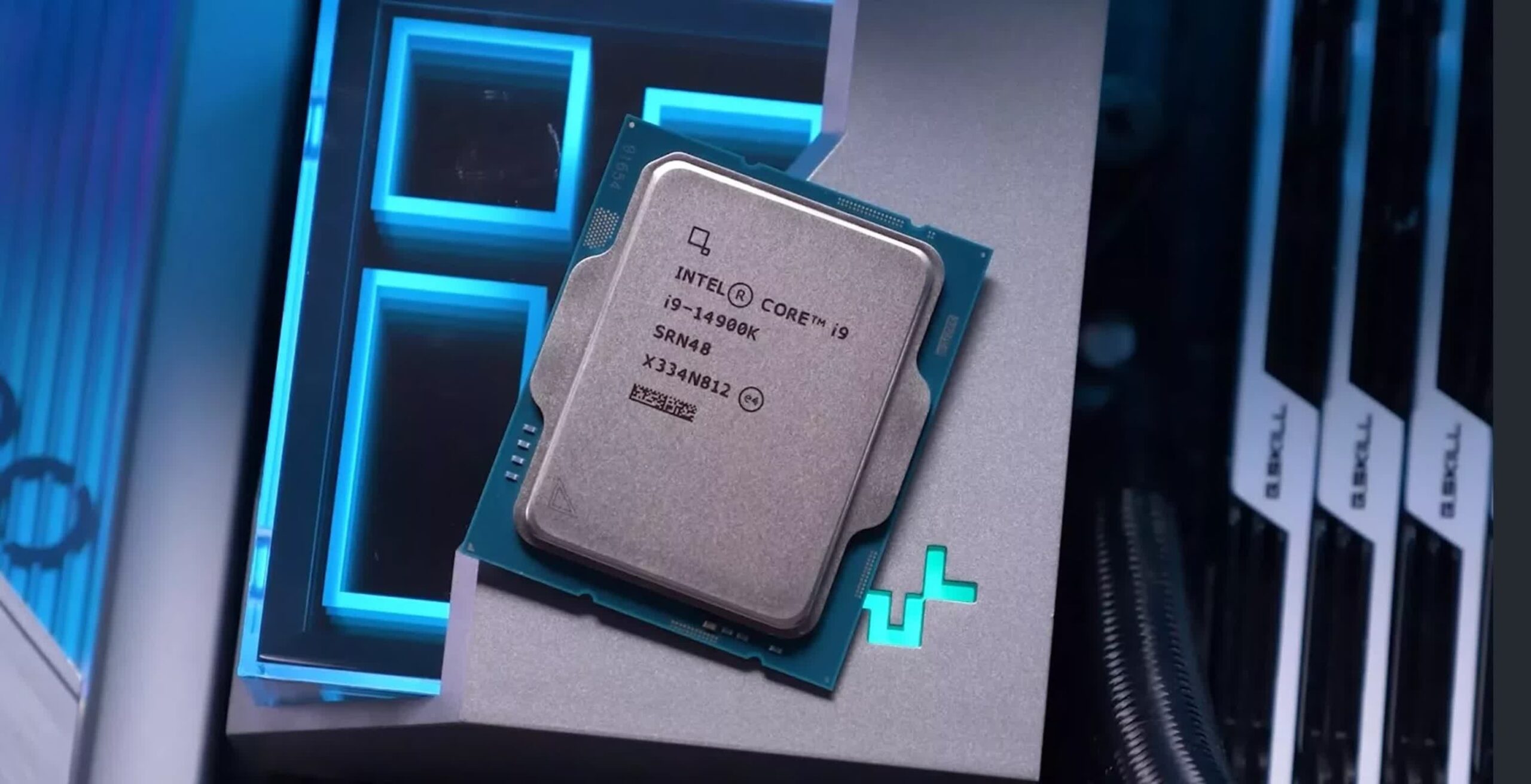
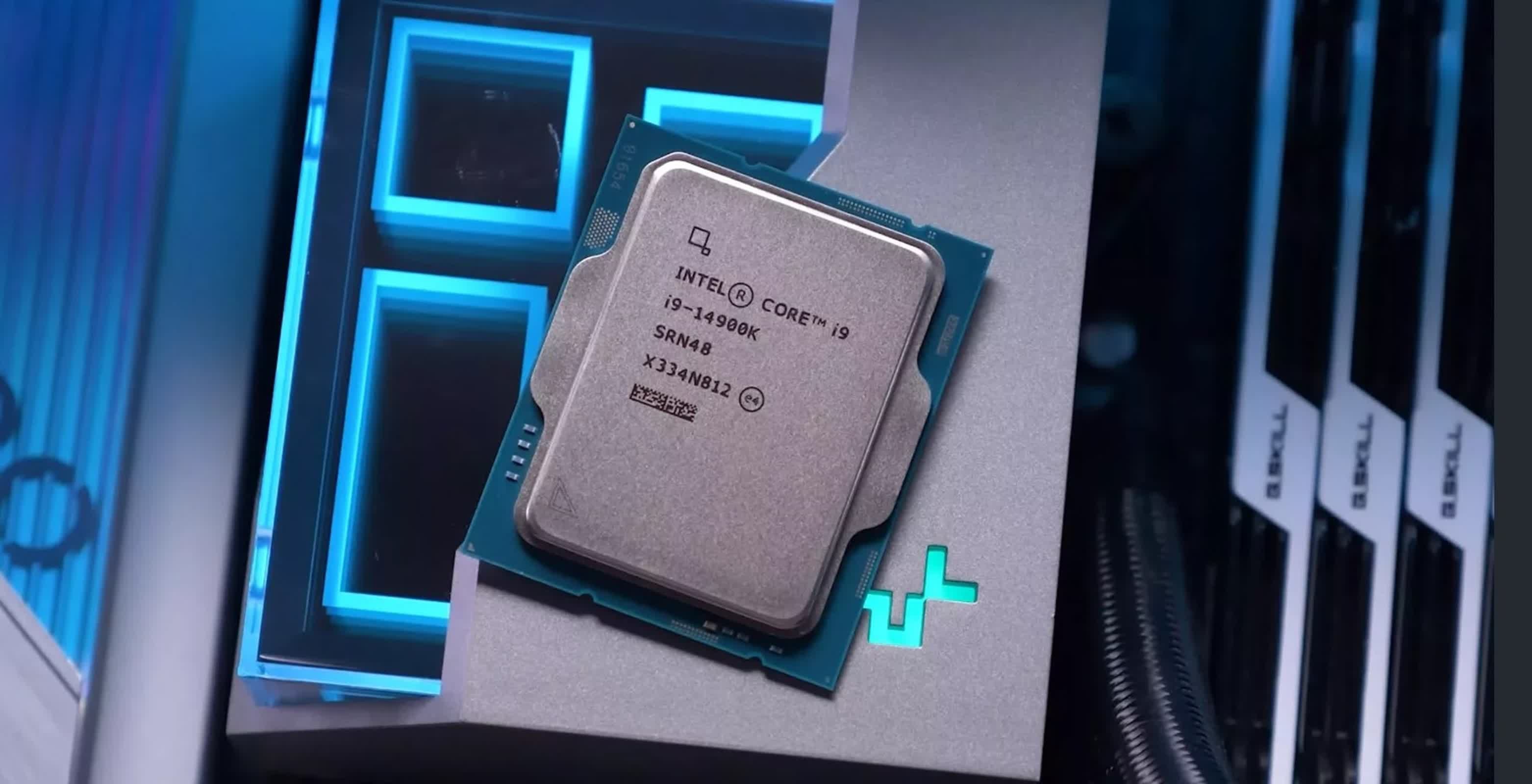
The news coming out of Intel about its crashing 13th- and 14th-generation CPUs is not getting any better, even after they said they had finally solved the mystery behind the instability, and promised that a patch should arrive by the middle of next month.
The first disappointment is that the patch won't fix the processors if they are already crashing. Intel has advised owners to use Intel Default Settings in their motherboard BIOS while waiting for the microcode update, although this is not a guaranteed fix. But it appears the best course of action for customers that have already experienced damage is to simply replace the processor instead of tweaking BIOS settings. Intel would not share estimates with reporters of how many chips are likely to be irreversibly impacted.
Worse, it now appears that the crashing issue is also affecting all 65W and higher CPUs as well as the mainstream non-K models alongside their K/KF/KS variants.
It is a troublesome turn of events. The K/KF/KS variants, designed for overclockers, feature unlocked multipliers that allow for higher performance tuning, making them more susceptible to instability when pushed beyond standard operating conditions. However, mainstream non-K models have locked multipliers, which generally results in more stable performance under typical usage conditions.
In short, the fact that even the regular models are experiencing problems means the issue is more widespread than initially thought and makes it clear that Intel hasn't fully uncovered the cause of the crashes.
https://www.techspot.com/news/104010-intel-crashing-cpu-crisis-deepens-more-models-affected.html
22 Comments
I’m getting my popcorn ready when they admit most laptop models are impacted

Userbenchmark trying to find a positive way to twist all of this
I’m so happy i switched to team red.
And from the start people tried to blame CS2.
Intel is doomed.
My trusty 7700k better hang in there… i just got a new fuse box installed and my roof fixed…. Not now buddy. PLLLLLEEAAASE
I’m running a 10700K and my next upgrade will definitely be Red because, well, can you actually trust whatever the 15700K is gonna be like?
Buy AMD stonks or buy Intel dip?
Serious question, is there any way to avoid this or prevantative measures I can take? I have the specific cpu affected, I bought a pre-built, my first PC in years. Scared it will affect me. I use my computer for work and that would be devastating if I lost my desktop to this.
Nit just intel cpu. It’s mobo manf goosing the micro code on mobo
Is there a way to test to see if your CPU is damaged in this way or not?
[deleted]
Do I down/sidegrade from my 13500 to a 12700?
I’m able to get a full refund for my 13500.
I’m running a B760 motherboard.
I was so close to going all in on a 14th Gen i9 build. 8th Gen i7 will have to keep holding it down for longer. I still don’t want an AMD, can’t forget bulldozer.
Well, intel, we had a good thing going but this is unforgivable.
Boy I’m glad Microcenter had a great deal on a 12900 bundle when I built my PC a few mo ths ago instead of me going to a newer Gen lol
6 years of using AM4 (all on X470)and haven’t had any issues. Bought a 5600X3D last year, updated the bios, and will keep on running AM4 for the foreseeable future. My old 2700X is still going strong in another PC.
It’s crazy to think Intel’s old CPU’s could handle the upper voltages when OC’d and not break a sweat, such as the sandy bridge CPU’s of the past and now here we are and 13/14th gen are having the voltage related issues.
I have a 1300KF, here is to hoping it won’t die as I love this thing. Then again a reason to switch to the 7800X3D early could be nice but expenisve.
I have a i9-11900K and just today I am getting repeat BSOD pointing to hardware (specifically the cpu…) cant even play games. been pulling my hair out over it today. am I possibly affected?
Been using ryzen chips since I upgraded from my 4770k and couldn’t be happier. 7600x with my 3070ti absolutely rips.
Intel 🤦
If anyone would like an Intel chip that doesn’t dismantle itself, I have a 2600K from 2011 that keeps on chugging at 5.1Ghz.