
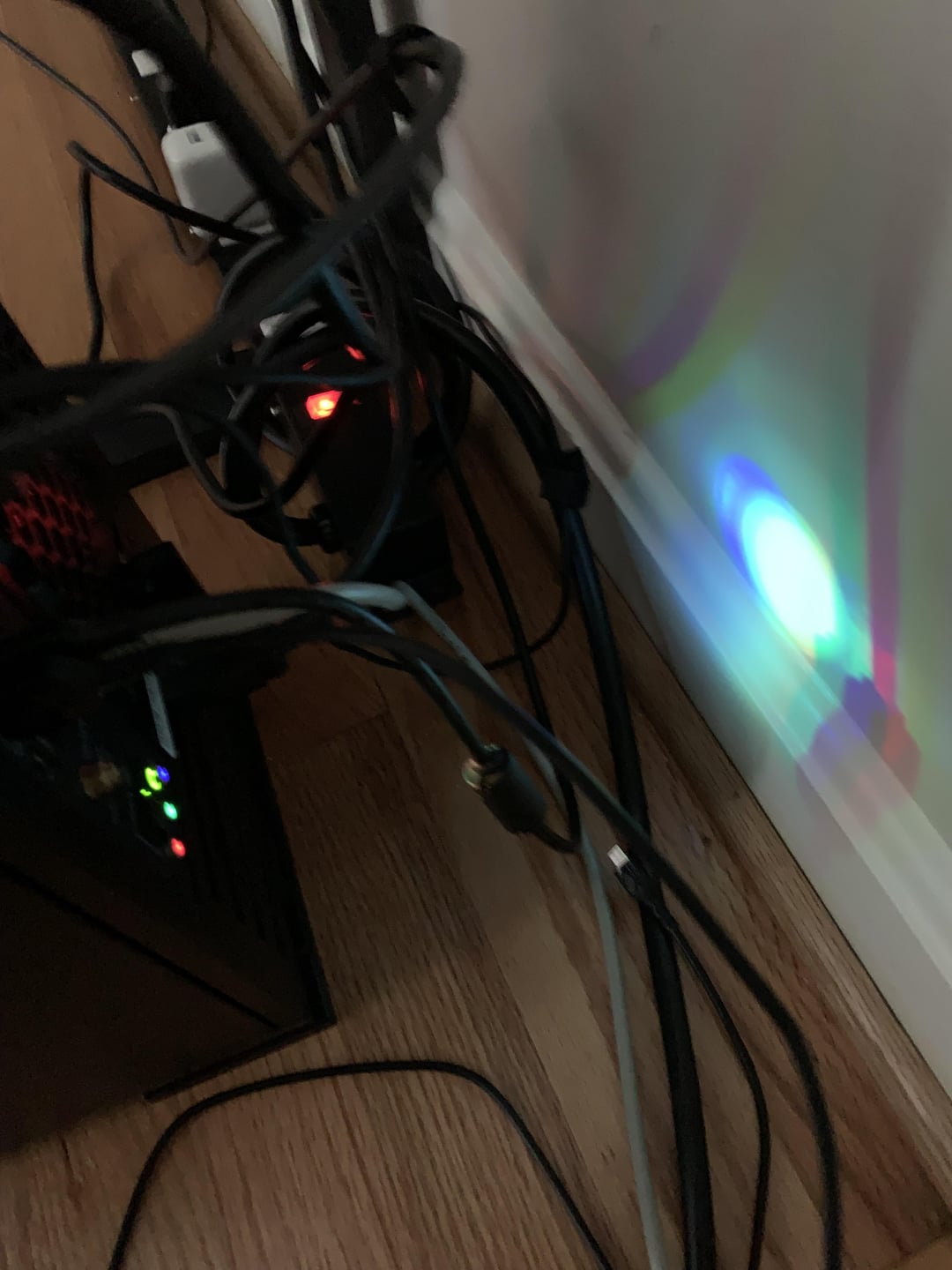
These lights on my computer stay on while the computer is shutdown and it keeps me up at night. I tried just turning off all rgb on every component but light stays on. Is there any way to turn them off? Also, are the sticky notes a fire hazard? The MOBO is the ROG Crosshair VIII Impact.
There is also this other light coming from an ssd heatsink that didn’t turn off when I shutdown, but it’s off now after I just turned off all rgb. Why do these stupid lights stay on when computer is shutdown and how do I turn them off? Who is this even for?
32 Comments
https://preview.redd.it/l40p4c21d9ed1.png?width=1000&format=png&auto=webp&s=6cf47826f86c5a29d9a2310ce4d6dc5c1ba6f325
Mines in a power surge proof extension cord, cus of placement. I just turn off the cord once the pc shutsdown enturely
Why are these leds so powerful lmao, are these on the mobo itself?
Looks in the manual: Disconnect Number 27 (Led1_Con1) – Rear IO Panel LED Connector behind the Audio
https://preview.redd.it/xsbiwyogu9ed1.png?width=2297&format=png&auto=webp&s=e1a9e0b3831676fbc388e30b876a09c5b17bddc8
A drop of fingernail polish in the center of the led. It will give off a lot less light but still can be used. A sharpie does not block enough light btw.
When I had a Asus board, there was a setting in the bios.
Gaffer tape!
Turn off the power delivery in bios?
In UEFI find all settings for “eco” and turn it on. Options like low power states, turning off light when PC is OFF/suspend, ERP, power saving etc.
I think if you go into BIOS -> Aura -> Stealth Mode, you can turn off both component and functional LEDs. Not sure if it will turn those off but worth a try.
BIOS -> Advanced -> Onboard Device Configuration -> RGB LED Lighting, seems to give finer control for RGB in different on/off states of the PC.
Electric tape all day!!!
Armoury Crate > Device > Motherboard > Shutdown Effect
I don’t think you can
[deleted]
Switch it off at the plug
desolder them
Check the bios settings. There should be a setting that stops it from supplying electricity lights
Turn off the power switch before you go to bed 🙂
Try enabling ErP in your BIOS settings. My USB dac/amp stayed on even if I turned off my PC, some LEDs also kept working for some reason. Enabling ErP solved the issue.
I like kapton tape for this actually, it’s translucent and if you put two or three layers on, it dims the lights without blocking them entirely. Else if you want to block entirely and not leave sticky residue, I’d go with multiple layers of blue painter’s tape.
Snip the LEDs off the PCB.
BIOS settings? tape? Bro, does the PSU have a power switch next to the cord? Simple as that.
I’ve always used a black sharpie over regular transparent tape. It’s blocks like 90% of the brightness but still leaves enough for you to see them if you need to troubleshoot.
You can look in the manual. And disconnect things.
But at the end of the day… electrical tape does the trick.
Take a look in your bios. You may have options to turn them off.
Black electrical tape should turn them off.
You can get ‘dummy’ 3.5mm plugs, you can plug into them to ‘block’ the light!!
If you have access to a 3D printer…
https://www.printables.com/model/123402-trsheadphone-35mm-male-dummy-plug
RTFM
I put black nail polish on my worst offenders.
Hot glue and a tiny plastic disc/cap.
could see if you have an ErP setting in the bios? I did that because I had lights on when the pc was shutdown and my mouse would stay lit up but enabling ErP solved that. no lights on when pc was off after that. but if you like using the usb when the pc is off, that won’t work anymore with this setting.