Thats prior to applying patches. “Difficulty level” takes here a whole new meaning.
alogbetweentworocks
Depress the Turbo button!
DrKrFfXx
To CPU clock or FPS?
ScottyArrgh
Wow I find that surprising! I would have thought the lesson was learned back in the days of the 33 MHz CPUs and DOS, when trying to play games on newer (for the time, obviously) hardware. That was a real problem back then, going from something like a 33 MHz CPU to something faster, I’m surprised to see a company employ the same strategy so many years later.
Scytian
It’s not really physics, it’s game logics. That will happen if you process your game logics every frame and do not take into account time since last frame (delta).
dinduet
Use an FPS limiter to limit it to 60 FPS.
VeryNoisyLizard
Ive seen old games run funny with unlocked framerates, but cpu clock? is there a workaround for modern PCs to make these games run properly without resorting to downclocking the cpu?
TL;DW: Need for Speed Rivals also gets wonky if your PC is too powerful, and if you unlock the frames.
Puiucs
You could try limiting the game to just one core. After you open the game, open the task manager, go to Details, right click the game’s process and set affinity. if you have Intel 12-14th gen, you could even try running it on the E cores.
BaalManiek
At one time, I played a game called WarRock, which was an online FPS from 2007. Strangely enough, the firing speed of weapons there depended, among other things, on the frames per second or the clock speed of the processor. A weapon like the FAMAS, which had the fastest RPM in the whole game, became even more lethal after overclocking the processor 😀
smellygoatguff
Family.
Money_Fish
I remember playing Red Alert 2 on a newly upgraded PC at like 80fps and all the units just zoomed around like ants lol.
URA_CJ
V-sync might be broken, I use to play a F2P shooter (Combat Arms) based on the Lithtech Jupiter engine (not ex) and V-sync never worked (game settings or forced in drivers) on my PC and the screen tearing was annoying, games based on older versions of the Lithtech engine like NOLF run too fast on modern hardware like the video above and need to be frame limited in order to play properly.
senecadriver
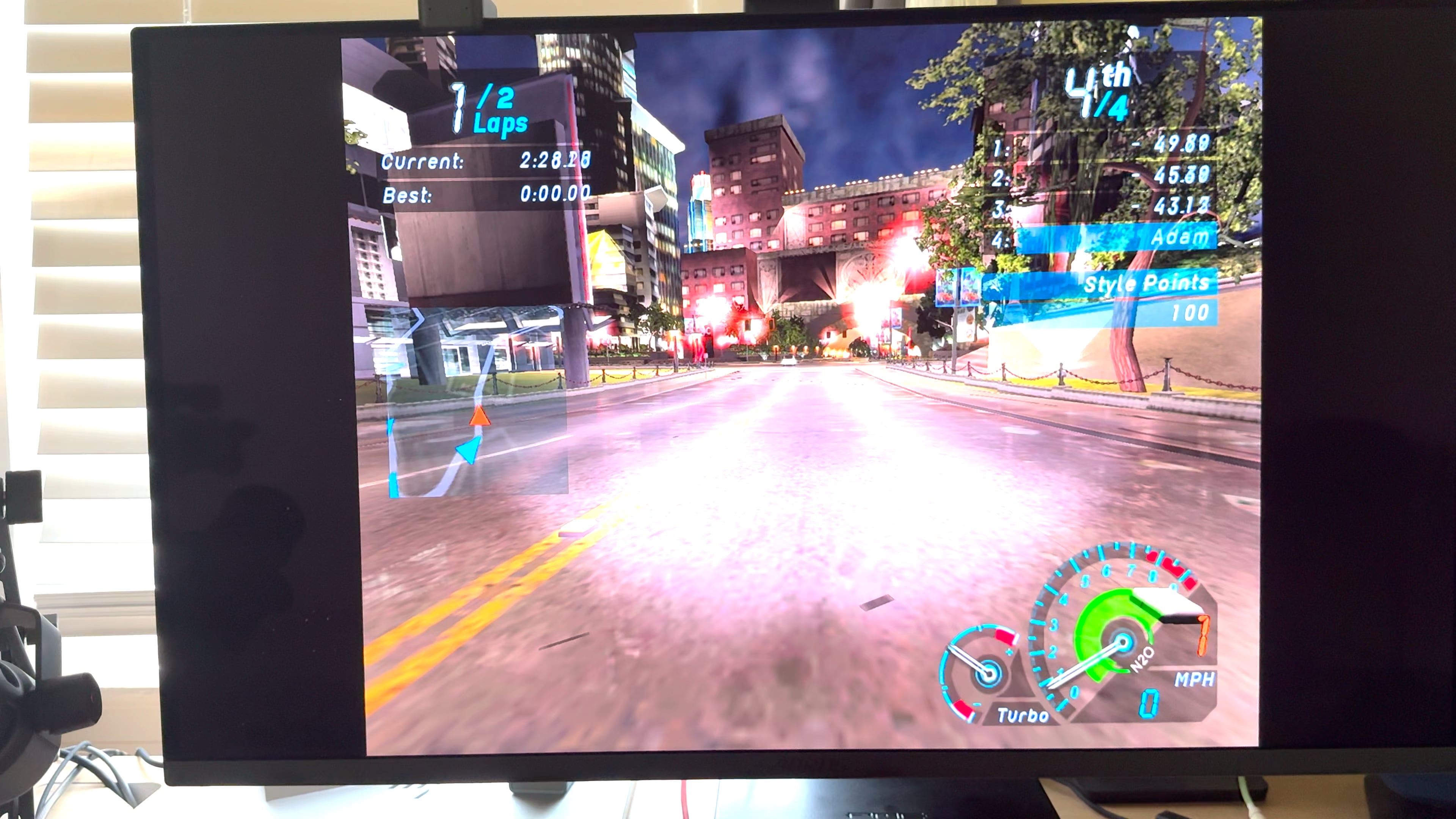
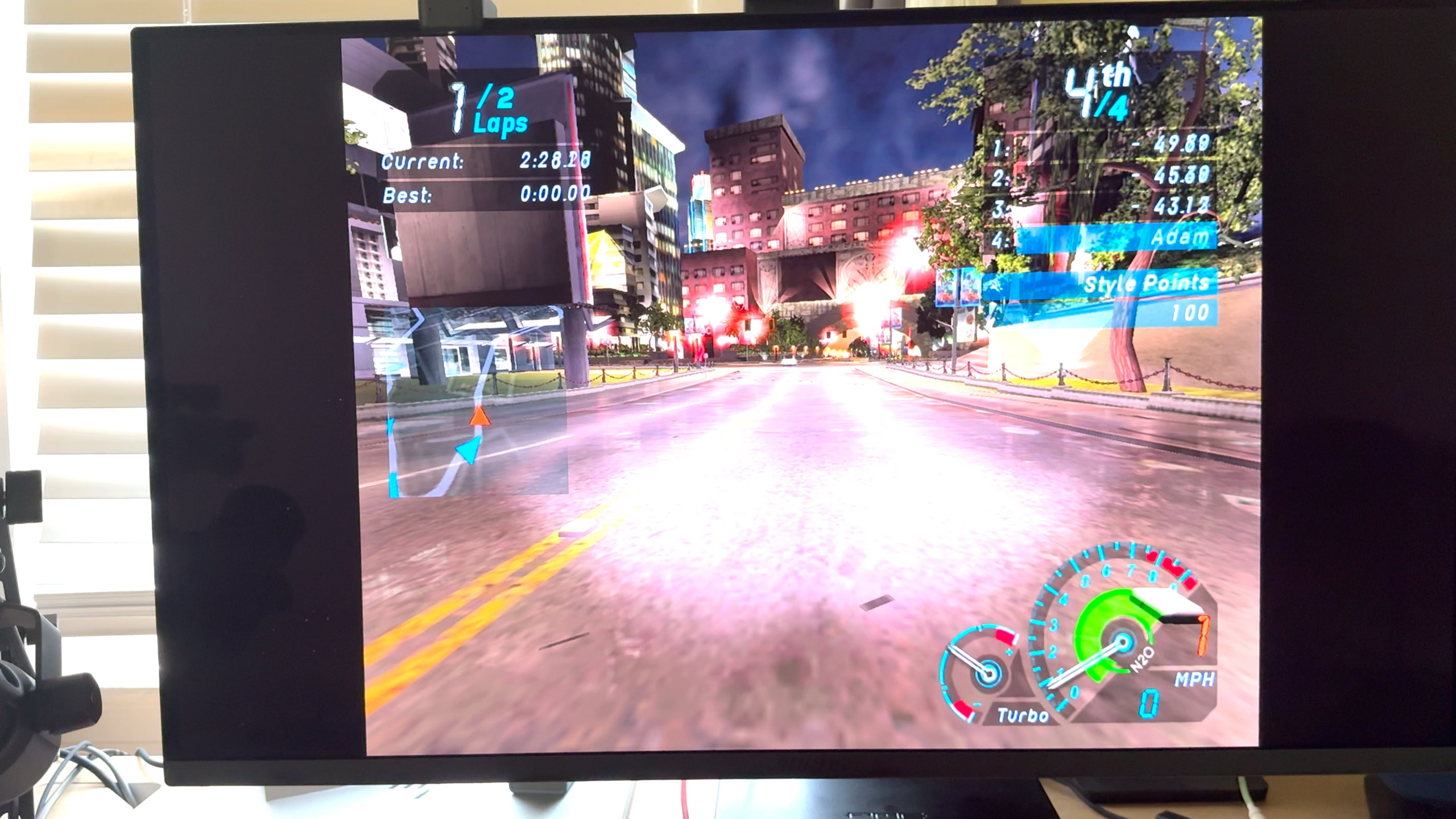
Learn how to capture a screen for the love of god.
Unnecessarilygae
Where do y’all get to play this game? I miss playing underground 2 as a kid. Does it work on Windows 11?
TurbulentLynx_
Isn’t this similar to how Fallout 4s physics is tied to refresh rate? I remember it was one of the first games I played when switching from Xbox to PC. The 144htz refresh rate had everyone in the commonwealth ZOOMING
SeiferLeonheart
Same thing happened with Saints Row 2. Unless your CPU was clocked at the exact speed of the Xbox 360 CPU the whole game physics would be extremely buggy. Ask me how I know… lol. At least there’s a mod to fix that.

18 Comments
Thats prior to applying patches. “Difficulty level” takes here a whole new meaning.
Depress the Turbo button!
To CPU clock or FPS?
Wow I find that surprising! I would have thought the lesson was learned back in the days of the 33 MHz CPUs and DOS, when trying to play games on newer (for the time, obviously) hardware. That was a real problem back then, going from something like a 33 MHz CPU to something faster, I’m surprised to see a company employ the same strategy so many years later.
It’s not really physics, it’s game logics. That will happen if you process your game logics every frame and do not take into account time since last frame (delta).
Use an FPS limiter to limit it to 60 FPS.
Ive seen old games run funny with unlocked framerates, but cpu clock? is there a workaround for modern PCs to make these games run properly without resorting to downclocking the cpu?
Oooh that reminds me of this old classic:
[https://www.youtube.com/watch?v=eDA37BmvNwM](https://www.youtube.com/watch?v=eDA37BmvNwM)
TL;DW: Need for Speed Rivals also gets wonky if your PC is too powerful, and if you unlock the frames.
You could try limiting the game to just one core. After you open the game, open the task manager, go to Details, right click the game’s process and set affinity. if you have Intel 12-14th gen, you could even try running it on the E cores.
At one time, I played a game called WarRock, which was an online FPS from 2007. Strangely enough, the firing speed of weapons there depended, among other things, on the frames per second or the clock speed of the processor. A weapon like the FAMAS, which had the fastest RPM in the whole game, became even more lethal after overclocking the processor 😀
Family.
I remember playing Red Alert 2 on a newly upgraded PC at like 80fps and all the units just zoomed around like ants lol.
V-sync might be broken, I use to play a F2P shooter (Combat Arms) based on the Lithtech Jupiter engine (not ex) and V-sync never worked (game settings or forced in drivers) on my PC and the screen tearing was annoying, games based on older versions of the Lithtech engine like NOLF run too fast on modern hardware like the video above and need to be frame limited in order to play properly.
Learn how to capture a screen for the love of god.
Where do y’all get to play this game? I miss playing underground 2 as a kid. Does it work on Windows 11?
Isn’t this similar to how Fallout 4s physics is tied to refresh rate? I remember it was one of the first games I played when switching from Xbox to PC. The 144htz refresh rate had everyone in the commonwealth ZOOMING
Same thing happened with Saints Row 2. Unless your CPU was clocked at the exact speed of the Xbox 360 CPU the whole game physics would be extremely buggy. Ask me how I know… lol. At least there’s a mod to fix that.
Better than Cuban NOS for sure