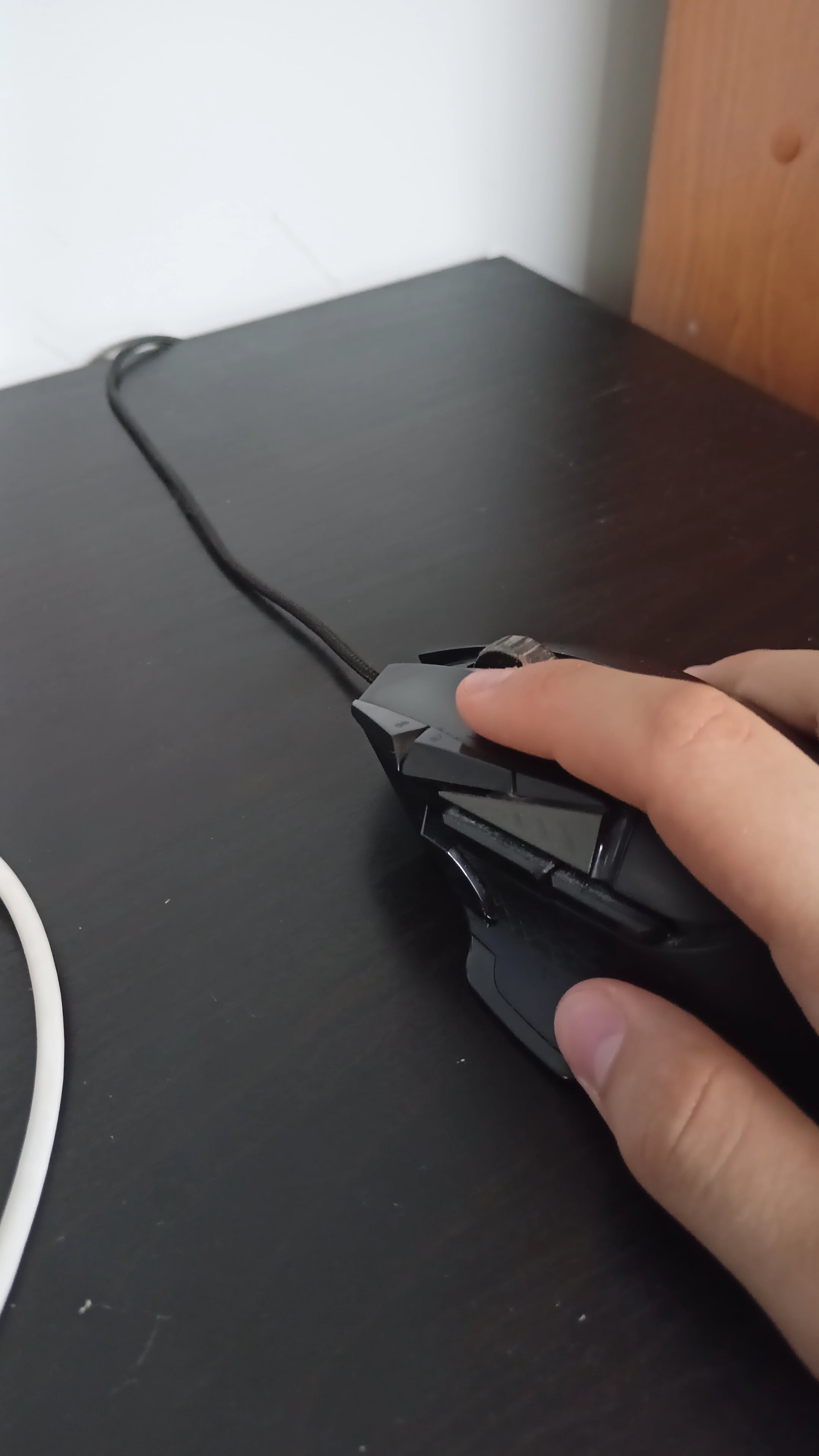
as you can see i clicked 5 times and it registered as 10. its completely random and i have no idea how to fix it

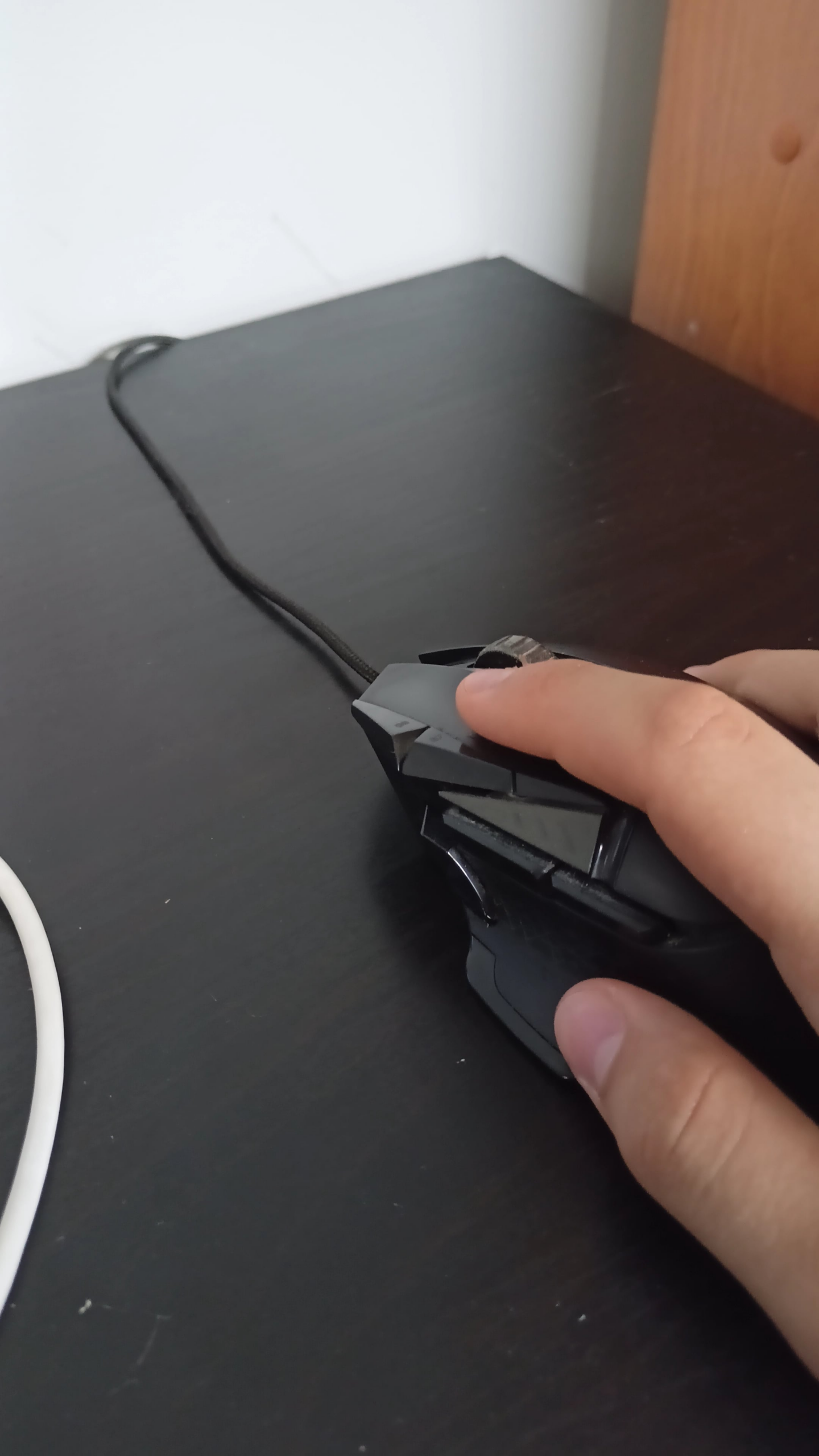
as you can see i clicked 5 times and it registered as 10. its completely random and i have no idea how to fix it
40 Comments
The simplest one – buy a new mouse
Buy a new mouse or open it up get your soldering iron and put new switches in.
[removed]
Here’s a few options
– if its brand new, return it
– buy a new mouse
– fix it yourself, buy an omron micro switch, and replace it yourself, you need to disassemble the mouse and do the desoldering an soldering yourself
– send it to a repair guy/shop
Replace the switch, there’s plenty of tutorials on YT.
Google “repair mouse switch” you can do it yourself wth a tweezer.
One thing tho… you have short fingers and so you press the buttons too low. That deforms the white plastic that presses the switch scissor. Try to rest the hand over the mouse or buy a smaller mouse.
G502s eventually end up double clicking, at least the older ones. My G502 lightspeed is going 5 years strong.
If you want a fix, you are gonna have to solder it. Otherwise, its probably time to put him down
Either get a G502x or a temporary fix that I have heard is to carefully pull up on the button and blow compressed air into it.
Ngl I would buy that just to have better cps at minecraft
I tried many things when it happened to me, the only method that worked was violence ! i “clicked” VERY hard on the button several time and it got fixed. it’s been a year and no problems since.
You probably need a new mouse, but otherwise you can try the solutions on this page. It worked for me while I was waiting for my new mouse.
[https://cosmo-games.com/souris-double-clic-au-lieu-un/](https://cosmo-games.com/souris-double-clic-au-lieu-un/) (Uses Chrome translation)
I know this sounds stupid but saw it posted somewhere and it worked for me to get some more life out of my g502. Blow into the opening of mouse like it’s an old Nintendo cartridge.
My steelseries had it, whenever it happens I abuse it and it starts working again. (Pressing mouse buttons hard and smashing it on the table s bit, YMMV)
Every single Logitech mouse I’ve owned eventually double clicked. I won’t be buying them any more.
I’ve fixed this exact issue 4 times in 4 different mice by replacing the old switch with a new one, Kailh 8.0 which you can find for cheap on aliexpress or wherever. All it takes is a small screwdriver, soldering iron and the replacement switch. You may need to replace the PTFE pads under the mouse after peeling them off to access the screws. You can probably get the tools and supplies for $20-30, any cheap soldering iron and set of precision screwdriver will do and will serve a long time for occasional use. Very cheap to get into, super easy and satisfying.
I have same mouse, same problem… After few years it started to double click. I have found out that it does when connected to every other devices, so I ruled out software issue. Mechanical damage to microswitch can be repaired in 2 ways:
1. Buy some high quality microswitch – omron or kailh, then unsolder old and solder new in
2. Old microswitch can be disassembled without need of soldering, if mechanical damage is not destructive (broken off), it can be usually repaired with disassembly, cleaning and little bit of bending the click- latch.
Just use wd40, you don’t have to desolder it yet
Edit: Compare it to the right mouse click, if it’s sounds off. It has mechanically failed, then do desolder. Till then, WD40 is the key.
Open the mouse and spray some electrical contact cleaner into the switchs where the little knob sticks out.
(https://www.homedepot.com/p/WD-40-SPECIALIST-11-oz-Contact-Cleaner-Quick-Drying-Electric-Equipment-Cleaner-with-Smart-Straw-300554/307599950)
You might need to remove the teflon feet thats are glued under the mouse to have access to some screws.
A new set of pad can be bought for $10 or less on amazon. Or if you want to reuse the same pads and you have a hair dryer/heat gun, you can heat up the pads to soften the glue and removed them carefully with tweezers.
Mouse switch is dead just buy a new one, this is why I only spend about 30-40 for a mouse they only seem to last me about 2-3 years and would hate to have spent 80-100 on something that gets so much use it will die quickly.
My G 700s just needs a throw or a whack
You can get replacement omron switches online which are essentially the same ones used in these. I have changed mine twice you need really basic soldering gear. A cheapo iron and some solder wick to remove the old switch and put in the new ones.
Honestly no need to worry it was literally my first time with soldering.
Classic Logitech
I bought the same mouse a couple days ago for €35,-. I like it a lot and it’s very affordable. I’d just buy a new one for that amount of money.
if it’s a decently older and used mouse then it’s a known logitech mouse problem.(technically any mouse that doesn’t have mechanical/optical switch, it’s just that logitech took FOREVER to update to mechanical/optical switches compare to other companies)
logitech mouse hardwares are pretty behind in terms of specs but if you have particular love for logitech products only few, maybe even just one? of their mouse has been updated to have their new mechanical/optical click sensor. So if you want to make sure you don’t get the double clicking problem, when you are looking into their mouse, make sure it has been updated with their new mechanical/optical sensor.
Shake the mouse vertically for few minutes (not too much gently, but neither too raw… In the middle). This resolve the problem on my case with the same mouse. That’s it.
Replace the switches or try to look out for a new mice with optical switches. Can reccomend the razer basilisk v3 or the roccat (rip) kone aimo remastered
always happens with logitech mice
you cant fix this its something that happens with the 502 happend to me twice before i finally switched. Corsair Dark Core is a really good alternitive to the 502 , its what i switched too and i love it never had a problem in the 5 years iv had it.
Get a new 502 if yours is the “hero” variety.
I’ve had a 502 for nearly a decade now. The classic ones lasted me a few years, but the hero variants all died within 3 months for either turbo clicking or failing to hold one side click or the other.
The much newer 502s seem to have remedied that, thankfully, so I’d get one of those. Just remember: not the hero flavor.
Edit: spelling
Is there a macro turned on?
Exactly the same mouse, exactly the same issues. That’s why I didn’t get the same after. Had this after a year
New switches
Buy a new one.
Ill just say every g502 I had failed by way of double click
With some mice you can adjust the debounce timer.
Difficult to replace the switches if you’ve never soldered before. Not bad if you have, the right tools make for an easy time. Hot air, copper wick, solder sucker, a nice iron and some leaded solder will get you taken care of.
Logitech has had this issue for years and they won’t fix it. The only fix you can do, is not buy Logitech.
Temporary fix for a g502, smack the button hard a few times… Not even joking, just click it aggressively with force a few times, it loosens the corrosion.
This is a common issue with the g502. If its still under warranty, contact Logitech support, I had a g502 for 8 months when it started doubled clicking, they sent me a new one without even shipping the old one back. The new one is coming up on 4 years old with no issues.
Either replace the switch, or new mouse. Logitech uses omrons which are well known for this issue