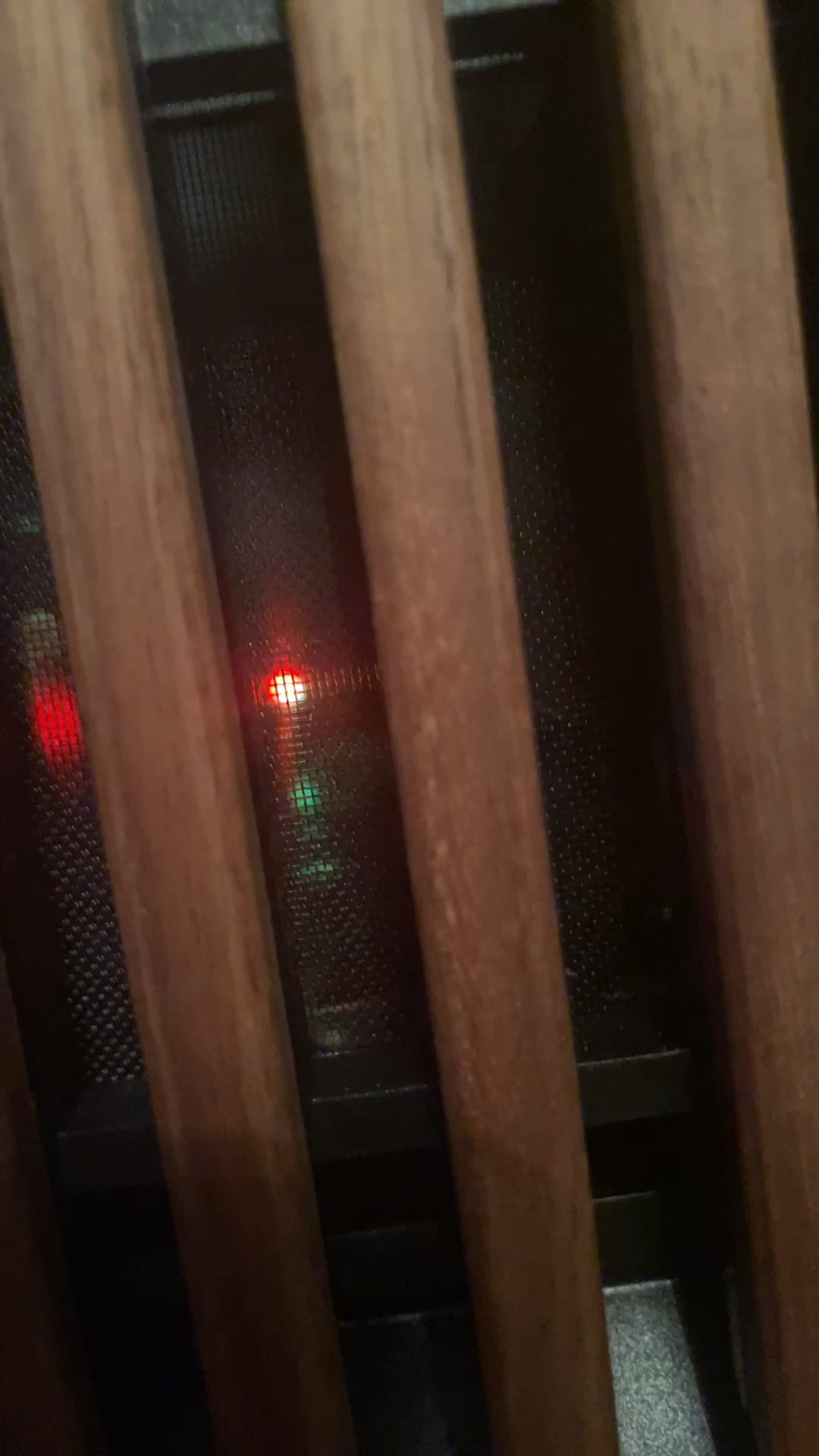
I noticed this blinking light around where the power supply is. Anything to be concerned by? It’s never done this before.

I noticed this blinking light around where the power supply is. Anything to be concerned by? It’s never done this before.
32 Comments

Look up the “PSU make and model + flashing light problem”
*Is* it flashing, or is there a fan between the light and the camera?
Looks like a rave in there lmao. Look it up in the Psu manual. Pretty easy to find online if you don’t have it. Just got to the Psu manufacturer’s website and type in your Psu model
Green and Red. Colors of Santa isn’t it?

open the case instead of trying to film throught the front mesh
I think you are getting pulled over by the police
Move the chair do we can see through the mesh better
you have a coPC
kinda looks like some sort of activity light but can’t tell with all that stuff in the way.
The RGB she tells you not to worry about.
The bugs in your system are having a rave.
Run a de-bugging tool to get rid of it.
Loos like my pc. Do you have a gigabyte gpu?
Styla. Funky Free Styla
just glad this isn’t another bug-stuck-in-a-monitor post

IT A BOMB
If the light blinks faster, is going to blow up mate
lol, looked like a police car outside a window.
psu usually have a standby mode and a power on mode. those are the only lights that i could think of on a PSU. have you been having PSU issues? that on a first glance looks like it’s switching between standby and ON.
I’ll just google the light and find out myself instead of reading these idiotic jokes made by 12 years olds. Seriously, there is a maturity problem, when do people grow up and stop posting gifs and what not instead of being helpful. If you don’t know, zip it and make space for those who know so I don’t have to sort through your crap to find anything meaningful.
off topic but, the north case got to be my favorite case ever its fun to build in as well and just looks really nice and not overly “look at me” kind of case. Its just amazing
(i love fractal so much)
That light is an indicator light for your motherboard. If it is doing that then you should expect the board is malfunctioning, Not to say there isn’t other issues going on. This is not a code for some other kind of fault so replace the motherboard and then look for other faults if they are present.
Is it a Corsair power supply with USB header connected? The light blinks when data is transmitting if you’re viewing status in iCue or other supported software.
rave party. its said to increase fps by 200% while decreasing temps and power consumption by 500%
but realistically, just look up the model and read the manual. ive never seen this before(hell i never even KNEW there could be an LED in a psu)
Thought you had cops outside your window lol

She’s gonna blow!
Corsair PSUs with Link functionality have a status LED.
Green = connected
Green/Red flashing = active communication
Red = no connection
From JonnyGuru himself: https://forum.corsair.com/forums/topic/108523-blinking-red-and-green-light-in-hx850i/
How many Untz is that PSU?
dude is getting arrested for what he did in 99