
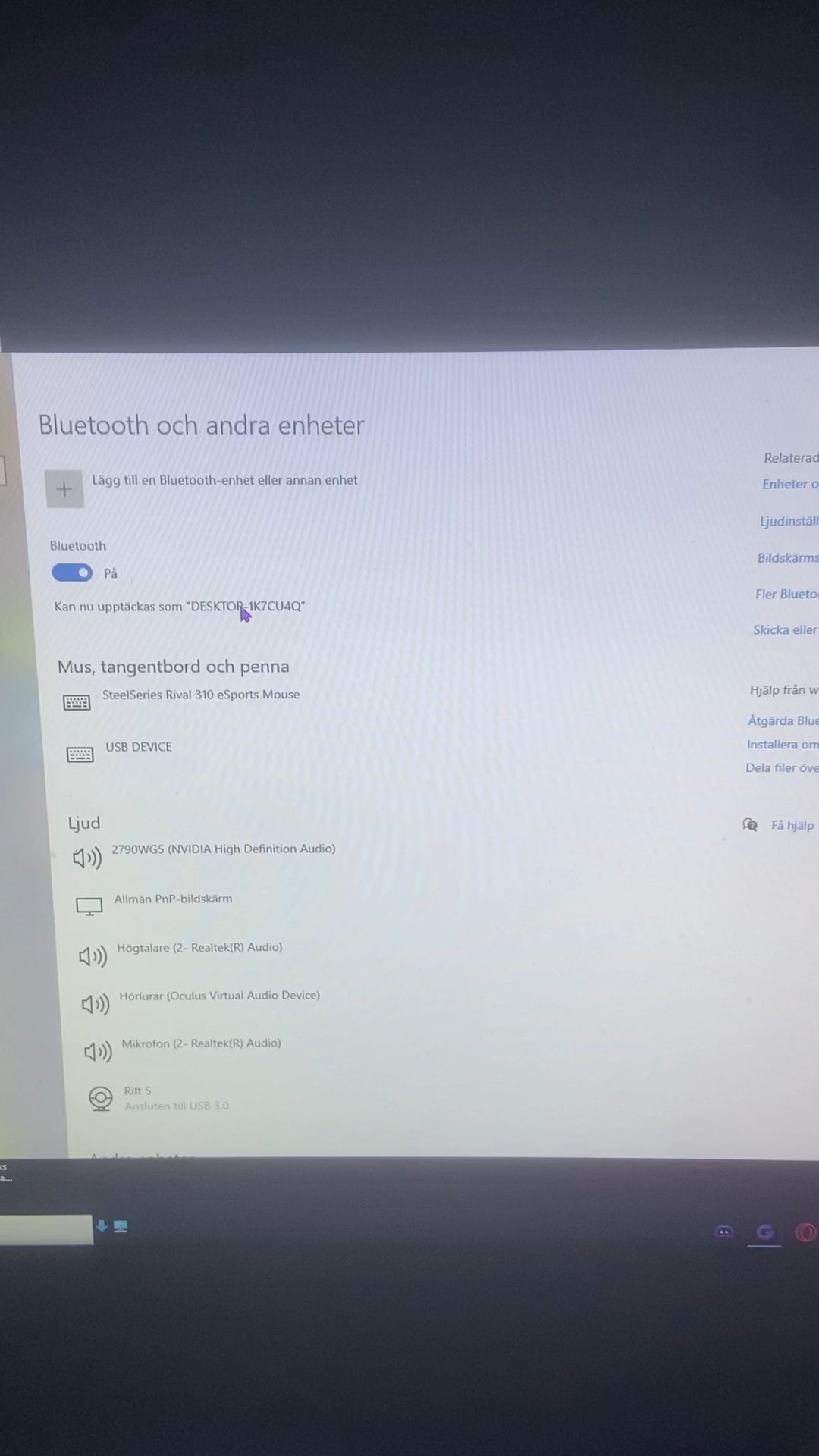
So i have a asus bt500 bluetooth adapter and it has been working perfectly for about a year now and i accidently removed my controller from bluetooth so i was going to connect it back in but when i click on the ¨add device¨ and then ¨bluetooth¨ windows searches for a device for maybe 2 seconds before the window gets closed.
And i cant do it on any other way like from the control manager or anything. Then i tried to remove some devices but it just came up as error and it said something like ¨disconnect failed¨. My bluetooth is clearly working for devices that has already been connected like my speaker, that i have had connected for a long time but when i try to add a new device. NOTHING,.
I have red some posts on reddit about this same issue but they have no replies and doesnt seem to have gotten it fixed.
If someone knows the issue to this please lmk!!
17 Comments
Have you updated the software for your adapter?
Have you tried turning it off and back on again?
Had this same issue, I had to run a command prompt (dont remember off top of my head) to completely restart Bluetooth then reinstall the driver
Disable Bluetooth in device manager and re-enable it.
Are you positive your BIOs is up to date? I had this issue with my ps5 controller before. I ended up getting so irritated with it, I made a image backup, Flashed my BIOs and reinstalled win10. Then the problem resolved. It was heavily pointing me towards driver issues/conflictions. Almost like the older drivers were fighting for who was in control and I couldn’t completely delete them with the software I used. I know that’s a lame answer but sometimes it’s not worth the time and headache if you can just start from a fresh install.
I do this every time when i try to reinstall my xbox controller. Go to device manager, then Click on ‘Bluetooth’, Then on the top menu Click ‘View’, then ‘Show hidden devices.’ Uninstall xbox controller and every hidden device you see under Bluetooth. Restart and try again
Try resetting your “Settings” app.
“Settings” (the gear wheel icon) is, in fact, now an app which can be reset when it misbehaves.
Google it; it’s easy to do and might do the trick.
You get an app, you get an app, everybody gets an app!
Type devicepairingwizard in search, use that.
“Deh butoo-fa de-wice is cownected”
Bluetooth in windows is very buggy. Try installing older driver. Search your main board or laptop support page for older versions of drivers.
Most likely drivers
If this has anything to do with Dell, do the following (even if not Dell, trying won’t hurt):
1. Shut down the machine.
2. Unplug the charger/power supply and wait 5 seconds.
3. Boot the machine.
I get this stupid problem at least once every couple months. Tried every (or close enough) “Troubleshoot Windows Bluetooth” guide in existence and none worked, except for this stupidly simple solution.
I hope it does the trick for you or help someone else with similar issue and not waste days trying to look for a solution like me.
🙋♀️🙋♀️🙋♀️
Hi Op!! I had the same issue, because like an IDIOT I took off my antennas! On my motherboard, the wifi/Bluetooth connection both require the antennas to be on. If it’s not your software it’s your hardware! See if they’re broken
This has been a problem with Windows for a long time specially with controllers. When this happened to me. I just bought a Bluetooth receiver. Barely costs $5.
that’s windows for ye
Fuck windows and their shitty Bluetooth
remove driver ,reinstall it