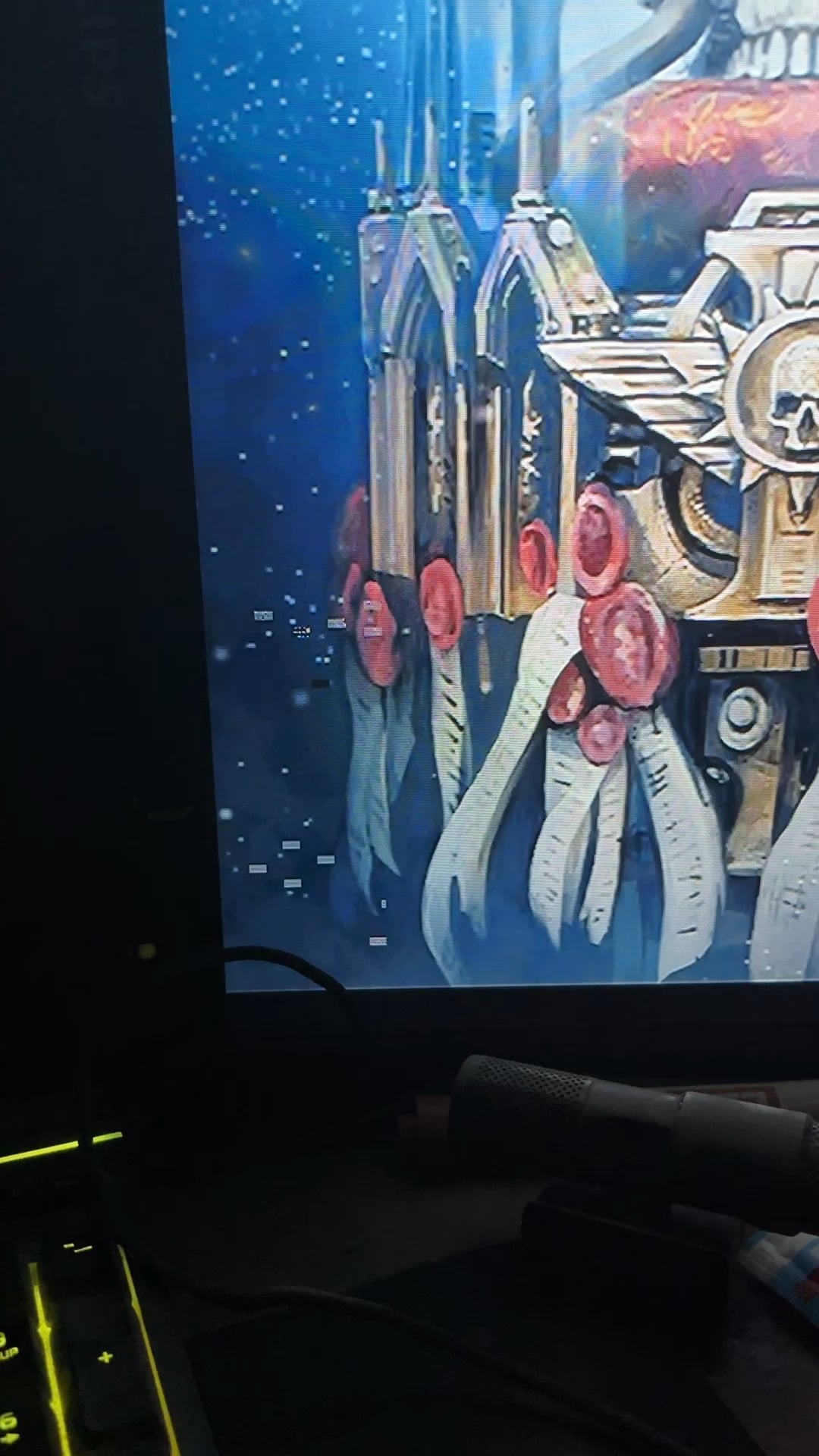
Plssss I just got the cpu about 4 months ago it’s a 3050 8gb MSI GeForce and I just restarted my pc and this started happening

Plssss I just got the cpu about 4 months ago it’s a 3050 8gb MSI GeForce and I just restarted my pc and this started happening
46 Comments
I should also state that it’s only in the one monitor
Edit 1: it gave me this error shortly after posting this and the flickering has stopped
https://preview.redd.it/46p0o97cgg8d1.jpeg?width=4284&format=pjpg&auto=webp&s=1a51afe6074796550775b9da20c547c41abaf60c
No worries m8, it’s your wallet that is dying…
maybe its the GPU that’s dying
2 options
1. your GPU is dying (replace it)
2. driver issues (reinstall GPU driver)
hope you still have warranty on it
CPU never dies
Have you tried to appease the Machine Spirit of your Cogitator with Holy Incense and Sacred Oils, while reciting prayers to the Omnissiah?
okay i won’t… but…
Don’t worry, the cpu is fine.
The gpu, though…
I remember a time ago a had a similar issue. Turns out one of my ram card was dying and give me rare pixels and bsod. After trying everything turns out one of the ram had te replaced andit was good.
Could also be too much undervolt, but I doubt you did that.
Let me guess, you haven’t praised the omnissiah in the past 4 months? Rookie mistake.
Congrats, it’s not the CPU that’s dying!
I’ve got good news for you. Your CPU doesn’t seem to be dying.
Have a good day.
p.s. Might be GPU related.
Nope, just a GPU
Good New : CPU is fine
Bad New : Your GPU is dying
Clam yourself do you not see it is the machine sprite that talks to you. Leave the flesh embrace the machine and your will see it’s true meaning.
Go perform the rituals and appease the Machine sprite.
P.s. try taking out the GPU and using the integrated GPU if your processor has it just to make sure it’s not something else.
So if your GPU is sagging etc. Or just not seating properly. Since you are getting bsod also make sure your power supply cables re not loose, I have had some power delivery issues with a GPU a long time ago that caused similar looking issues(bsod with similar codes) it fixed itself after I got a new power supply
Don’t worry it’s not your CPU, it’s the GPU.
Try to use DDU and reinstall the drivers, if the glitches are still visible after that it’s time to upgrade your GPU.
Ram is a big possibility as well. Been having this issue for months after upgrading my gpu on a more common and larger scale. Just had a stick of ram die randomly. Now after replacing the ram these artifacts are gone and haven’t seen it happen in about 3 weeks when it was a daily occurrence.
gigabyte gaming oc 4090
7800x3d
2x32gb 6000mhz trident z neo (replaced with another set)
Did you offer the blood sacrifice after building?
i have worse news, your gpu is dying not the cpu
Could check the blinker fluid…
THE END IS NEAR!!!!
It is time. Choose wisely, RMA or Upgrade.
Never leap to the worst conclusion with PCs – I bet many people have thrown away or RMA’d without reason.
Always test/blame the easiest and cheapest stuff first. In this case, I would go in this order.
– Remove any OC, and/or set GPU to stability bios (if it has dual bioses)
– Remove card, wipe edge connector with isopropyl, reseat card, test (you could also get rid of any dust in the fan/sinks at this point, if required.
– Remove system RAM – as above.
– Try a different monitor cable and/or different GPU output (HDMI instead of DP, perhaps)
– Try a different PSU>PCIe power cable
– Try a different monitor
– Try a different PSU
– Try GPU in another PC (this and last 3 only if you have them (obviously don’t buy a new PC just to test 😂)
– Curse Asus/Palit/Gigabyte/as appropriate and either RMA or send to e-waste
Many a time I’ve started presuming a major component failure, and bought a new €10 cable which has fixed the situation.
Don’t worry too much The Emperor Protects (Unless he sets Ordo Xenos on you as he thinks you’re an Alien then you’re pretty screwed) but in all seriousness it does look like your GPU hasn’t got long to live unfortunately.
Try different cable and port, try reinstalling drivers, try anything else before killing your wallet
Your cpu aint gonna die so dw about it, however
Nah your CPU is fine. GPU probably goosed. 3050’s bottom of the barrel so cheap to replace if that’s any consolation.
Try an OCCT 3D test.
Okay I won’t.
Your GPU dying.
If you get GPU 4 months ago, it’s still in warranty. Every product sold in store have 1 year warranty. Just hope you keep ticket or get invoice online.
Good news! It probably not your cpu. Bad news, it could be your gpu………
Find a program that allows gpu overclocking like MSI Afterburner or EVGA Precision.
Use those to underclock the RAM on the gpu. Not much, just a little bit. How much is a little bit? Maybe 5 or 10% at most. It will hurt performance just a bit but if the issues go away then you do not have to buy a new gpu.
A lot of time when you see those artifacts it’s an issue with the gpu ram. It may be clocked too high, and maybe it’s too hot. If you take the card apart you may find thermal pads not fully on top of the ram chips or something simple but taking cards apart and getting it back together takes skill. Also you should have extra thermal pads of the right type and thickness on hand. It’s easier to try underclocking first and see if that works.
Got good news and bad news. Cpu is ok. Vram on your gpu is corrupt. Got experience extending life of my gpu by 3 years by underclocking the vram. Then it got stable again. At a 5fps cost. Try install afterburner and underclock your Vram. Worth a try. Free solution.
Prolly ur ram or vram or GPU..mabey the memory controler on ur CPU if you did some overclocking
Before you swap the gpu check if its the video cable/monitor and reinstall drivers.
I repasted mine with some Corsair thermal paste and it‘s not doing this anymore. I really thought my gpu already shit the bed on me.
GREAT NEWS! it’s not your cpu.
also might want to save few months salary for a new gpu
I had the same issue a few days ago with Windows 11. What worked for me was reinstalling Windows. Since then no problems anymore. Most likely it was a driver issue in my case. Before you get a new GPU try that first. Also I had the blue screen after the funny pixels. Perhaps you have Valorant/League of Legends installed? I suspect their anti cheat might cause it for some reason (esp because of the blue screen). My GPU is a 3060 Ti.
Ive got some bad news man
try to bake your gpu in the oven, search in the internet how to it acactly, but you can sometimes fix it with that.
Your cpu is fine, gpu however….
Yeah that looks like a dying GPU. But because you only got it recently, you can easily RMA it.
Kinda odd for GPU artifacts, although not impossible. Try switching cables or even monitors. If it persists, I have bad news.
HOWEVER, since your GPU is only 4 months old, you may get it replaced for free. It’s just cumbersome to send it in, but hey, free….. Just make sure to package it **WELL**. Bubble wrap it until it is triple it’s size on all sides. It will absolutely get tossed and thrown in sorting centers, and you don’t want it to arrive broken to them.
It’s dying slowly. It’s gone
.
Ok we won’t