
Hey guys,
So I’m having an issue with my pc. It’s been like this for a while, but I just am now trying to figure out why this is happening/help for this. I am not so technologically inclined, so dumbing stuff down for me is greatly appreciated lol.
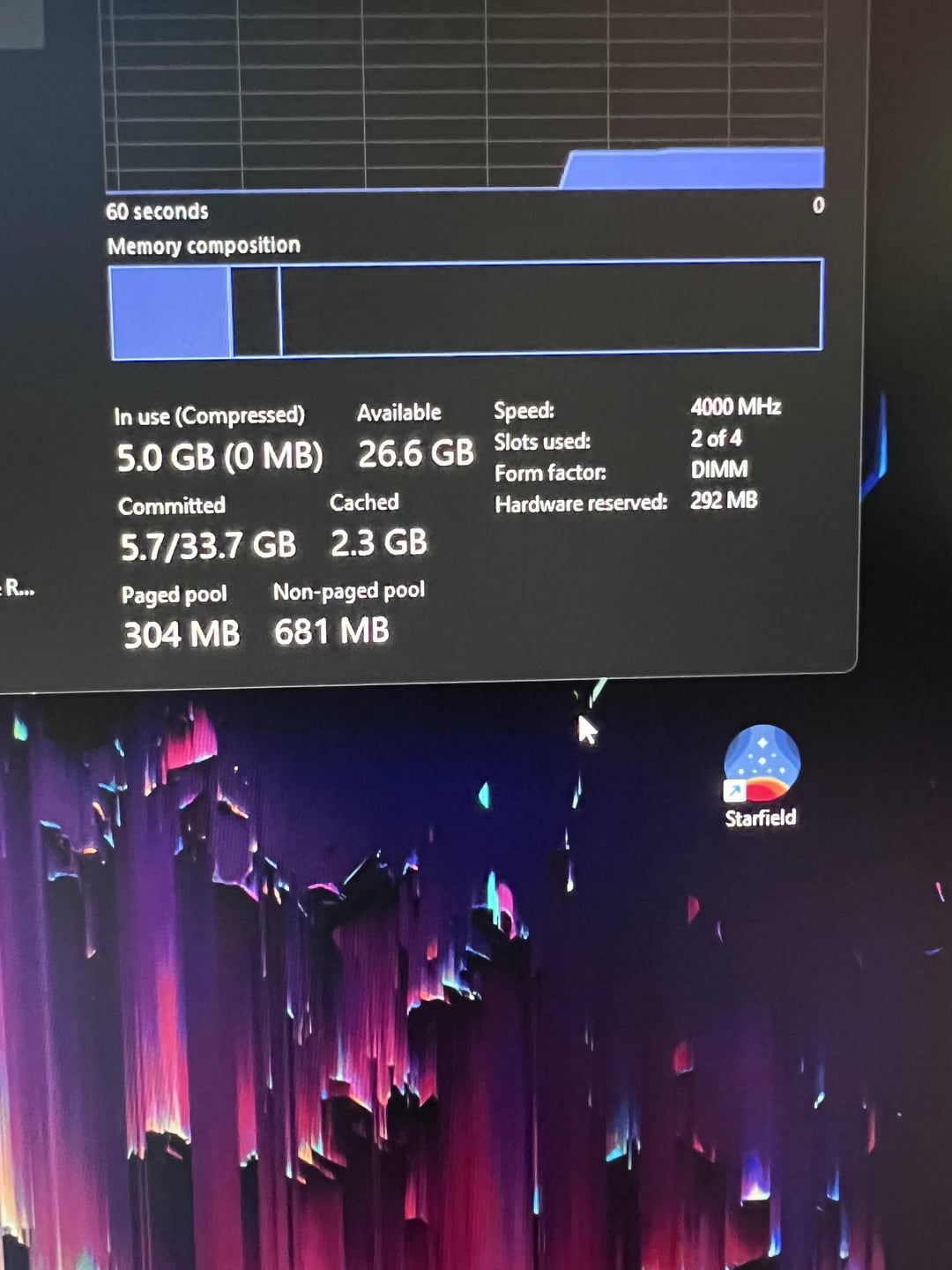
So because I’m not sure what to actually change in the bios, I’ve been attempting to enable xmp so I can overclock my ram. The pc currently has my ram set to 4000mhz when I can have my ram up to 5600mhz, or that’s according to what it’s saying.
When I enable xmp, my pc will not boot, and I have to turn it off in the bios to get it to boot. I was wondering why / what I have to do to get my ram speeds up? Thank you!
Pc specs:
Asus Proart z790 creator WiFi mobo
Core i9 12900ks
Rtx 3080ti
Crucial Ram DDR5 32gb @ 5600mhz
2 Comments
Ah, I’m glad it isn’t just me that always has this issue with asus. What I did in the past with them is enabled xmp then manually set the ram speeds somewhere between default and xmp speeds so it boots.
your RAM is in the wrong slots