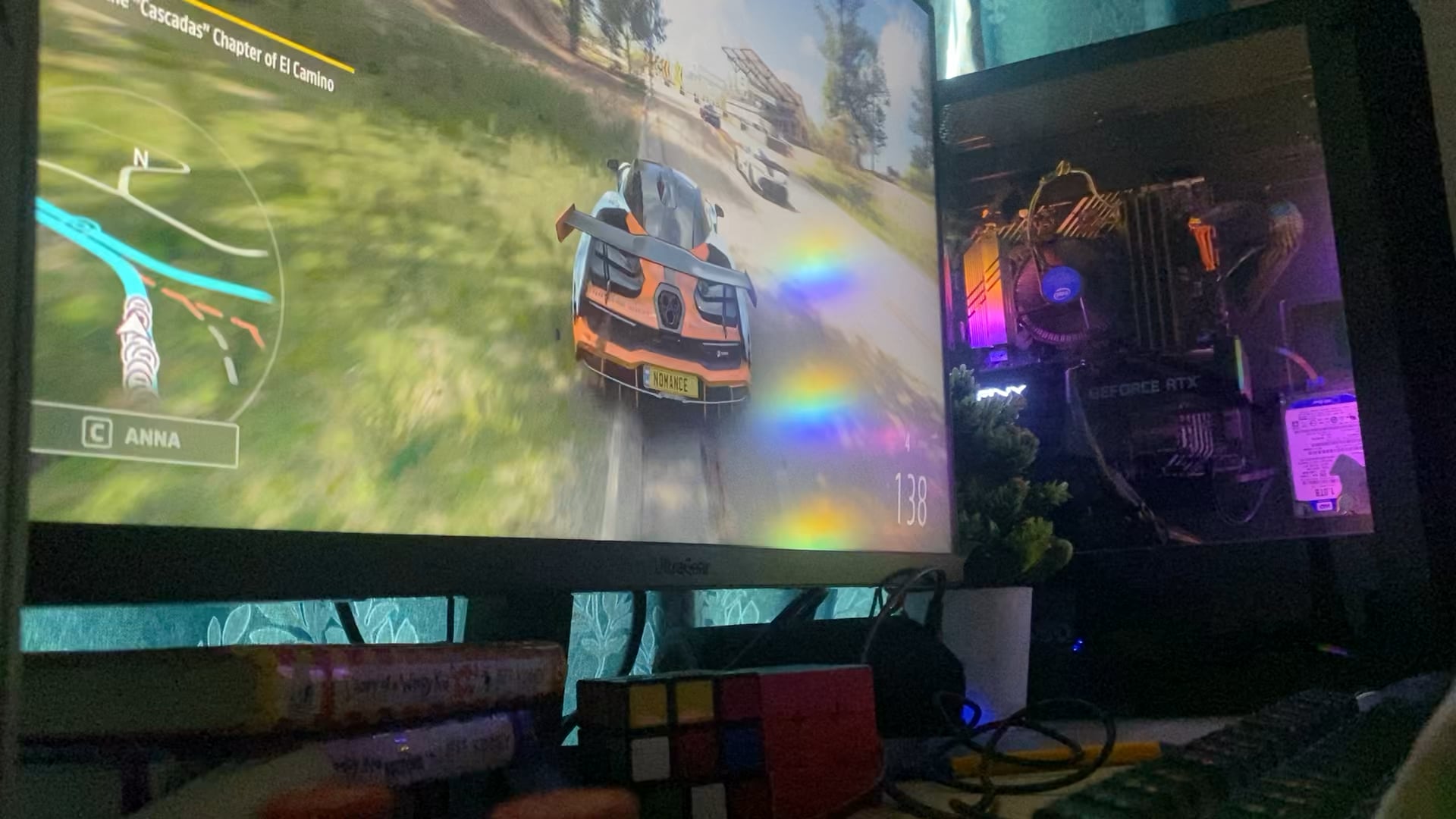
After a while I finally captured it on camera this has been happening twice or three times a day and when I went to a computer shop it never turned off with them so here are the specs
- Intel I5 10500 3.10ghz
- Rtx 3060 8GB
- 32gb RAM
- 1TB HDD
- 512gb SSD

After a while I finally captured it on camera this has been happening twice or three times a day and when I went to a computer shop it never turned off with them so here are the specs
37 Comments
The fact that it turns off under load could indicate a psu failure/defect.
Check your temps
What’s that PSU lookin like big dawg? I have also run into this issue with a not glaringly obvious failing motherboard. It would just die at idle sometimes too.
Make sure the fan on your PSU is actually working
Tell that fucker you’re gonna eat him if he doesn’t stop, just like the last one. Worked for my dog
I will say its a psu problem since i had that same problem with my very first PC
In my case something similar .
Turns out the graphics card was with a higher clock out of the box from the recommended one.
Using MSI afterburner I lowered the clock of the GPU by -150 to -250 so that it didn’t crash the system under load.
Try that by -150 to -200 at a time and give it a go.
It helps also if your PSU is not enough for the card
I had this exact issue and like others are saying it ended up being the Power supply. I replaced it and never happened again.
Have you tried turning it off and back on again?
Check the event viewer for clues on what caused it turn off.
Probabbly PSU fails the load or is faulty.
Stock Intel CPU fan or PSU fault
Check temps
Had this problem then I switched to a new PSU and it was fine. I’m guessing it’s the same for you too especially since it turns off both monitors which is also what it did for me
Psu problem mine did this last year. Haven’t had a single issue since replacing it with a bigger one
Ok, I’m going to give you something to check that I don’t see here yet. And if this is it, then it will fix your problem.
If your GPU has two power inputs, it needs to have two separate cables coming from the PSU. For some reason, a lot of PSUs come with a cable with a splitter. If you use that, then the GPU only has access to half the power and it will turn off just like this when you push it too hard.
If it’s not the cabling being done improperly, then you need a new PSU.
Funny enough I had this happen with my xbox series x, some times it would dashboard and others just turn off. Does it stream videos okay, does it just do this under high pressure.
I had similar issues a few years back and it ended up being a bad motherboard. If you rule out the psu, that could very well be it. I would check the event viewer.
I have this issue, but only in Forza 3 and 4. Literally every other game works fine, but both of those turn off my computer at the end of a race.
No idea why.
This was fixed for me by replacing the psu
likely a PSU failure, my PC used to do this too back then. I suggest do a stress test and see if it turns off during high load.
Probably heat related.
Is it happening when you touch your pc or when your desk is moving a bit ? Happened to me a while back, turns out my RAM was not fully into the socket, and everytime my PC moved for an inch, the PC would shut down, just make sure your RAM is not at fault there it takes 2 seconds to verify that !
Psu failure. Both times mine failed it did this. Oddly enough it would turn off my keyboard usb accessories first. Right before shutting off
I had this happen to me a few years ago. Checked all the normal things GPU,Power supply. I even ended up getting a new power supply to be careful. At the end of the day I just had a bad ram stick.
So the computer shop even tested it with games running and got no crashes?
Maybe you got unstable mains voltage at your home, which the PSU can’t compensate under load or lets it trip its protection mode. Do your lights or other devices flicker or turn off from power outages?
Can you turn your PC back on right away when that happens?
Of you need to wait a bit, it’s likely a protection from the PSU that gets tripped.
Had something similar it was the PSU overheating because the fan didn’t work properly
PSU is the most likely culprit, but maybe before buying another check if maybe it’s a heat problem, maybe the termal paste is not very good and the CPU is over heating when you game for too long. Also just in case, if you can, try testing using a borrowed PSU and check because there’s a minimum chance that it could be the MOBO but it’s unlikely
Could be an unstable overclock, because it reminds me of the issue I had when I overclocked my processor. I did several stress tests that it passed without issues, so it seemed to be stable. Well, that was until I played Battlefield. Sometimes it crashed in the first match, sometimes it crashed after an hour or so. Eventually I figured it might be the overclock causing it, so I removed that. Afterwards I was able to play the game without crashing. After like a week I did the OC again to test it and guess what? First session of BF it crashed again.
Check if any of your hardware (CPU, GPU, even your RAM’s XMP profile is technically an overclock that is usually stable, but not always) is overclocked and if so, try turning those off.
Underpowered psu/bad psu/cheap psu?
Posting it twice so that you are more likely to see it as most of the comments are all speculative.
This is your PSU fault as from the pic you sent.
Your PSU is old as fuck and needs to be immediately replaced
If you don’t know what to buy, check here for good PSUs because a brand can make exceptional PSU as well as duds:
[PSU Tier List rev. 17.0g – Cultists Network](https://cultists.network/140/psu-tier-list/)
If I was you, I’d take a Corsair RM650 (not the CX though!) as it’s quite cheap for very high quality. You can go for the BeQuiet, Seasonic, Corsair RMi, Fractal that are highlighted in the TierA list, but they are pricey and a bit overkill for your specs
1000% psu issue.
NEVER EVER CHEAP OUT ON A PSU AND ALWAYS BUY BIGGER THAN YOU NEED.
I learned this the hard way do not make my mistake
Is it connected to a power strip instead of directly into the wall? Causes issues sometimes. Since you couldn’t replicate the problem somewhere else it leads me to believe its not PSU related.
128th vote for PSU.
agreeing with most comments here, deffo psu. try switching it up
fuck i’m getting flashbacks of things happening exactly the way you described…
PSU problem for sure
If this keeps happening after upgrading to a better PSU, it might be that your gpu’s not stable from factory. I’d recommend trying to go through the RMA route (use your warranty).