
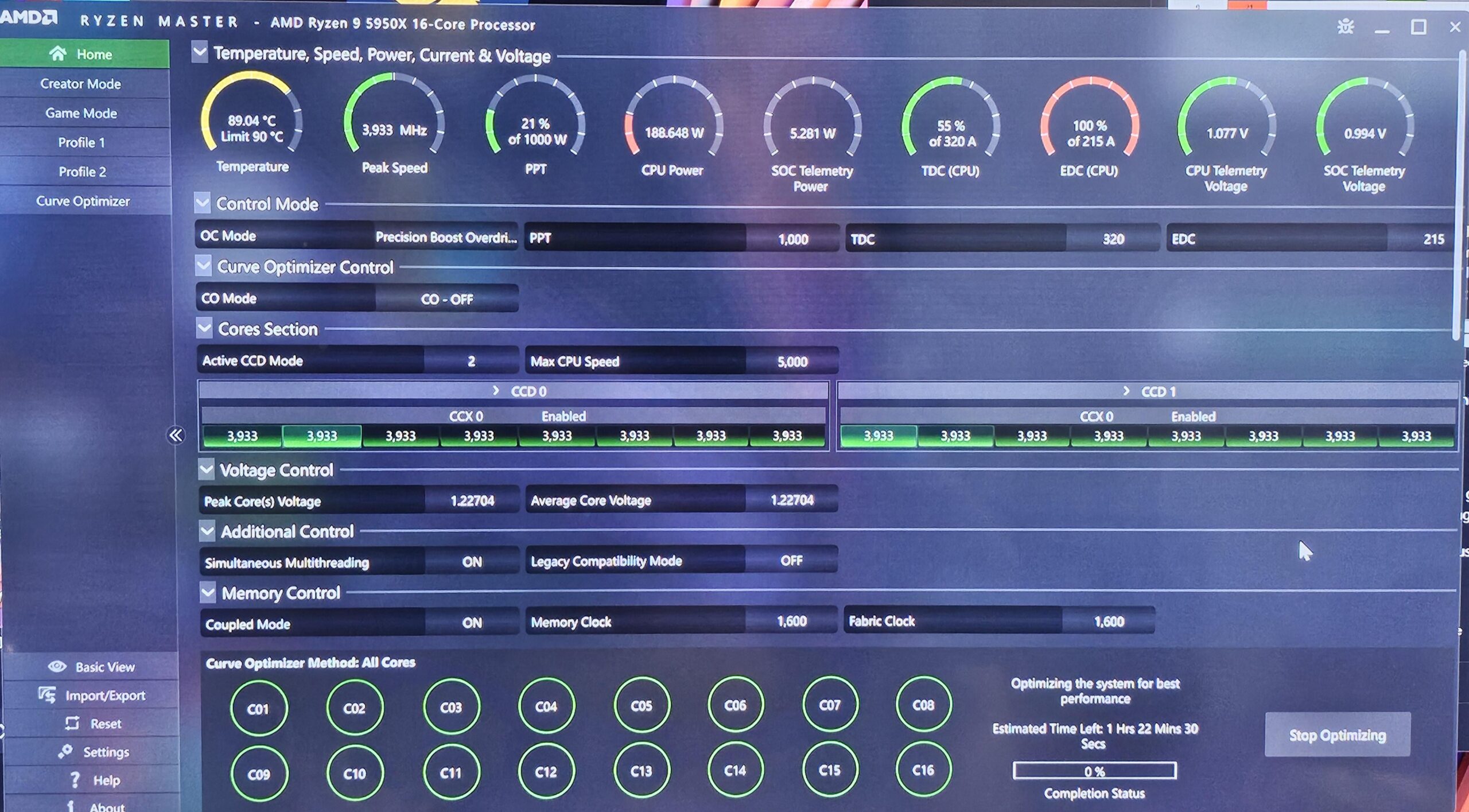
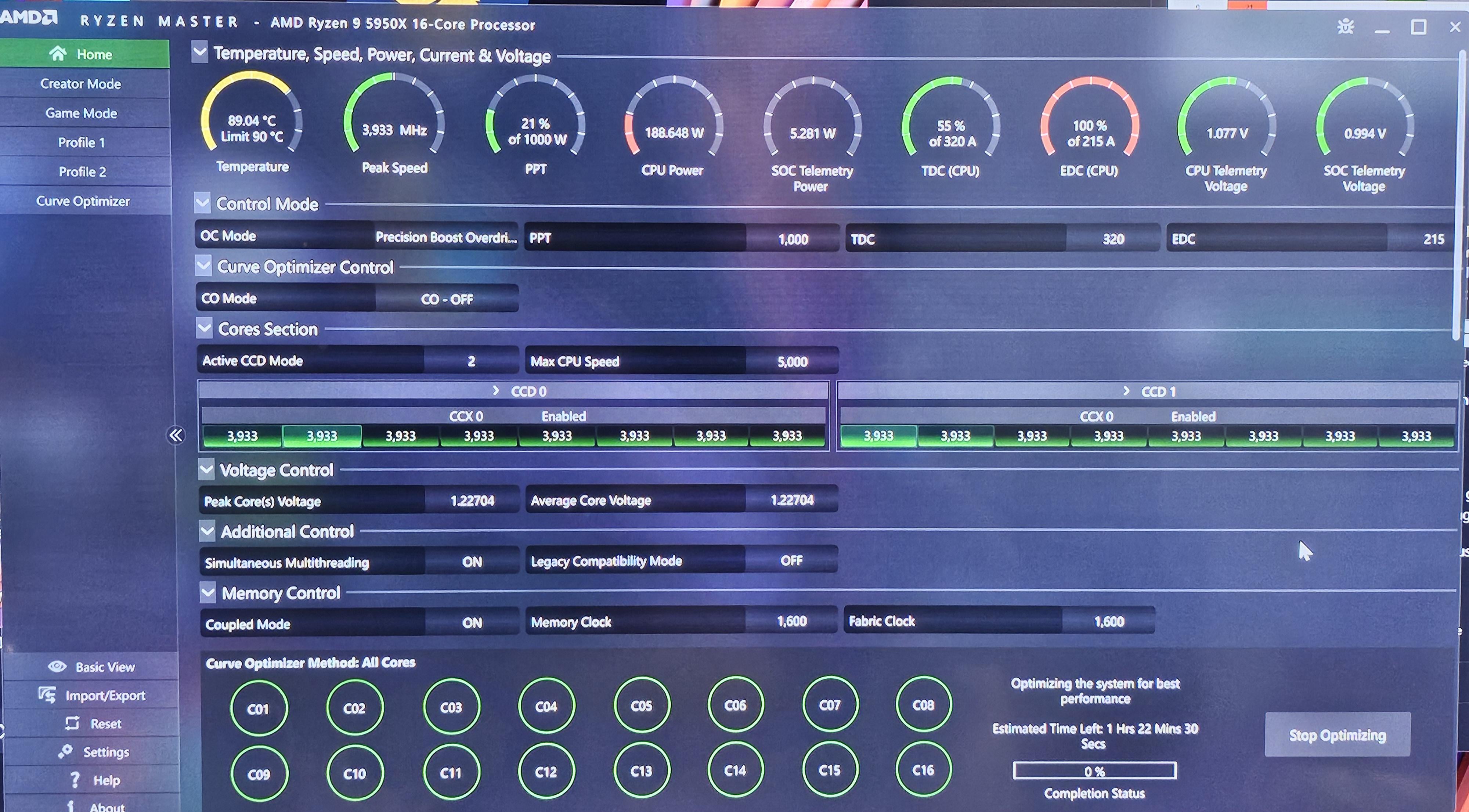
Curve optimizer lets you run in 3 modes. Default, PBO or Auto OC. You are only offered the PBO mode under advanced settings when running the Curve optimizer.
I first tried Auto OC with the Curve optimizer and that resulted in system I stability. I am now trying it in PBO mode with the optimizer and if that does not change the result I will start manual tweaking values EDC, PPT, TDC
1 Comment
The Motherboard is the MSI Meg Ace Max X570s. One thing i found annoying in the Bios lets you access the same overclock settings from two sub menu’s and those sub menu’s do not communicate with one another. So if you manually set setting in one menu it will not effect the main OC menu. Now if you don’t make this mistake of trying to use both sub menus is it not really a problem. You will just notice your settings wont be saved when you try to exit the Bios if the other Menu is being used.
One menu makes you read a OC disclaimer and the other does not force you to accept a Disclaimer. Not really a problem i just found it odd.
I am still playing around with the Curve Optimizer, not looking to break any records i just want to see if this Curve optimizer can provide any useful settings. If not i will just use PBO without Ryzen Master as i know the default settings are stable already.
I noticed some values are maxed in the screenshot, The test is still running current clock is at 4.7 at 18% of 215EDC CPU power is currently 52w, not sure where the 188 watt reading came from. Sensor stabilizing perhaps.