
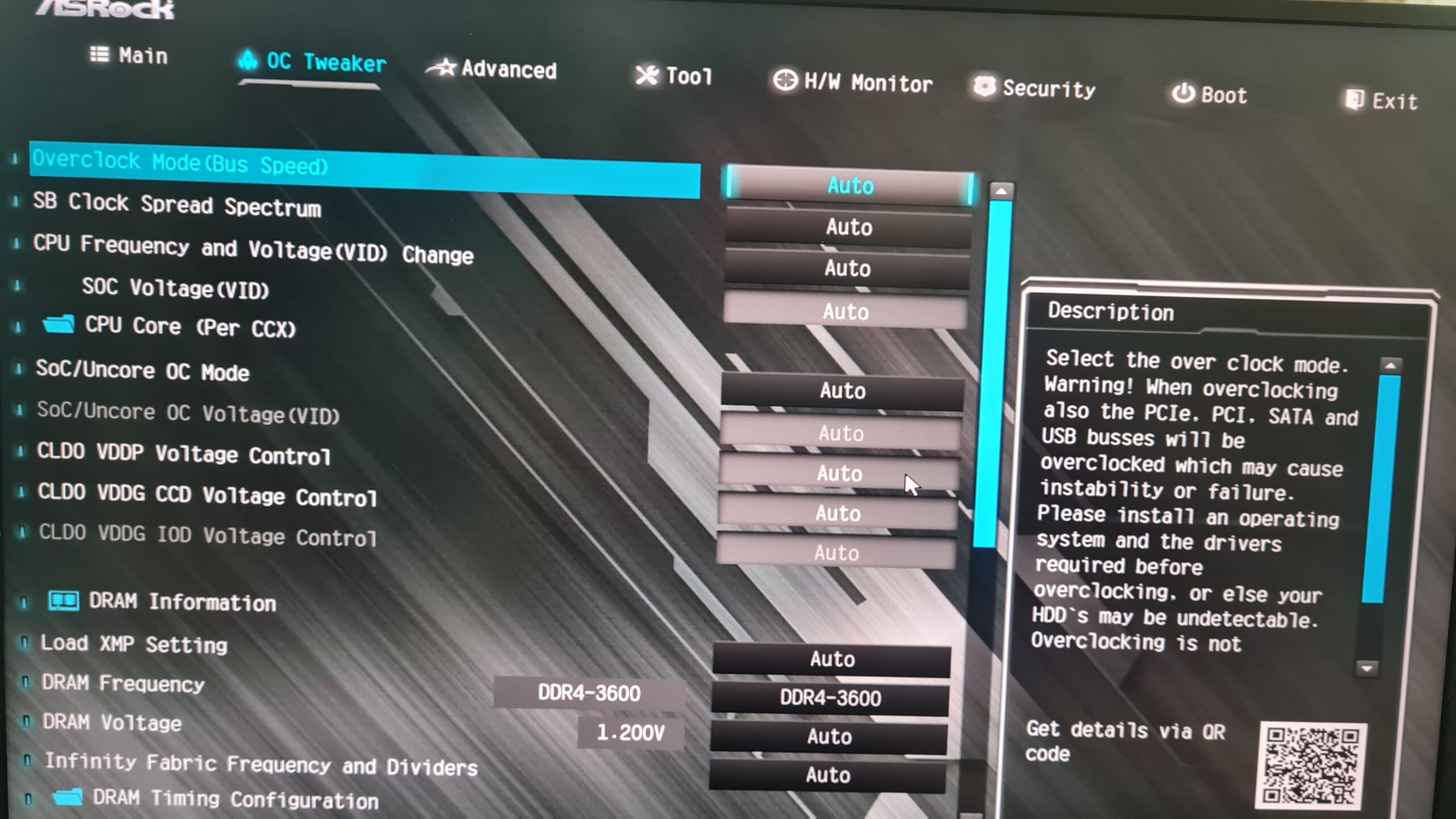
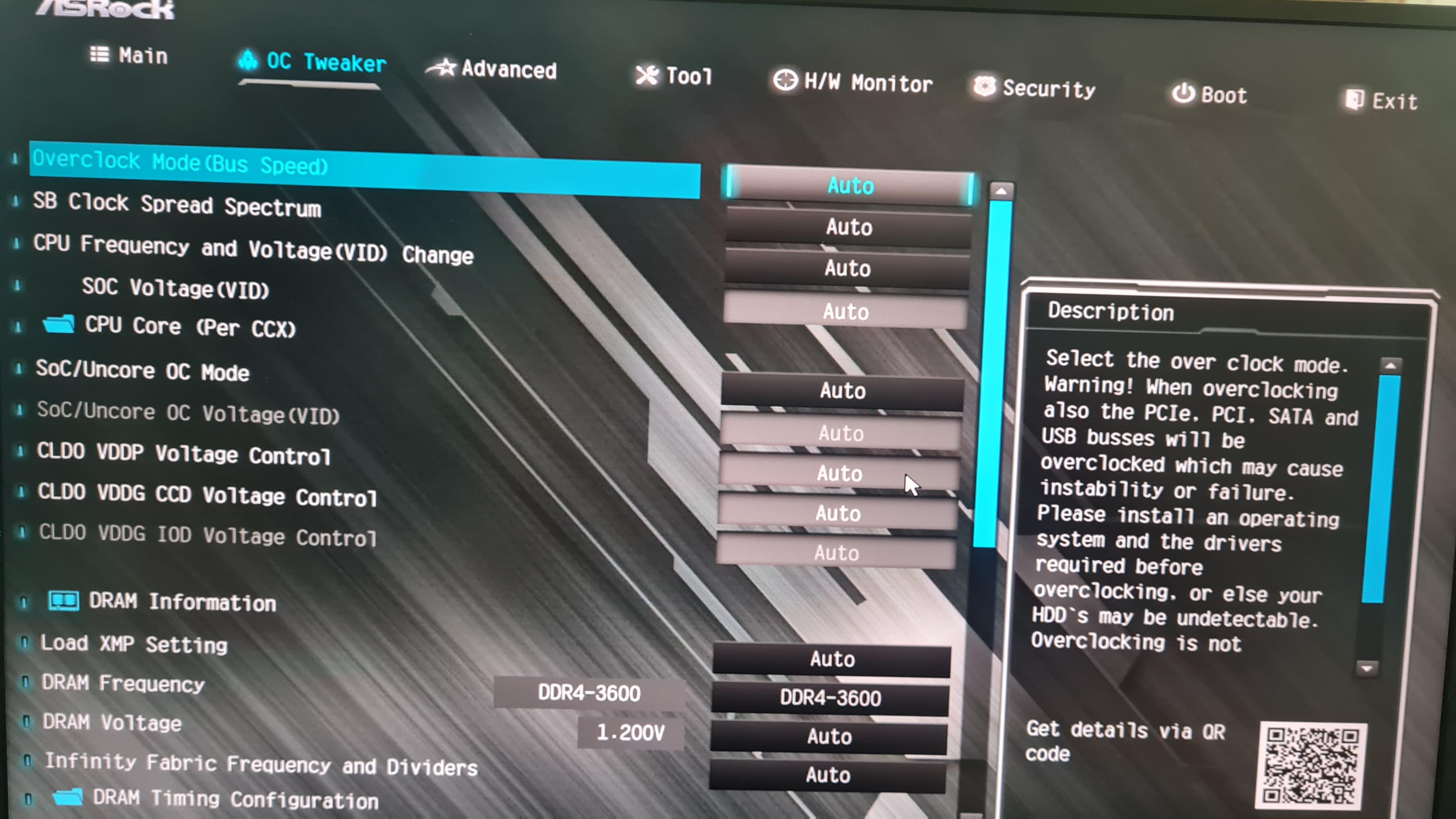
I want to undervolt my ryzen 5600, I did it e n ryzen master with setting the mhz to 4100 and 1 volt. The temperatures dropped quite a bit. At 4300 it crashes the system.
Now I want to do it in the bios so I would no longer have to do it every time I turn on the pc. It is annoying enough to do it with the gpu.
I have an asrock ab350 fatal1ty itx/ac. How would be the procedure?
2 Comments
Its not how you do it.
Use PBO to OC +100-200Mhz and CO (curve optimizer) to -15 to get 1.1 to 1.24V (depending on load)
1V is too low. 1.225-1.35V is what my 5600**X** likes. 0.944V is idle voltage. It averages at 1.16V. I doubt that you can run static 1V and be stable. Base clocks sure. Boost? Don’t think it can work.
If you fail to boot after setting it in BIOS, you’ll have to remove the battery to reset it from here. And this will give you static undervolt. (I’m writing this from my desktop I can’t use reddit while in BIOS lol, I’m going from *bad* memory, OK?) Go to Advanced -> AMD PBS -> Oveclocking -> Enable PBO and set it to Manual. Then go to Curve Optimiser and set to Per Core and set all to Negative 5. Raise the value in steps of 5, until a core gets unstable. Go to next one. Then do a core cycling test, then another all-core. May look OK, but on idle or non-demanding tasks it may crash, so do the core-cycling or do light tasks to see if it’s stable. While you’re at it, set some PPT/TDC/EDC values. Defaults are 1000W/1000A/1000A. 100W/65A/120A should be good starting point.
Use OCCT CPU Extreme to find unstable cores. It does it in seconds. You can use [PBO2 Tuner](https://github.com/sp00n/corecycler) to save on endless reboots, then when all is stable, set the values in BIOS. It is in the “tools” folder.