
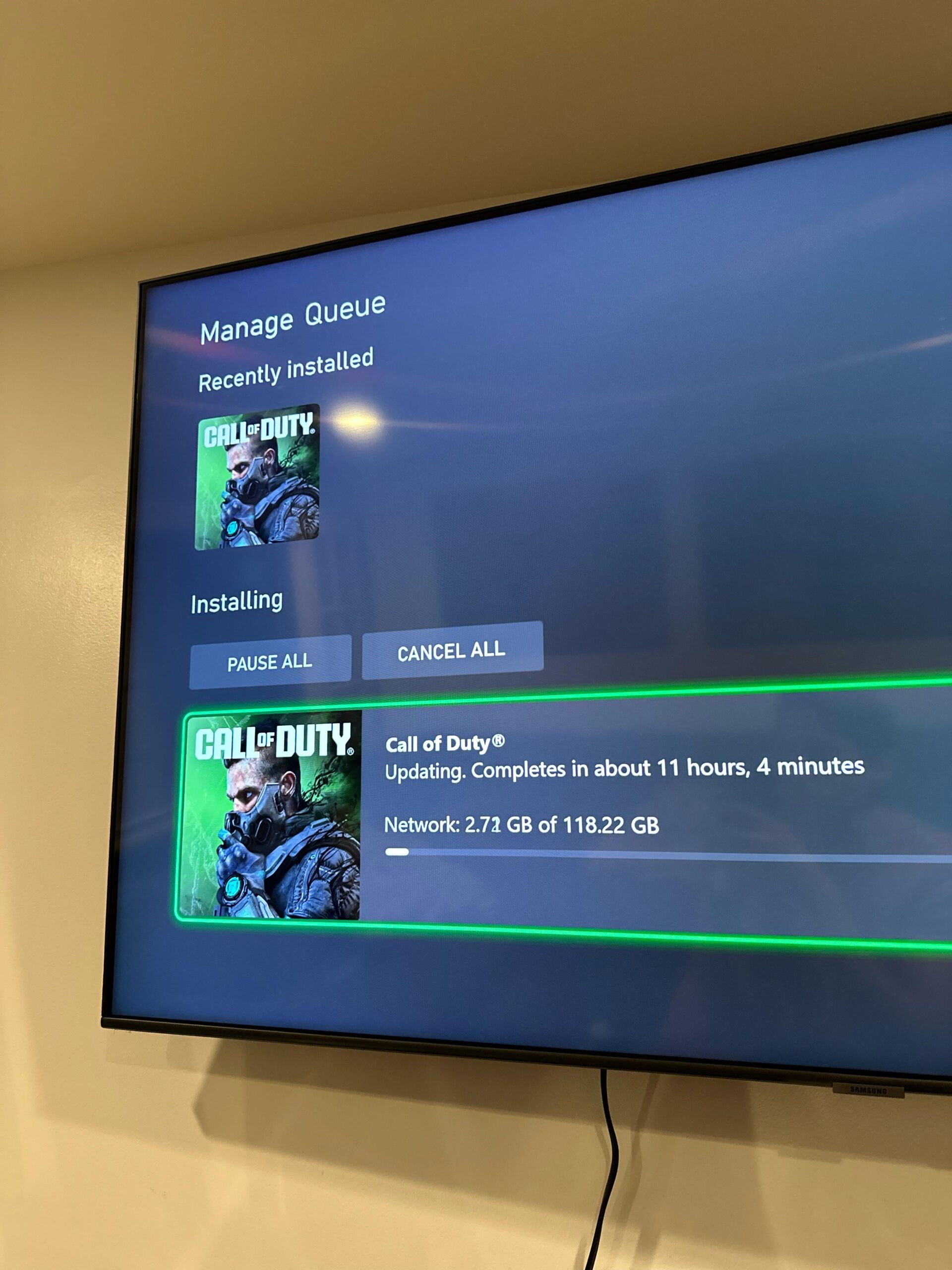
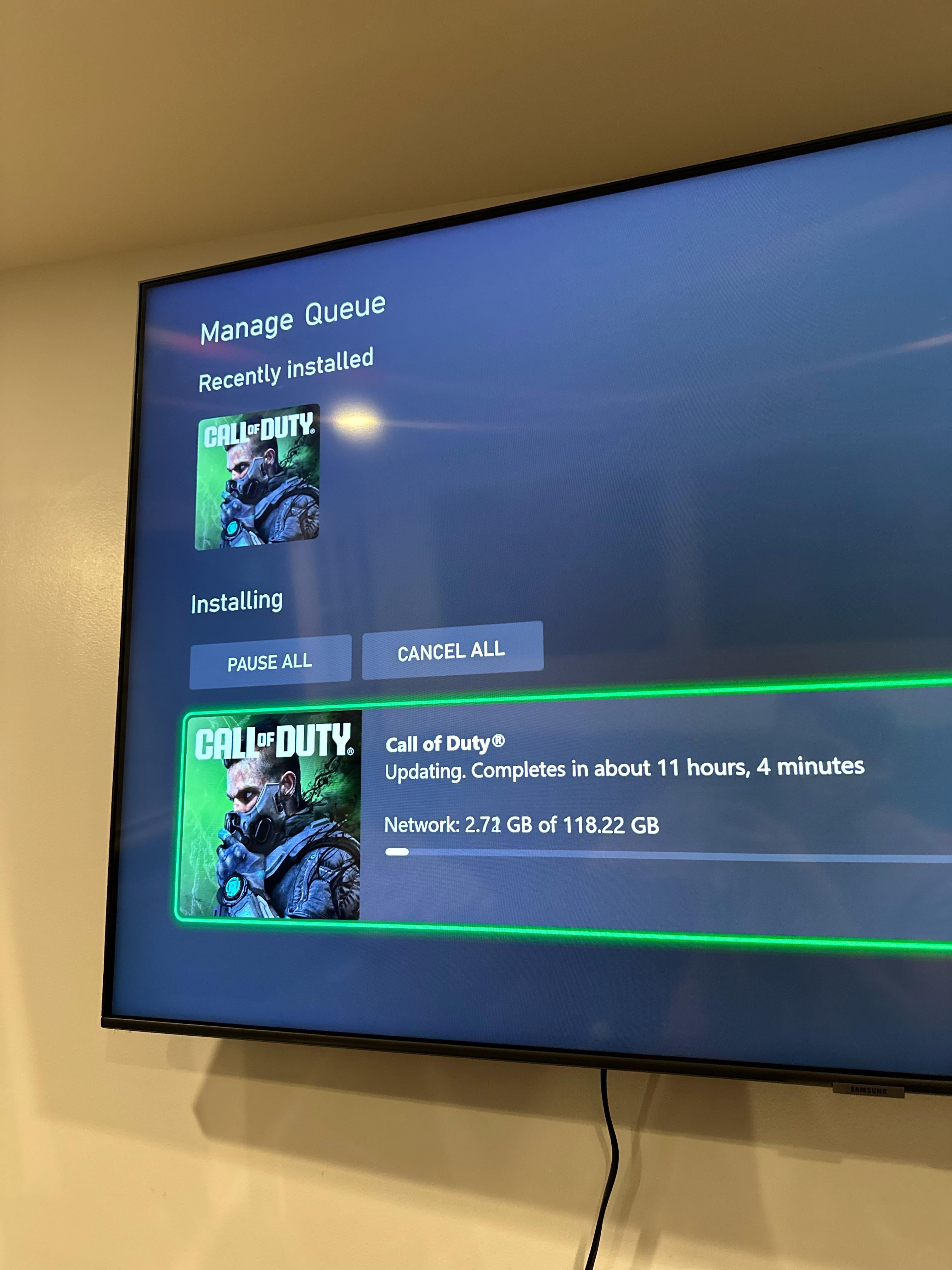
I went to turn my Xbox on today to see if new WZ update auto downloaded. Before I could even do anything it begun downloading the MW3 multiplayer which is like 121gb or some shit vs 12 or whatever WZ I think was. This obviously prevents me from even getting into the game. And if I go to add ons uncheck the multiplayer and save (so it uninstalls that add on), then restart, it still won’t let me click into the game itself (which only shows with the multiplayer icon of dude with the side of his face) without beginning and completed the multiplayer download ? Meanwhile it says WZ update already installed…
9 Comments
MW2 mw3 warzone it all used the same game files so that update is warzone aswell
cuz I said so
DMZ Players: “First time?”
It all uses the same hub so u have to update it before you can play it, even though u dont. Mine was only 20gb. I guess its cause i have multiplayer. But yea…just one of those this thats going to happen as its the technology we have now
They learned nothing from WZ1
Pro tip for next time as another XBOX user, do not under any circumstances stop the download once it begins updating.
Do not pause, do not restart your console, let it do its thing.
It might not seem like it but it’s preparing it, and you should have only had a 30ish gig update today. Took me until last season to figure out why I’ve been having to do 100+ gig updates to the game. Let it do its thing, and don’t mess with it. Hope this helps.
No you were apparently forced to redownload almost the entire game for some reason
I’m also on Xbox and never had this problem with major updates, all have been 30gb below range
Mine was 221gigs wtf
This has been a bug with COD on Xbox for a while now unfortunately