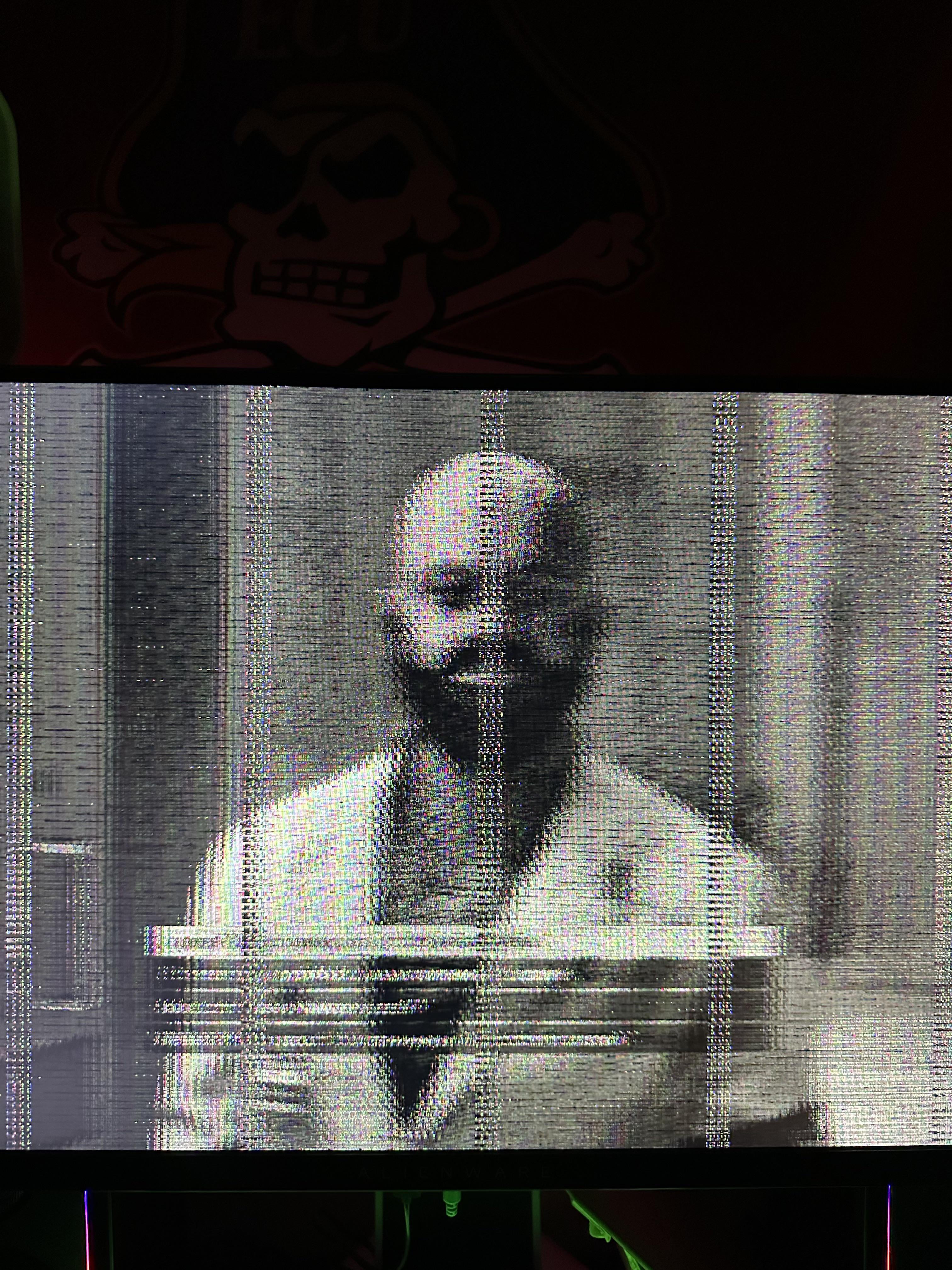
This keeps happening with my main monitor and not my secondary one. Both are plugged into my gpu. What is it?

This keeps happening with my main monitor and not my secondary one. Both are plugged into my gpu. What is it?
15 Comments
Your monitor is haunted, sorry dawg
Is it happening right when you turn it on?
I have an MSI that does something similar when its first turned on but clear up after a few minutes of warming up. Its more pronounced in the winter when the room is cold. I keep waiting for it to fail. Its been four years now and it just keeps going.
Either, dying monitor. Dying cable. Or dying port. Likely a dying monitor, but I suggest removing the cable from the equation. And the likelihood of just the port dying is small.
Try changing the cables and see if it’s a bad cable or if your monitor is dying
Jeffrey Wright has infected your computer
Start with the simple stuff. Try a different cable.
Instead of trashing it use it to generate glitch art
My guy, I was getting ready to sleep. Looks like that isn’t happening.

is that Vladimir Lenin?
It’s Uncle Howdy
Starfield is taking over
I recently had an issue with a DisplayPort port. Swapped to the secondary and no issues. Could be your cable. Could be your port on either the monitor or gpu. You need to test the scenarios.
Retro mod for starfields by the looks of things
Are you near Chernobyl?
Your monitor has buttons on it for changing settings and it should open a overlay GUI on top of your video feed. If the overlay is doing the same thing, its your monitor.
Otherwise, Id check the steps outline by the other commenters.