
Hi guys,
I'm having stability issues with some RAM on a Ryzen 7950X desktop with a B650 GAMING X AX motherboard (updated to latest bios)
We've upgraded from 2 x 32 gb 5600mhz CL40 to two kits of 2 x 32 gb 6000mhz CL32, specifically F5-6000J3238G32GX2-TZ5NR. So a total of 128gb.
My IT admin managed to get it to boost with expo on one of the kits. The other kit was not happy with expo settings. Combined they do not boot.
I just had a poke around with it and tried setting it to the EXPO and manually setting DRR_VDD Voltage to 1.4 and DDR_VDDQ Voltage to 1.4 and it won't boot. I'm currently waiting for the cmos to clear so I can reboot.
Does anybody have any idea where I should start trouble shooting this? Should I just ignore expo and go with say some standard timing settings suggested by buildzoid?
My current next steps, assuming this thing boots is:
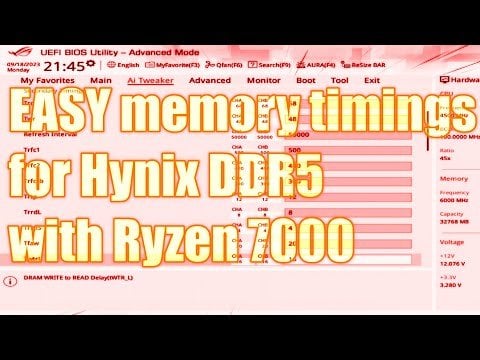
set timings pretty much based on https://www.youtube.com/watch?v=dlYxmRcdLVw&ab\_channel=ActuallyHardcoreOverclocking
change the FCLOCK from 'Auto' to '2033mhz'
Memory Context Restore = Disable
Power Down (in DRAM Timings menu) = Disable
Core Clock Tuner = AI Clock & Performance
Fast Boot = Disable
2 Comments
I don’t have any fixes for you but I do wanna add how important it is to check the Memory QVL list of your motherboard. Your kit is not supported/tested. https://www.gigabyte.com/Motherboard/B650-GAMING-X-AX-rev-10-11-12/support#support-memsup
Also 4 dimms almost always has issues running expo or xmp. That’s your problem right there.