
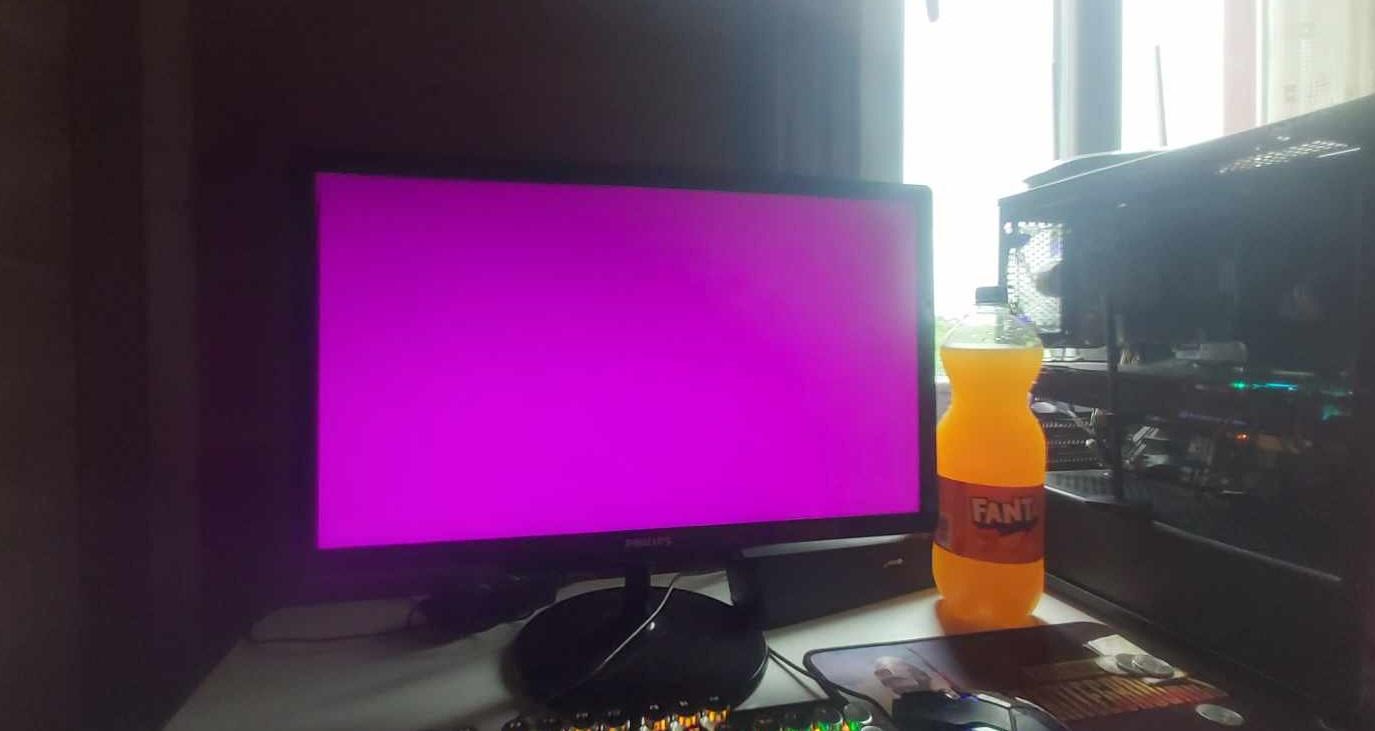
The seller has ASUS ROG GTX 1080 for about $55, but he says it crashes the PC in 10 minutes if the game isn’t running in the background. Crash causes the monitor to show random colors like this, reinstalling windows & drivers doesn’t help. I’ve never heard anything like this, any thoughts?
31 Comments
Had similar problem, the thing was overheating and bent corner of video card. I reapplied thermal paste and started using graphics card bracket.
Not worth the risk.
Unless you can test it for a week in your rig.
Probably would stop crashing if forced constant voltage or maximum performance in NVCP. But that’s for the seller. I’d never buy a card that already came with this kind of issue.
Maybe issue related to temperature? When the card is hot enough metal expands and makes proper contact, and when it’s cold it has micro fissures and can cause issues?
If that was the case, maybe a reflow could fix it, althou who knows for how long.
You can set the nvidia settings to “prefer maximum performance” in control panel
Fixes a very similar issue alot of 4090s have when it goes into low power mode
GPU core is dying. I had a 1060 that did the exact same and it was bad solder joints on the BGA package
Got to be bad solder joints due to the GPU being old. I wouldn’t take the risk tbh.
Grab is for 25, bake that pcb boi!
there are people who fix GPUs maybe replacing some PCB components could fix it but it will probably cost you another $50+ for repair.
BGA solder joints are failing. Fixable with a reflow station. Possible to do in an oven, but there’s no guarantee without a proper reflow.
Tell them you’ll take if off their hands if they give you $20 and a fresh jelly donut.
throw it in the oven
That gpu is definitely dead
Did you try it with a bottle of Coke instead?
The inevitable future of my 1070.
Not worth it especially for a card that old lol
If you want a cheap AI model gpu get a P100 and slap a fan on it.
I had a GTX 970 that did this every now and then, fixed it by removing OC
I use Arch
It’s dead
If its from asus it WILL break
I have an Asus 3070 that crashes to a black screen unless I limit the power limit to 99%, if it hits 100 it crashes. Maybe this could be a similar problem
My PC monitor makes random colors like that when it goes into sleep mode or the PC itself turns off.
Buying something used with issues is never a good idea
Cant you get ones without issues for like $75?
Props for them being honest
For $55 if you are willing to either say its done and trash it or but in new stuff as needed it might be fine.
that Fanta looks *Crisp*
Oven trick it https://www.overclockers.com/the-oven-trick-repairing-your-broken-video-card-with-an-oven/
If you are lacking the powers of necromancy, getting a huge decade old heater would be equal to playing Russian roulette with almost full revolver’s cylinder.
Card is dying, could be a short somehwere on PCB.
Most definetly a writeoff. Not worth bothering with.
EDIT:
F
Looks like a dead memory or IMC to me. Could also be a BGA or substrate failure.
So it’s 50% chance it isn’t worth a repair, and 50% chance it might be worth a repair, but just barely.
I wouldn’t buy the card to take such chances.