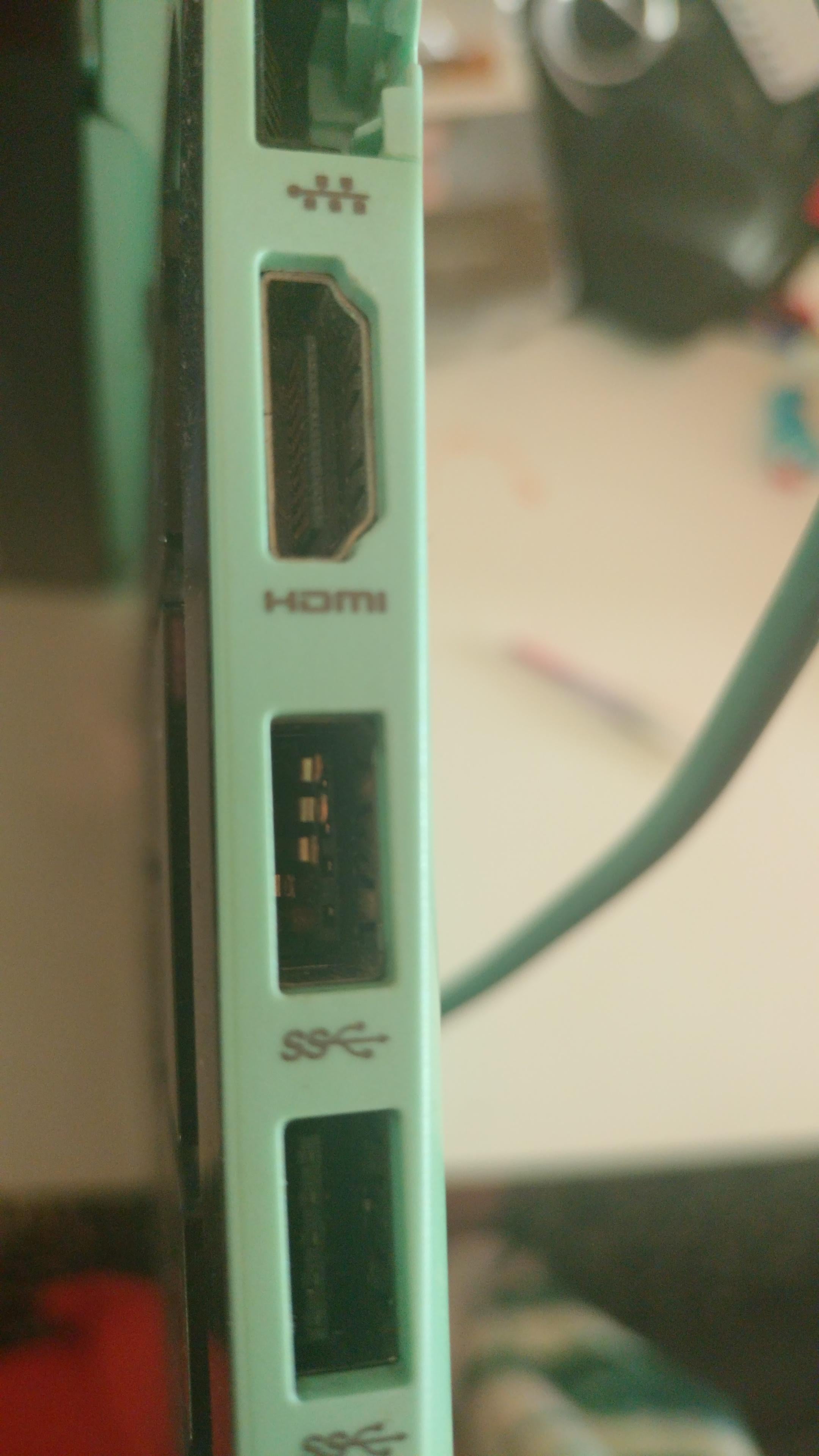
I'm fairly sure that there is something stuck in the USBslot but wanted to be sure before I damage something.
HP Pavilion x360 convertible
Thanks in advance

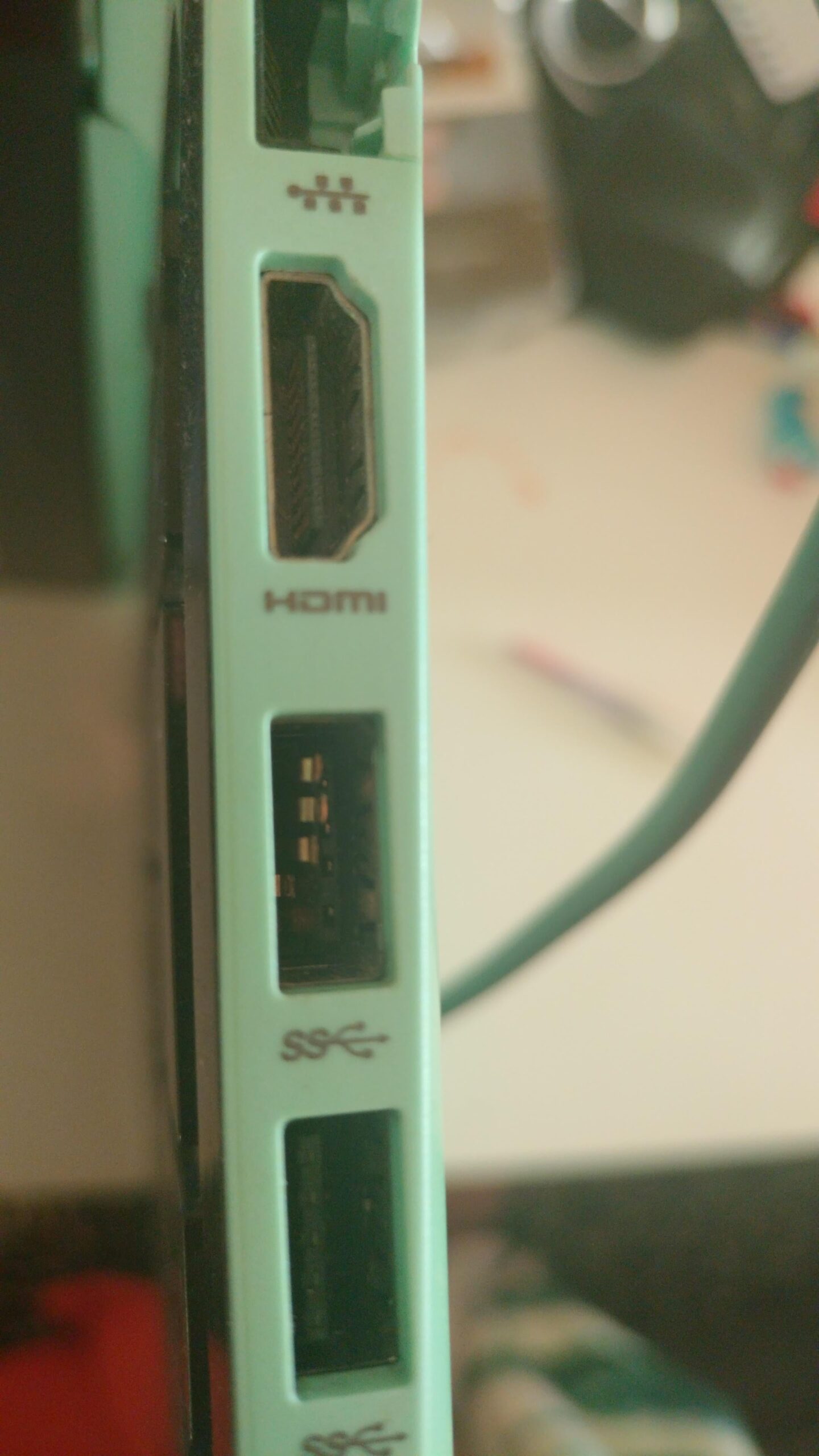
I'm fairly sure that there is something stuck in the USBslot but wanted to be sure before I damage something.
HP Pavilion x360 convertible
Thanks in advance
11 Comments
Looks like it’s already damaged, that pin is bent up, doesn’t look right at the very least
Not something stuck, the whole port is damaged.
It seems to me that somehow the lower pin is misplaced/ broken (though it’s ony based on what i just saw on my usb port)
Ok, thank you for the feedback.
I disabled the USB in device manager since it was constantly giving errors
Looks like the plastic portion of the USB port that holds the pins has been damaged or removed. You may find one of your USB devices has taken that part away and may still be lodged inside
port is broken do not use
Yes, a short circuit si stuck is that usb port, I would suggest not even turning it on.
The plastic part that holds the metal in place broke and fell out
Someone tried to jam the USB in the wrong way and broke the port. (been there, done that)
Uh thr pins are bent plus ur missing the plastic that holds the pins in place
Ants, probably