
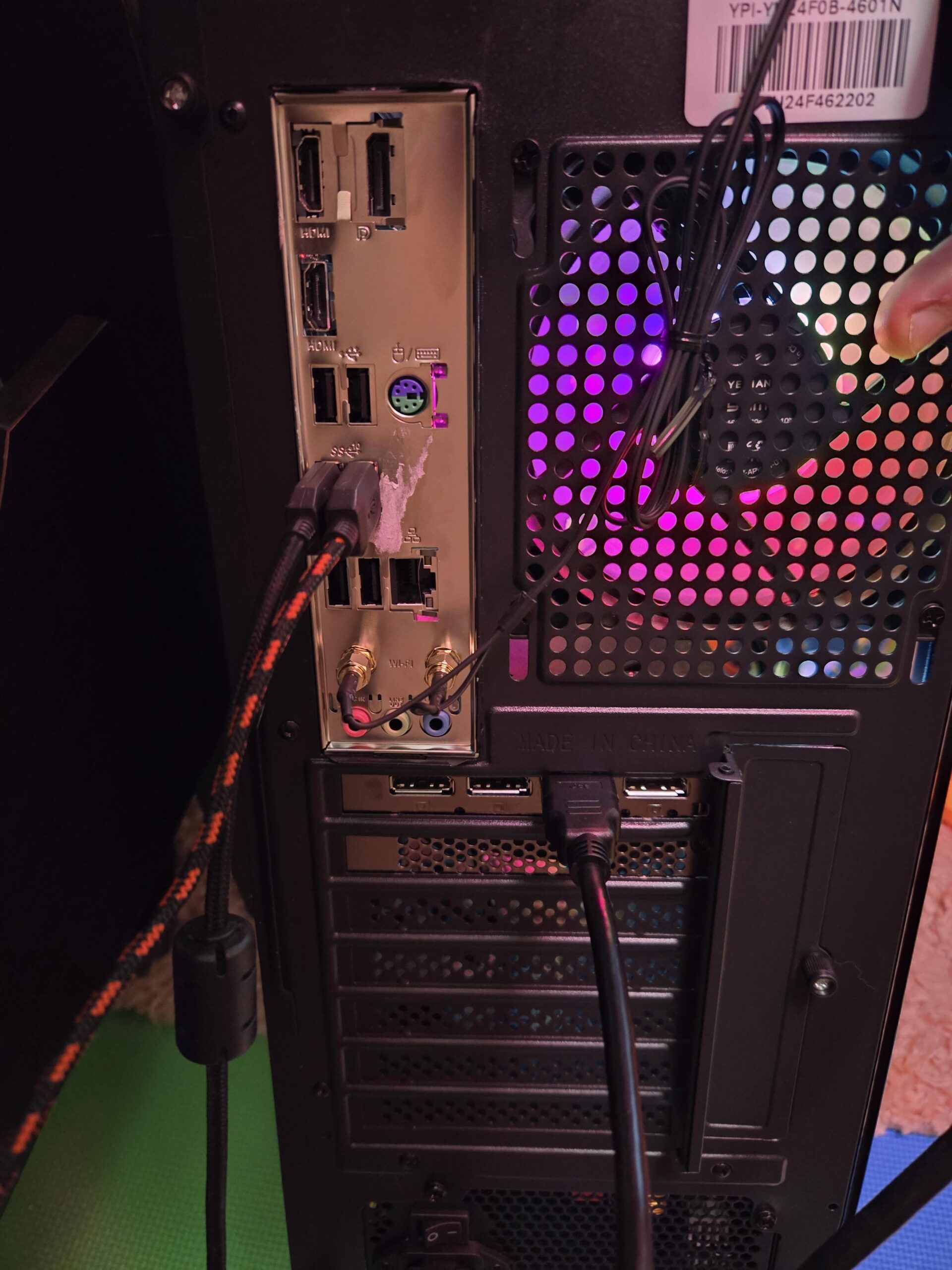
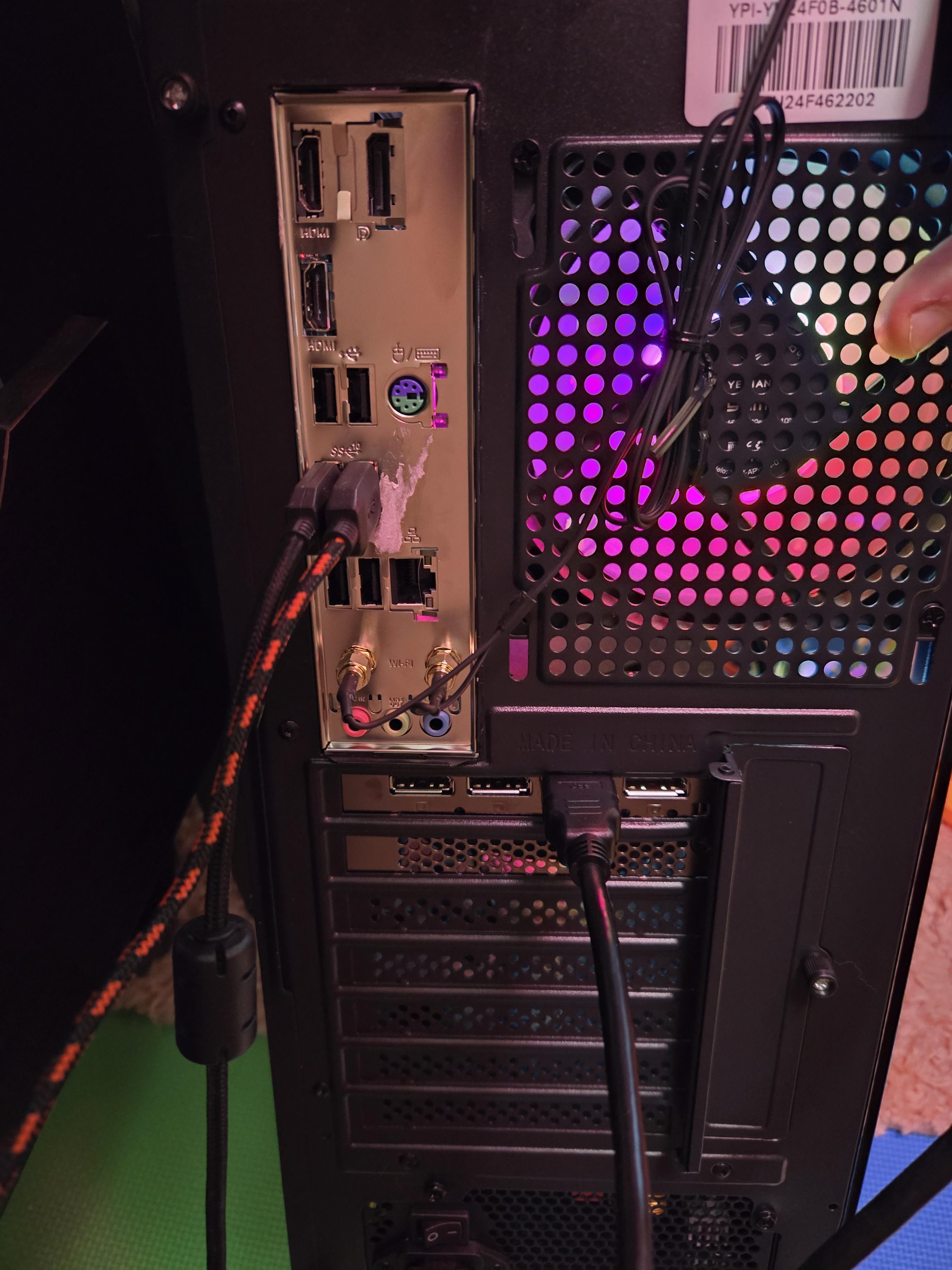
I'm trying to connect a second monitor to my PC. I have three HDMI ports in total on the back of my tower. Both monitors work when I put the HDMI into the very bottom port. I can not only connect just a single monitor at a time, but the other two HDMI ports won't recognize either monitor individually either.
I'm losing my mind and I have no other cables on hand besides an HDMI. What is going on and how can I fix it (preferably not a solution if buying even more stuff)?
14 Comments
What model of CPU do you have? If it doesn’t have integrated graphics, then those ports on the motherboard don’t work.
You need to plug them into the graphics card. Which seems to have 3 Display Ports (DP) available. You can’t/shouldn’t plug it into the motherboard.
Get a DisplayPort to hdmi adapter or cable and plug it into the graphics card next to the cable that you already have plugged in to run the second monitor.
Some Mainboards also Support the Mainboard Ports and Graphics Card Ports simultaneously. There might be a setting in the BIOS that you have to turn on (If your Mainboard Supports that). Just Google your Mainboard model and multi-monitor BIOS setting or Something Like that. There will be enough how to and Guides and stuff. Not complicated.
You’ll need display ports to plug into your gpu
[deleted]
I can only see 1 HDMI port and 3 DP ports.
is that hot glue on the io shield?
https://preview.redd.it/jp959fh4w3yc1.jpeg?width=1169&format=pjpg&auto=webp&s=893b8720968752f6f21feab8f31d02fd22394aee
The circled area is your graphics card and that’s where you will need to plug your cables into in order to use multiple monitors. The 3 free spots you have are DisplayPorts so you’ll need a DisplayPort cable to run it.
Man’s probably wondering why fortnite is only getting 15fps
Don’t use HDMI ports on motherboard.
You also have to set up additional monitors in Windows
Get rid of those HDMI cables and get Display Port cables. LOL this is giving me flash backs of when I first built my PC.
Some cpus don’t have a digital output ( you can’t use motherboard hdmi or dp) so you use the graphics card ports ( left and right ports below the motherboard)