
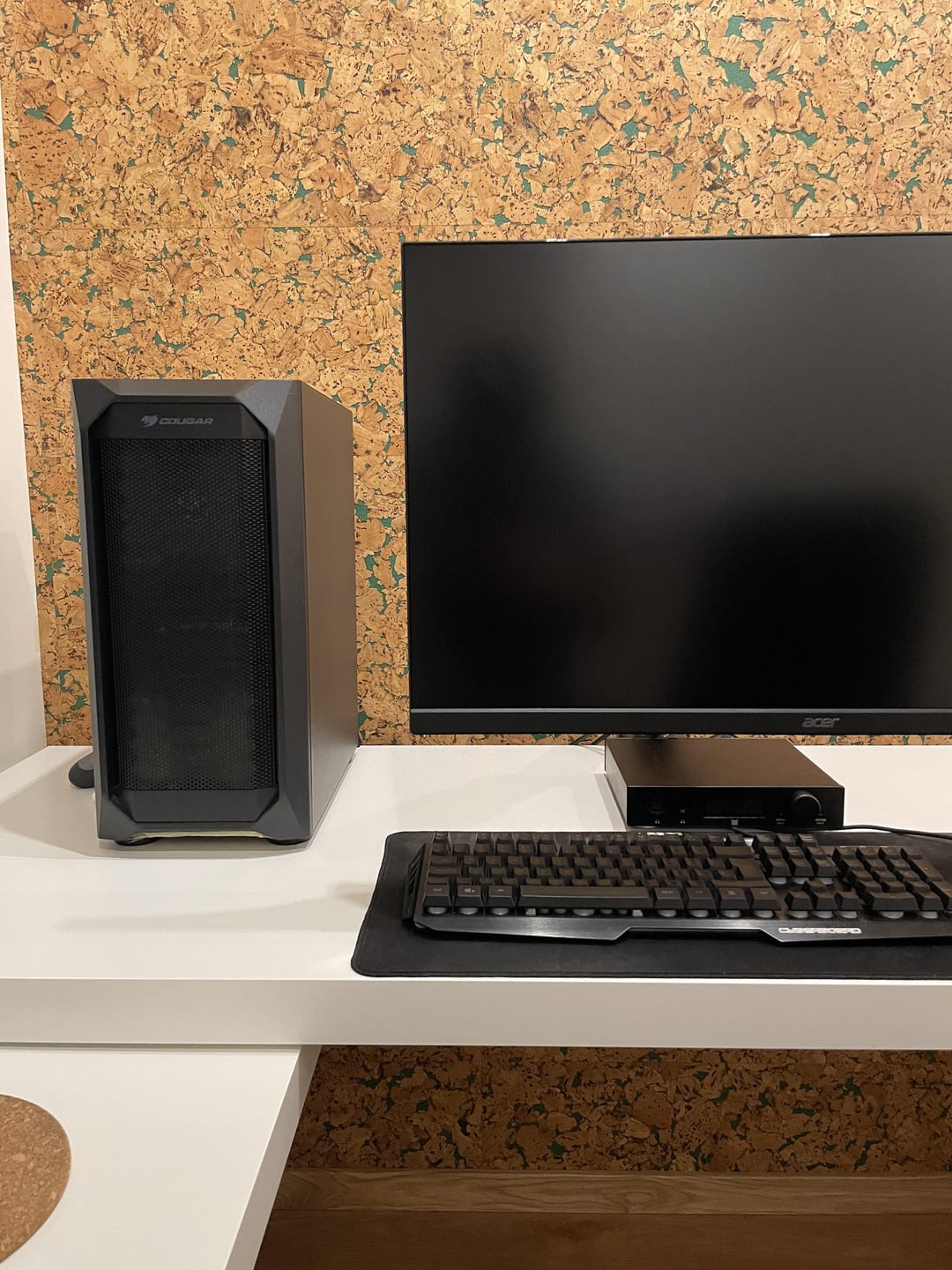
How to soundproof PC?
My PC sits on the desk next to me. It’s as quiet as air cooled PCs can be but it’s still not enough. I game with open back headphones and any noise the fans make comes through.
I was thinking maybe covering it with acoustic panels/foam. Having something physically dividing the space between me and my PC might help. Of course in a way as to not limit airflow.
31 Comments
Use noise cancelling headphones? Or watercool?
So you have cases that have sound absorption build in. Like the be quiet dark base 600
Also are you using higher grade fans like be quiet gen 3 or noctua?
Put it under the desk?
A. Get better fans and use app like FanControl to configure proper fan curves
B. Move the computer further away.
“Insulating” your pc is just going to make the temperatures rise higher and increase the fan noise even further.
Replace with Noctua fans and use the low noise adapters
But an aftermarket gpu with good fans instead of the founders edition
Switching headphones seems like the easiest option here.
Those panels do little for sound proofing. They’re primarily for treatment, in regards to absorbing reflections. Sound proofing requires density.
I use my PC in a recording environment and I have one of those Fractal cases that are super heavy and have sound dampening built in.
Then I use a water cooler, Noctua fans and a graphics card that’s heat sinked only.
It’s almost entirely inaudible. May be tough in a gaming environment because the graphics card needs more cooling but some of these steps can still help.
Or, do what the guys did back in the day of old school water coolers. Put your computer in your crawlspace and run the cables up!
Is there a reason you can’t go with liquid cooling? It cools a little bit better but it’s also noticeably quieter. For some GPUs, you can attach a back plate to cool it with an AIO.
Do not get those foam pads…
If you don’t want to move your PC out of that spot, you can try adjusting the fan curve on all the fans if you know how to do that. You can do this either via software or in the BIOS. I always set my case fans to a fixed low percentage/RPM and adjust the CPU cooler to a lower curve. It’s nice and quiet and performs the same as when everything is set to defaults.
Move it physically away from you is the best option if you’ve done all you can for cooling tech inside the PC
put it in another room, seriously.
I once used some material I got from an auto shop. It’s the stuff they lay against the firewall in cars. Spongy on one side, tough rubber-ish on other side. I was desperate because I had a 6k rpm cpu fan.
Lined the inside of my case with it, but it was a full tower…
Tell it to “shhhhhh!!!” As you power it on
No panels or foam, it will just insulate the system more-> more fan speeds->more noise. Pc needs air and that is same space where the noise escapes. Fan speed adjustment software here is key or investing money on better fans. If not overclocking having higher temperature is not harmful for the system.
Put case under desk. Control the fans speeds / undervolt if needed.
Old way was to get a silence optimised case.
New way is to have an airflow case with lots of fans at low RPM.
However if you have HDD’s still or coilwhile, a silence optimised case would be better.
Welcome to the silent computing gang 😅
Wrap it in Saran wrap. Don’t mind my user flair.
Just FYI those acoustic panels don’t block sound, they prevent echo.
Genius idea
1. Put your PC under the table ( I use open-backed headphones and this helps a lot too)
2. Get better fans with better noise/thermals ratio ( lower temp introduce lower fan speed. Less noise)
3. Used Fan Control to manually set the speed limit of every fan, even the GPU to a noise level you can tolerate.
Not the only ideal solution as it will severely thermal throttle your system assuming it’s running max fan speed all the time.
I use all 3 and the sound never leaks into my DT990 even on max load.

Assuming your case is good for airflow, get better fans and a better cpu cooler. Then you should have enough headroom to lower the fan speeds to the levels you prefer. Probably have some kind of fan curve just in case you start playing a game or something.
If you want to play intensive games *and* make it silent. Good luck, I hope someone else here has the answer. Downclock the processors? Turn off your ears? Put on closed backs or IEMs? At least one of those will work.
Turn it off
Considering your PC isn’t exactly built to be looked at (imo). Why dont you just put it under the desk?
Yeah, basically watch through reviews and select best fans price|performance|noise wise. Use fancontrol app to set appropriate spinning levels or curves to manage temperatures.
Other option is moving PC elsewhere, but this requires long cables.
I’m sorry. Really helpful post here. Just just have to be that person. I run open backed headphones, and yes playing super heavy game can hear it, why? You have your tower *right there*. Maybe make a passive cooled PC?
You can look up the bequiet! Stuff, but it’s going to be REALLY expensive to change the components, but they’re made to be quiet.
I might get hate but if you have no carpet floor just put the pc on the floor, the further away you put it the less you’ll hear it
Foam is naturally going to make it run hotter and cause the fans to rev harder and there’s not really any good way to pull it off. Might be easier to come up with some quieter fans that can pull off similar cooling. Still have the stock Be Quiet fans my Base 802 came with and no real noise complaints
you say its as silent as an air cooled pc can be, but did you buy silent fans?
first step is getting rid of HDDs of course, thats by far the loudest component, second is getting something like the silent wing series from bequiet, i.e. decoupled fans with better bearings.
i work in the music industry and i have never heard the computer make any noise at all (obviously its not in the recording room though, so putting the pc in another room could be the last step if you are super sensitive)
to answer your question directly, dampened cases arenfrom an era when SSDs were expensive and vibration was an issue.
if after all the mentioned steps, you still want to go further, there are self adhesive bitumen plates (roofing equipment for example) so if you somehow get a vibration in the sheet metal of your case, instead of buying a new one, you can slap one of those on.
why don’t you just get your PC under the desk where it belongs? More space on the desk and less noise… Why is everyone putting their PCs on the desk nowerdays?